
 +1 844-445-5767
 +971 56-848-5757
 +91 921-208-0630
For Business & Service Inquiries
Sales Team
Project quotes, partnerships, implementation
Ten years ago, infrastructure management meant keeping servers running and patching them on schedule. That job still exists, but it's a small fraction of what the role covers now. Today's infrastructure teams are expected to support AI training clusters, keep multi-cloud environments in sync, defend against constant security threats, and do it all without blowing the budget. The shift happened fast. A team that used to measure success by uptime percentages is now measured by how quickly it can spin up GPU capacity for a new model, how cleanly it can move workloads between clouds, and how well it controls costs that used to be predictable and are now anything but. Infrastructure isn't the plumbing anymore — it's a competitive lever. This guide walks through the trends actually reshaping infrastructure management in 2026: AI and agentic operations, automation and self-healing systems, hybrid cloud, FinOps, edge computing, observability, GPU orchestration, and platform engineering. It closes with a practical modernization roadmap, common pitfalls, and answers to the questions IT leaders ask most. Looking to modernize your enterprise infrastructure? Discover how intelligent infrastructure management services can improve resilience, security, and operational efficiency for your organization. Key Takeaways AI-powered infrastructure operations are moving from pilot projects to standard practice. Hybrid and multi-cloud setups are now the default operating model, not a transition phase. Automation and self-healing systems are cutting both downtime and the manual toil that burns out ops teams. Observability is replacing traditional monitoring because dashboards alone can't explain why something broke. FinOps is turning cloud spend from a monthly surprise into a managed, forecastable line item. Edge computing is pushing infrastructure responsibility past the data center and into factories, stores, and vehicles. Organizations that invest in intelligent infrastructure now will have a real head start once AI workloads become the norm rather than the exception. Why Infrastructure Management Has Become a Strategic Business Capability Traditional infrastructure management was reactive by design. Something broke, someone got paged, someone fixed it. That model worked when applications were monolithic and ran on hardware you could walk over and touch. It doesn't work anymore, for a few concrete reasons. AI-driven enterprises run on infrastructure that has to think ahead, not just respond. Training and serving machine learning models needs GPU capacity that can scale up in minutes and scale down before it drains the budget. There's no manual process fast enough to manage that curve. Customers expect always-on availability, full stop. A retailer's checkout flow going down for twenty minutes during a sale isn't an IT incident anymore — it's a revenue event that shows up in the next earnings call. Business resilience has become a board-level topic. Ransomware, regional cloud outages, and supply chain disruptions have all made infrastructure design a risk-management conversation, not just an engineering one. Applications are cloud-native by default. Microservices, containers, and distributed architectures replaced monoliths years ago, and that shift multiplied the number of moving parts any single infrastructure team has to track. Complexity has genuinely outgrown human capacity. A mid-sized enterprise today might run workloads across three or four clouds, a couple of data centers, and a growing edge footprint. No team can hold that entire picture in their heads and manage it by hand. Compliance and cybersecurity requirements keep expanding. Frameworks like GDPR, HIPAA, and various sector-specific mandates now require infrastructure teams to prove — not just claim — that data is stored, processed, and secured correctly. Executives expect IT to drive the business forward, not just keep the lights on. CIOs increasingly sit in strategy conversations because infrastructure decisions directly shape what the business can and can't do next. Flexera's 2025 State of the Cloud Report found that managing cloud spend remains the top challenge cited by IT leaders for the ninth year running, ahead of security and even ahead of the skills gap. That single statistic captures the whole shift: infrastructure isn't a cost center to be minimized quietly anymore. It's a resource to be actively managed, the same way a CFO manages capital. Top Infrastructure Management Trends Transforming Enterprises in 2026 Trend Business Impact Priority AI Infrastructure Operations Very High Critical Infrastructure Automation High Critical Hybrid & Multi-Cloud Very High Critical Observability Critical Critical FinOps High High Edge Computing High High GPU Orchestration High Rising fast Platform Engineering Medium-High High The pattern in this table isn't subtle: nearly everything sitting at "Critical" priority touches AI in some way, directly or indirectly. That's not a coincidence — it's the throughline connecting every trend in this piece. AI and Agentic AI Are Transforming Infrastructure Operations What Is AI-Driven Infrastructure Management? AI-driven infrastructure management means using machine learning and automated agents to run infrastructure operations that used to require a human watching a dashboard. It covers a handful of related but distinct concepts that get used interchangeably, which causes confusion: AIOps applies machine learning to operational data — logs, metrics, traces, alerts — to detect patterns, correlate incidents, and flag anomalies before they escalate. Agentic AI goes a step further: instead of just flagging a problem, an AI agent can diagnose it and take corrective action on its own, within guardrails a human has defined. Autonomous infrastructure is the end state where a meaningful share of operational decisions — scaling, healing, patching — happen without a person in the loop for each one. Intelligent operations is the umbrella term for infrastructure teams that have layered AI into their day-to-day workflows, from capacity planning to incident response. Key Capabilities The practical capabilities enterprises are deploying today include: Predictive maintenance — flagging hardware or service degradation before it causes an outage, based on trend analysis rather than static thresholds. Intelligent alert correlation — collapsing hundreds of related alerts from one root cause into a single actionable incident, instead of paging five different teams for the same underlying issue. Root cause analysis — using pattern matching across logs, traces, and topology data to point directly at the failing component rather than making engineers hunt for it. Automated remediation — restarting failed services, rolling back bad deployments, or rerouting traffic without waiting on a human to approve each step. Capacity forecasting — predicting resource needs based on historical and seasonal patterns, so scaling happens ahead of demand instead of in a panic during it. Performance optimization — continuously tuning resource allocation instead of relying on a quarterly review to catch inefficiencies. Business Benefits None of this matters if it doesn't translate into outcomes leadership actually cares about: Reduced downtime, because problems get caught and often fixed before customers notice. Faster incident resolution, since correlation and root-cause tooling cut the investigation time that used to eat up most of an incident. Lower operational costs, driven by fewer 3 a.m. pages and less time spent on repetitive troubleshooting. A better customer experience, since performance issues get addressed proactively instead of after complaints roll in. Improved reliability overall, as systems get tuned continuously rather than in periodic bursts. Expert Insight Gartner has projected that by 2027, a significant share of enterprises will use AI agents to handle at least some portion of IT operations autonomously — a sharp jump from the largely manual or semi-automated processes most teams run today. The direction of travel is clear even if exact adoption numbers vary by report and by year. What that means practically: infrastructure teams shouldn't wait for a mature, plug-and-play agentic platform to show up before getting started. The organizations that will be ready when autonomous operations hit the mainstream are the ones building the underlying discipline now — clean telemetry, well-defined runbooks, and automation pipelines that an AI agent could eventually operate within. Teams that skip that groundwork will find themselves retrofitting AI onto infrastructure that was never designed to be observed or automated in the first place, which is a much harder problem to solve after the fact. For a closer look at how predictive analytics and anomaly detection fit into a modern operations stack, see our guide to AI observability platforms. Infrastructure Automation and Self-Healing Systems Become the New Standard Why Manual Infrastructure Management No Longer Works Manual infrastructure management assumes a level of scale and simplicity that most enterprises left behind years ago. Four factors made the old approach obsolete: Scale. An enterprise running thousands of containers across dozens of services can't be managed by someone clicking through a console. The volume alone rules it out. Complexity. Modern architectures involve service meshes, multiple databases, event queues, and API gateways all interacting in ways that are hard to reason about manually, let alone troubleshoot under pressure. Human error. Manual configuration changes are still one of the leading causes of outages. A single mistyped value in a firewall rule or a missed step in a deployment checklist can take down a production system. Multi-cloud environments. Managing infrastructure across AWS, Azure, and Google Cloud by hand means learning three different consoles, three different APIs, and three different sets of quirks — and doing it consistently, every time, without drift. Infrastructure as Code (IaC) Infrastructure as Code treats servers, networks, and configurations as version-controlled code rather than manual clicks in a console. That shift alone eliminates a huge share of configuration drift and undocumented changes. The major tools in this space each solve a slightly different piece of the puzzle: Terraform provisions infrastructure declaratively across almost any cloud provider, and has become close to a default choice for multi-cloud provisioning. Ansible handles configuration management and application deployment, using a simpler, more procedural approach than Terraform's declarative model. Pulumi lets teams define infrastructure using general-purpose programming languages like Python or TypeScript instead of a domain-specific language, which appeals to teams who want infrastructure code to live alongside application code. GitOps takes IaC further by making Git the single source of truth for infrastructure state — changes get proposed as pull requests, reviewed, and automatically synced to the live environment. Policy-as-Code Policy-as-code applies the same version-controlled, automated approach to governance and compliance rules. Instead of a manual audit checklist, policies get written as code and enforced automatically: Compliance automation checks every infrastructure change against regulatory requirements before it ever gets deployed. Governance rules — naming conventions, tagging standards, approved regions — get enforced at the pipeline level instead of relying on developers to remember them. Security automation blocks non-compliant resources (an unencrypted storage bucket, an overly permissive security group) from being created in the first place, rather than catching them in a quarterly scan. Self-Healing Infrastructure Self-healing infrastructure takes automation from "provision it correctly" to "keep it running correctly, without a human." Core mechanisms include: Auto remediation — detecting a failed health check and automatically restarting or replacing the affected component. Service recovery — rerouting traffic away from unhealthy instances while replacements spin up. Automated patching — applying security patches on a schedule, tested and rolled out without manual intervention for routine updates. Health validation — continuously verifying that a system is actually healthy, not just technically running. Rollback mechanisms — automatically reverting a deployment the moment error rates spike, before the blast radius grows. Teams evaluating where to start should look at infrastructure automation services that can assess current maturity and prioritize the highest-impact areas first, rather than trying to automate everything at once. A well-designed IaC and policy foundation also does double duty for secure IT infrastructure, since consistent, auditable configuration is one of the strongest defenses against misconfiguration-driven breaches. Hybrid Cloud Architecture Is Becoming the Default Enterprise Model Why Enterprises Prefer Hybrid Cloud The all-in, single-cloud strategy that some enterprises pursued in the early 2020s has largely given way to a hybrid approach, driven by a handful of practical needs: Compliance requirements in industries like finance and healthcare often mandate that certain data stay within specific jurisdictions or on-premises entirely. Cost optimization improves when workloads can run wherever pricing and performance line up best, rather than being locked into one provider's rate card. Performance benefits from running latency-sensitive workloads close to users or close to on-prem systems they depend on. Data sovereignty laws in the EU, and a growing list of other regions, require infrastructure decisions that a single global cloud provider can't always satisfy on its own. Business continuity improves when a regional outage at one provider doesn't take down the entire business — a lesson more than one enterprise learned the hard way during major cloud outages in recent years. Challenges Hybrid cloud solves real problems, but it introduces its own set of headaches: Visibility gets harder when infrastructure spans multiple providers with different monitoring tools and different data formats. Governance policies have to be reimplemented, or at least re-verified, across every environment they touch. Tool sprawl creeps in fast — a team can end up running five different monitoring tools, three different IaC frameworks, and duplicate security tooling across environments. Security posture becomes harder to maintain consistently when identity, access, and network policies don't translate cleanly between providers. Operational complexity compounds because troubleshooting an issue might mean correlating data across systems that were never designed to talk to each other. Best Practices The enterprises managing hybrid cloud well tend to converge on a few shared practices: Unified management platforms that give a single pane of glass across environments, instead of context-switching between provider consoles. Cloud governance frameworks that define policy once and enforce it everywhere, rather than maintaining separate rulebooks per environment. Standardized operations — the same deployment pipeline, the same incident process, the same tagging convention, regardless of which cloud a workload lands on. Centralized control planes that let teams provision, monitor, and secure resources across providers from one place. According to IDC's cloud research, a large majority of enterprises now operate multi-cloud environments by design rather than by accident — a marked shift from a few years ago, when multi-cloud was often the unplanned result of shadow IT and mergers rather than a deliberate architecture decision. For organizations navigating this shift, our breakdown of hybrid cloud architecture covers design patterns in more depth, and our piece on managing cloud infrastructure at scale looks at how a Fortune 500 cloud strategy typically evolves from single-cloud to hybrid over a multi-year period. FinOps Is Driving Smarter Infrastructure Investments What Is FinOps? FinOps is the discipline of bringing financial accountability to cloud spending — treating infrastructure cost the way an organization treats any other significant operating expense, with visibility, ownership, and continuous optimization instead of an annual budget review. It rests on a few pillars: Cost visibility — knowing exactly what's being spent, by which team, on which workload, in near real time rather than discovering it on next month's invoice. Accountability — making engineering teams, not just finance, responsible for the cost impact of their architectural decisions. Optimization — continuously identifying waste (idle resources, oversized instances, forgotten test environments) rather than treating cost-cutting as a one-time project. Business alignment — connecting infrastructure spend to the business value it produces, so cost conversations happen in terms leadership actually cares about. Infrastructure Cost Optimization Practically, FinOps programs focus on a recurring set of levers: Resource rightsizing — matching instance types and storage tiers to actual usage patterns instead of the "just in case" oversizing that's common after a migration. Reserved instances and savings plans — committing to predictable workloads in exchange for meaningfully lower rates, while keeping burst capacity on-demand. Cost monitoring — real-time dashboards and anomaly alerts that catch a runaway bill before it becomes a monthly surprise. Capacity planning — forecasting future needs based on business growth, not just extrapolating last month's usage. Sustainability and Green IT Cost optimization and sustainability turn out to overlap more than most teams expect, since idle or oversized infrastructure wastes both money and energy: Carbon reduction goals are increasingly tied to infrastructure decisions, particularly for enterprises reporting under ESG frameworks. Efficient infrastructure design — right-sizing, workload consolidation, and choosing energy-efficient regions — cuts both cost and environmental impact at the same time. Energy optimization at the data center level is becoming a genuine selection criterion when enterprises choose cloud regions or colocation providers. The Flexera 2025 State of the Cloud Report puts a fine point on this: managing cloud costs has been the top challenge for cloud decision-makers for nine consecutive years, which says less about any single technical failure and more about how much harder cost management gets as environments scale and diversify. For a deeper walkthrough of the operating model, see our guide to the FinOps framework. Edge Computing Is Expanding Infrastructure Management Beyond Data Centers Why Edge Computing Matters Edge computing pushes processing power closer to where data gets generated, rather than routing everything back to a centralized data center or cloud region. That matters most in industries where latency, bandwidth, or connectivity constraints make the round trip impractical: Manufacturing relies on edge devices for real-time quality control and equipment monitoring on the factory floor, where a delay of even a few hundred milliseconds can mean a defective batch making it downstream. Logistics companies use edge infrastructure to track fleets and manage warehouse automation in locations with unreliable connectivity. Smart cities run traffic systems, public safety sensors, and utility grids that need local processing to function reliably regardless of network conditions. Healthcare uses edge computing for real-time patient monitoring and diagnostic equipment, where latency isn't just an inconvenience — it can be a safety issue. Retail deploys edge infrastructure for in-store analytics, inventory tracking, and point-of-sale systems that need to keep working even if the connection to central systems drops. Edge Infrastructure Challenges Edge environments introduce a different set of operational problems than centralized infrastructure: Device management at scale — some enterprises are managing thousands of edge nodes spread across hundreds of physical locations. Remote monitoring without the luxury of someone physically nearby to check a device that's stopped responding. Security gets harder when devices sit outside the traditional network perimeter, often in physically accessible locations. Connectivity can't be assumed to be constant or reliable, unlike a data center with redundant network links. Software updates need to roll out reliably to devices that might be offline, low-bandwidth, or geographically scattered. Modern Edge Management The enterprises managing edge infrastructure well share a few common approaches: Unified control — managing edge devices through the same platform used for cloud and data center infrastructure, rather than a separate siloed tool. Remote automation — pushing updates, configuration changes, and patches without requiring a technician on-site. Edge governance — applying the same policy-as-code principles used in the cloud to edge deployments. AI-powered edge operations — using lightweight, on-device models for anomaly detection when sending data back to a central system for analysis simply isn't fast enough. Our edge computing strategy guide covers deployment patterns for organizations building out their first large-scale edge footprint. Observability Is Replacing Traditional Infrastructure Monitoring Monitoring vs. Observability Traditional monitoring tells you that something is wrong. Observability tells you why. That distinction matters more than it sounds like it should, because knowing a service's error rate spiked doesn't help much if you can't trace it back to the specific deployment, dependency, or database query that caused it. Capability Traditional Monitoring Observability Metrics Predefined dashboards, fixed thresholds Explorable, correlated with other signals Logs Searched manually, siloed by system Structured, correlated across services Events Alerts on known failure conditions Correlated into a single incident timeline Traces Rarely available Distributed tracing across services Business context Absent Tied to actual user and revenue impact Core Components Observability is typically built on four data types working together: Metrics — the numeric time-series data (CPU usage, request latency, error rates) that forms the backbone of any monitoring practice. Logs — detailed event records that provide the specific context metrics alone can't capture. Distributed tracing — following a single request as it moves across dozens of microservices, which is often the only way to find where in a complex chain something actually failed. Event correlation — automatically linking related signals from different systems into one coherent incident, instead of leaving an engineer to manually piece it together across five browser tabs. Benefits Faster troubleshooting, since engineers can trace a problem to its root cause instead of guessing based on symptoms. Better user experience, because performance issues that don't trigger a hard failure — but still degrade the experience — actually get caught. Reduced MTTR (mean time to resolution), often the single most-cited metric when enterprises justify observability investment to leadership. AI-powered diagnostics, where machine learning models trained on historical incident data can suggest a likely root cause before a human even opens the dashboard. For teams building or evaluating their observability stack, see our comparison of observability and monitoring tools, and our overview of what to look for in an AI observability platform. GPU Orchestration Is Emerging as a Critical Infrastructure Capability AI workloads have created an entirely new category of infrastructure demand, and GPU orchestration sits right at the center of it. Training or serving large language models requires coordinating expensive, often scarce GPU resources across teams and workloads — and doing it efficiently, since idle GPU time is one of the most expensive kinds of waste an infrastructure team can have on its books. The core capabilities enterprises are building out include: AI workload scheduling that allocates GPU capacity based on job priority and actual resource needs, rather than first-come-first-served. LLM deployment infrastructure that can scale inference capacity up during peak demand and back down when it isn't needed, since running GPUs at idle is expensive in a way CPU idle time never was. GPU scheduling that maximizes utilization across teams sharing a limited pool of hardware, which matters enormously given how constrained GPU supply has been. Resource optimization techniques like model quantization and batching that stretch existing GPU capacity further instead of just buying more hardware. Kubernetes integration — most enterprises are extending their existing container orchestration platforms to handle GPU scheduling rather than standing up entirely separate infrastructure. Enterprise AI clusters — dedicated, often hybrid, infrastructure purpose-built for training and serving models at scale. This is one of the fastest-moving areas in infrastructure management right now, largely because a lot of enterprises are building this capability for the first time and learning on the job. Teams that treat GPU orchestration as a core infrastructure discipline — with the same rigor applied to cost management, monitoring, and automation as any other resource — tend to get meaningfully more value out of their AI investments than teams that bolt GPU management onto existing processes as an afterthought. Platform Engineering and SRE Are Reshaping Infrastructure Teams Two organizational models have emerged as the dominant way enterprises structure infrastructure teams for this level of complexity. Internal Developer Platforms (IDPs) give development teams self-service access to infrastructure — spinning up a new environment, provisioning a database, or deploying a service — without filing a ticket and waiting on the infrastructure team. The platform team's job shifts from handling individual requests to building and maintaining the golden paths that make self-service safe and consistent. Site Reliability Engineering (SRE) principles bring engineering discipline to operations, built around a few core concepts: Error budgets define how much unreliability is acceptable before feature work pauses in favor of reliability work — a concrete, numeric way to balance speed against stability instead of arguing about it in the abstract. SLAs (Service Level Agreements) are the external commitments made to customers or business stakeholders. SLOs (Service Level Objectives) are the internal targets a team sets to make sure it actually hits those SLAs, usually with some margin. Reliability engineering treats operational excellence as an engineering problem to be solved with code and process, not just a matter of hiring more on-call staff. The broader trend here is DevOps evolving into something more structured. DevOps proved that developers and operations shouldn't work in silos; platform engineering and SRE are the next step, giving that collaboration a defined structure, clear ownership, and measurable targets instead of leaving it as a loosely defined cultural aspiration. Enterprise Infrastructure Management Roadmap for 2026 Modernization rarely works as a single big-bang project. The enterprises that pull it off tend to move through roughly the same sequence, adapted to their starting point. Step 1: Assess Current Infrastructure Get an honest picture of what exists today — where the technical debt sits, where the security gaps are, and which systems are actually business-critical versus just old. Step 2: Modernize Hybrid Cloud Consolidate redundant tooling, standardize on a governance model, and build the unified visibility that hybrid environments need to be manageable at all. Step 3: Automate Operations Move infrastructure into code, implement policy-as-code, and start eliminating the manual processes that don't scale and don't hold up under audit. Step 4: Adopt AI Operations Layer AIOps capabilities onto the clean, automated foundation built in Step 3 — this only works well once the underlying telemetry and automation are solid. Step 5: Implement Observability Move past basic monitoring to full observability, so the AI operations layered in above actually has the data quality it needs to be useful. Step 6: Integrate FinOps Bring cost visibility and accountability into the same workflows as everything else, rather than treating it as a separate quarterly finance exercise. Step 7: Secure Infrastructure Bake security into every layer above rather than treating it as a final gate — zero trust principles, continuous compliance checks, and automated remediation for security findings. Organizations working through this sequence often benefit from an outside IT infrastructure management service that's done this migration before, particularly for the assessment and hybrid cloud modernization stages, where mistakes made early tend to compound through every later step. Security should run alongside every stage rather than waiting for Step 7 in practice — see our guide to building secure IT infrastructure from the ground up. Common Infrastructure Management Challenges Even with all this progress, most enterprises are still wrestling with a familiar set of problems: Legacy infrastructure that's too business-critical to rip out but too outdated to integrate cleanly with modern tooling. Rising cloud costs that keep outpacing the budgets set to contain them, often because of workloads that scaled faster than anyone predicted. Operational silos between infrastructure, security, and development teams that slow down every cross-functional decision. A persistent skills shortage, particularly for roles that combine cloud, security, and AI operations expertise — that combination is rare and expensive. Security threats that keep growing in sophistication, from ransomware to increasingly convincing social engineering. Compliance requirements that multiply every time an enterprise enters a new market or industry vertical. Vendor lock-in risk, especially for enterprises that built deeply on a single cloud provider's proprietary services early on. AI workload management — a genuinely new problem for most teams, who are learning to manage GPU-heavy, cost-intensive workloads with very different characteristics than traditional applications. Best Practices for Modern Infrastructure Leaders Standardize Infrastructure as Code across every environment, so configuration drift stops being a recurring incident cause. Adopt Zero Trust principles — verify every access request explicitly instead of trusting anything inside the network perimeter by default. Implement centralized observability before layering AI operations on top of it; AI is only as good as the data it's given. Use predictive AI operations to shift from reactive firefighting to proactive capacity and reliability planning. Align infrastructure KPIs with business outcomes — track things like revenue impact of downtime, not just uptime percentages in isolation. Build platform engineering capabilities so developers can self-serve safely, freeing infrastructure teams to focus on higher-value work. Measure FinOps KPIs consistently — cost per workload, unit economics, and waste percentage, reviewed on a recurring cadence rather than annually. Continuously optimize hybrid cloud environments, since a setup that made sense a year ago rarely still fits today's workload mix. Treat security as a design constraint, not a checklist applied after the architecture is already decided. Invest in skills development, not just tooling — the best automation platform still needs people who understand what it's automating. Document runbooks and incident processes before automating them, since automating an undocumented process usually just automates the confusion. Review vendor and tooling sprawl at least annually; consolidation often saves more than any single point optimization. Industry Use Cases Manufacturing — Smart factories run edge infrastructure for real-time equipment monitoring and quality control, paired with predictive maintenance models that flag equipment issues before they cause costly downtime on the production line. Healthcare — Mission-critical infrastructure has to meet uptime standards that most industries never have to think about, since a systems outage in a hospital setting can directly affect patient care rather than just business operations. Banking — High availability is non-negotiable, with infrastructure architected around multi-region failover and continuous compliance monitoring, given how tightly regulated financial data handling is. Retail — Omnichannel infrastructure has to keep in-store, online, and mobile experiences in sync, with edge computing increasingly handling in-store analytics and inventory management in near real time. Government — Secure digital infrastructure is central to public sector modernization efforts, with a heavy emphasis on compliance frameworks and data sovereignty that often exceed private-sector requirements. SaaS — Cloud-native operations are the default here, with infrastructure teams focused on multi-tenancy, elastic scaling, and driving down the cost per customer as the business grows. Future Outlook Beyond 2026 A few directions look set to define the next phase of infrastructure management: Autonomous infrastructure will keep expanding as AI agents take on more operational decisions independently, moving from today's recommend-and-approve model toward genuine autonomy in defined, lower-risk domains first. Digital twins — virtual replicas of physical infrastructure — will let teams simulate changes and test failure scenarios before touching production systems, reducing the risk of change management in complex environments. Quantum-ready infrastructure is still early, but enterprises in security-sensitive industries are starting to plan for post-quantum cryptography standards well ahead of when they'll actually be required. Sustainable AI data centers will keep getting more attention as AI workloads drive up energy consumption industry-wide, pushing efficiency from a nice-to-have into a genuine design requirement. Hyperautomation will extend automation beyond infrastructure operations into the broader business processes infrastructure supports, closing the gap between IT automation and business process automation. Intelligent infrastructure platforms will likely consolidate today's fragmented tool landscape — IaC, observability, FinOps, security — into more unified platforms, reducing the tool sprawl that's currently one of the biggest operational headaches enterprises report. Conclusion Infrastructure management has moved well past its old job description of keeping servers online. It's now an intelligent, AI-assisted capability that directly shapes how resilient, secure, and cost-efficient a business can be — and increasingly, how fast it can move on AI initiatives that depend entirely on the infrastructure underneath them. The enterprises pulling ahead aren't necessarily the ones with the biggest budgets. They're the ones treating automation, observability, hybrid cloud governance, and FinOps as connected parts of a single strategy instead of separate initiatives run by separate teams. That's the difference between infrastructure that merely supports the business and infrastructure that actively drives it forward. This article was written and reviewed by an enterprise infrastructure specialist with hands-on experience across cloud migration, DevOps transformation, and large-scale IT operations. Statistics referenced include findings from Flexera's State of the Cloud Report and industry analysis from Gartner and IDC; where forecasts are cited, they are distinguished from current, measured adoption. table { width: 100%; border-collapse: collapse; margin: 24px 0; font-size: 15px; line-height: 1.6; background: #ffffff; border: 1px solid #d9e2ec; border-radius: 10px; overflow: hidden; } table th { background: #0b2a4a; color: #ffffff; font-weight: 700; text-align: left; padding: 14px 16px; border: 1px solid #0b2a4a; } table td { padding: 13px 16px; border: 1px solid #d9e2ec; color: #1f2937; vertical-align: top; } table tr:nth-child(even) td { background: #f8fbff; } table tr:hover td { background: #eef6ff; } table p { margin: 0; } @media (max-width: 768px) { table { display: block; overflow-x: auto; white-space: nowrap; } }
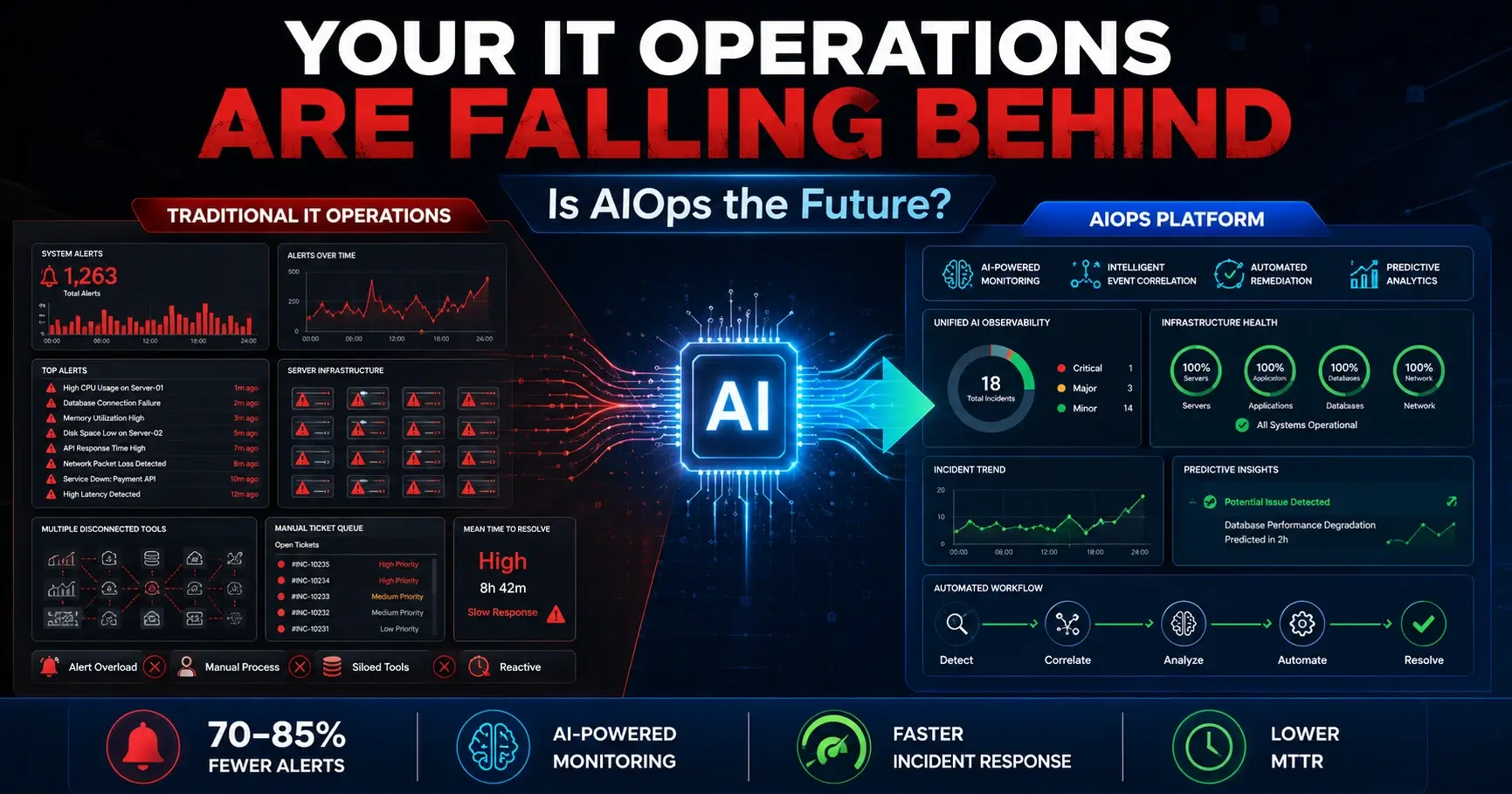
AIOps vs Traditional IT Operations: How AI Is Transforming Infrastructure Management Modern enterprise infrastructure has outgrown the tools designed to manage it. As distributed systems scale across hybrid clouds, edge nodes, and containerized workloads, traditional IT operations can no longer keep pace with the volume, velocity, and complexity of the data they generate. AIOps—Artificial Intelligence for IT Operations—addresses this gap by combining machine learning, big data analytics, and automation to deliver proactive, intelligent infrastructure management at scale. This article breaks down how AIOps differs from traditional IT operations, how it works under the hood, where it delivers the most value, and what enterprise teams should consider before adopting it. Key Takeaways AIOps platforms use machine learning and automation to shift IT operations from reactive troubleshooting to proactive detection and resolution. The global AIOps platform market was valued at USD 14.60 billion in 2024 and is projected to reach USD 36.07 billion by 2030 at a 15.2% CAGR (Grand View Research, 2024). Alert compression rates of 70–85% mean AIOps can reduce thousands of daily alerts to a manageable set of actionable incidents. AIOps augments human expertise—it does not replace IT teams. Engineers retain control over investigation, governance, and high-impact decisions. Successful AIOps adoption requires clean data pipelines, defined automation boundaries, and organizational buy-in before deployment. What Is Traditional IT Operations? Traditional IT operations (ITOps) refers to the collection of processes, tools, and human workflows that organizations use to manage, monitor, and maintain their technology infrastructure. These include server management, network monitoring, incident response, change management, and service desk operations. In traditional environments, IT teams rely on rule-based monitoring tools that trigger alerts based on static thresholds. A server crossing 90% CPU utilization fires an alert. A network packet loss rate exceeding a set limit pages an engineer. Each tool operates within its own silo—separate systems handle logs, metrics, events, and ticketing—leaving teams to manually correlate information across platforms to find root causes. This model served organizations well when IT environments were relatively simple and predictable. On-premises data centers with a fixed number of servers and applications were manageable. Teams knew the infrastructure intimately. Runbooks were effective because failure modes were finite. That world no longer exists for most enterprises. What Is AIOps? AIOps—short for AI for IT Operations—is a category of platforms and practices that apply machine learning (ML), natural language processing (NLP), and big data analytics to automate and enhance core IT operations tasks, including monitoring, event correlation, root cause analysis, and incident response. Gartner coined the term in 2016 as IT environments began shifting from siloed, on-premises tools to distributed, multi-cloud architectures that generate data at a scale no human team can manually process. An AIOps platform ingests observational data (metrics, logs, traces) and interaction data (tickets, alerts, incidents) from across the technology stack, then applies analytical models to detect anomalies, predict failures, correlate events, and initiate automated responses. The defining capability of an AIOps platform is event correlation. By grouping alerts based on timing, affected components, and shared symptoms, AIOps compresses thousands of noisy alerts into a manageable set of actionable incidents. Organizations commonly see daily alert volumes drop from 5,000 or more to approximately 100 actionable items—a compression rate of 70–85% (Splunk, 2026). AIOps connects three traditionally separate disciplines: Automation — executing remediation actions without manual intervention Service management — managing incidents, changes, and problems at scale Performance management — maintaining service health across complex environments To understand how AIOps fits within broader IT monitoring frameworks, the SISGAIN guide on observability vs monitoring covers the foundational differences that inform AIOps architecture. Why Traditional IT Operations Are No Longer Enough The infrastructure environment of 2025 looks nothing like 2010. Modern enterprises run microservices across multiple cloud providers, deploy containerized workloads that spin up and down in seconds, manage edge nodes spread across geographies, and integrate IoT data streams in real time. Each of these components generates logs, metrics, and events continuously. The result: alert fatigue. According to Splunk, more than 80% of alerts in mid-to-large enterprises are either irrelevant or duplicative. Engineers spend the majority of their time sorting through noise rather than resolving real problems. Critical incidents surface to end users before the operations team has even identified the root cause. Traditional ITOps also struggles with: Siloed tooling — separate systems for logs, APM, network monitoring, and ticketing prevent holistic visibility Reactive posture — static thresholds generate alerts after problems occur, not before Slow MTTR — manual root cause analysis across disconnected data sources extends Mean Time to Resolution Scaling limits — human-intensive processes cannot scale proportionally with infrastructure complexity Knowledge dependency — expertise lives in individual engineers rather than in documented, automated workflows These limitations are not a failure of IT teams. They are structural limitations of tools built for a less complex era. For a broader view of what modern infrastructure management entails, the SISGAIN overview of infrastructure management services provides useful context before exploring AIOps in depth. AIOps vs Traditional IT Operations: A Direct Comparison Dimension Traditional IT Operations AIOps Monitoring approach Rule-based, static thresholds ML-driven, dynamic anomaly detection Alert handling Manual triage across silos Automated correlation and deduplication Root cause analysis Manual investigation across tools Automated dependency mapping and trace analysis Incident response Human-driven, reactive Automated playbooks, proactive mitigation Data volume handling Limited by human capacity Scales to petabyte-level telemetry Visibility Siloed per tool or domain Unified across hybrid and multi-cloud environments Failure prediction Rare, based on known patterns Predictive using historical and behavioral data MTTR Hours to days Minutes to hours (50%+ improvement reported) Team dependency High — expertise in individuals Lower — knowledge embedded in automated workflows Scalability Proportional headcount required Scales independently of team How AIOps Works AIOps platforms operate through five interconnected architectural layers, each building on the last to move from raw data to intelligent action: 1. Data Ingestion and NormalizationThe platform collects metrics, logs, traces, events, and alerts from applications, network devices, cloud services, and container orchestration platforms. Data arrives in heterogeneous formats—JSON, XML, plain text, structured metrics—and is normalized into a consistent schema for downstream analysis. 2. Data StorageNormalized data flows into scalable, cloud-native or distributed storage systems capable of handling both real-time streams and historical batch data. Historical records enable trend analysis and long-term pattern recognition for root cause tracing. 3. Analytics EngineThe core of the platform applies machine learning algorithms to detect anomalies, correlate events across domains, predict capacity problems, and perform root cause analysis. Supervised algorithms recognize known failure signatures; unsupervised algorithms identify novel anomalies not previously seen. 4. Automation and OrchestrationWhen the analytics engine identifies a root cause or confirms a failure pattern, predefined automation scripts or runbooks execute remediation actions automatically. Examples include service restarts, disk cleanups, connection resets, and auto-scaling triggers—without requiring human intervention. 5. VisualizationOperations teams interact with dashboards, topology maps, and alert consoles that translate complex analytical outputs into actionable information. Engineers can drill into incident timelines, review correlated events, and assess system health across their entire infrastructure in one view. Raw Data (Logs, Metrics, Traces, Events) ↓ Ingestion & Normalization ↓ Distributed Storage ↓ Analytics Engine (ML, NLP, Event Correlation) ↓ Anomaly Detection → Root Cause Analysis → Prediction ↓ Automation & Orchestration (Runbooks, Auto-remediation) ↓ Visualization & Human Review For organizations seeking to build a foundation before deploying AIOps, SISGAIN's guide on infrastructure monitoring explains the baseline monitoring disciplines that AIOps platforms extend and enhance. Core Technologies Behind AIOps Several machine learning and data engineering disciplines power AIOps capabilities: Supervised Learning — Trained on labeled historical data to recognize known failure patterns (e.g., memory leak signatures, network congestion indicators) Unsupervised Learning — Identifies anomalies in behavior that have no prior label, surfacing unknown failure modes before they escalate Long Short-Term Memory (LSTM) Networks — A class of recurrent neural network used for time-series forecasting, enabling AIOps platforms to predict capacity exhaustion, performance degradation, or hardware failure hours in advance Natural Language Processing (NLP) — Parses unstructured log data and incident tickets to extract meaning, classify events, and automate ticket routing Knowledge Graphs — Map dependencies across systems, services, and infrastructure components to trace how failures cascade through the stack Big Data Analytics — Processes petabyte-scale telemetry across distributed storage systems to surface patterns that no human analyst could detect manually These technologies work in combination, not in isolation. A robust AIOps platform does not rely on a single algorithm—it applies the appropriate method to each type of analytical task. Key Benefits of AIOps Organizations that move from traditional ITOps to an AIOps model report measurable improvements across operational and financial dimensions: Reduced alert fatigue — Compression rates of 70–85% leave engineers focused on real incidents rather than false positives Faster incident resolution — AIOps reduces Mean Time to Resolution (MTTR) by 50% or more by automating root cause analysis and triggering remediation before human teams begin manual investigation Proactive failure prevention — Predictive analytics surface issues before they reach end users. Vitria Technology's AIOps platform detected 92% of incidents before they impacted customers (September 2024) Operational efficiency — Engineers spend less time on repetitive, low-impact tasks and more time on strategic initiatives Consistent observability across hybrid environments — Unified visibility across on-premises, cloud, and edge infrastructure replaces fragmented, tool-specific dashboards Better ROI on engineering capacity — Teams of the same size manage significantly larger, more complex environments without proportional headcount increases Reduced service downtime — Vitria Technology customers reported a 60% improvement in overall service availability following AIOps deployment (September 2024) AIOps Use Cases Across Industries AIOps platforms deliver value across verticals, with implementation priorities varying by industry: Industry Primary AIOps Use Case Key Outcome Banking & Financial Services (BFSI) Real-time anomaly detection, transaction monitoring, compliance alerting Reduced downtime for critical financial systems; improved regulatory posture Healthcare Application performance monitoring, EHR system reliability, HIPAA-aligned incident management Continuity of patient-facing digital services Retail & E-Commerce Demand-driven capacity scaling, checkout system monitoring, CDN performance management Maintained uptime during peak traffic events IT & Telecom Network performance management, SLA monitoring, automated fault isolation Faster resolution of service-affecting network events Government Secure infrastructure monitoring, multi-agency event correlation, automated compliance reporting Improved operational efficiency across distributed public sector IT Energy & Utilities SCADA system monitoring, predictive maintenance, edge sensor data analysis Reduced unplanned downtime in critical infrastructure The BFSI sector accounts for the largest share of AIOps platform revenue globally, driven by regulatory pressures, the volume of transactional data, and the cost of downtime in financial services environments (Grand View Research, 2024). AIOps for Modern Cloud Infrastructure Cloud environments present specific challenges that AIOps is purpose-built to address. Multi-cloud and hybrid deployments distribute workloads across providers—AWS, Azure, Google Cloud, and private infrastructure—each with its own monitoring APIs, log formats, and alert taxonomies. Without a unified layer, teams lose visibility the moment a workload crosses a provider boundary. An AIOps platform normalizes telemetry from multiple cloud providers into a single analytical layer. It applies ML to identify performance anomalies that cross cloud boundaries, predicts cost-affecting capacity events, and automates remediation actions across cloud APIs without requiring manual intervention in each provider's console. For organizations managing the complexity of hybrid cloud environments, SISGAIN's cloud infrastructure management guide and the companion resource on hybrid cloud infrastructure management outline the architectural considerations that inform AIOps deployment at cloud scale. AIOps and Infrastructure Automation Infrastructure automation and AIOps are complementary disciplines. Automation handles execution—provisioning, configuration, deployment. AIOps handles intelligence—deciding what to execute, when, and why. Without AIOps, automation operates on fixed rules. A script restarts a service when CPU hits 95%. It does not consider whether that CPU spike is part of a broader cascade, whether the restart will resolve the issue, or whether a scheduled maintenance window makes intervention inappropriate. With AIOps, automation becomes context-aware. The analytics engine identifies root cause first, then triggers the appropriate remediation action from a library of predefined runbooks. Automation handles low-risk, repeatable tasks automatically. High-severity or ambiguous situations escalate to human review with full incident context attached. SISGAIN's overview of infrastructure automation tools covers the tooling landscape that AIOps platforms integrate with and orchestrate across. AIOps and Infrastructure as Code Infrastructure as Code (IaC) disciplines—Terraform, Pulumi, Ansible, and similar frameworks—define infrastructure state declaratively. AIOps extends IaC by providing the feedback loop that these tools lack natively. An AIOps platform can detect configuration drift between the declared state and the actual running environment, flag misconfigurations before they cause incidents, and trigger IaC-based remediation workflows automatically. When a multi-cloud deployment exhibits anomalous behavior tied to a recent infrastructure change, AIOps correlates the deployment event with the performance degradation, enabling faster rollback decisions. For teams operating at enterprise scale, SISGAIN's research on how Fortune 500 organizations manage multi-cloud infrastructure with IaC provides real-world context for integrating AIOps with IaC workflows. AIOps for AI Infrastructure and GPU Clusters Organizations running large-scale AI workloads—training foundation models, serving inference at scale, or operating enterprise LLMs—face a distinct infrastructure management challenge. GPU clusters are expensive, thermally sensitive, and operationally complex. Utilization rates matter enormously because underutilized GPUs represent direct financial waste, and overloaded clusters cause training job failures that waste days of compute time. AIOps platforms designed for AI infrastructure monitor GPU utilization, memory bandwidth, interconnect saturation, and thermal metrics in real time. They predict when a training job will exhaust available memory before it fails, identify idle GPU capacity that can be reallocated, and detect hardware anomalies—such as NVLink errors or thermal throttling—before they impact workload completion. SISGAIN's analysis of multi-cloud GPU strategy for enterprise LLMs explores the infrastructure architecture decisions that AIOps for AI workloads must be built around. AIOps Improves Disaster Recovery Traditional disaster recovery relies on documented runbooks, scheduled drills, and manual failover procedures. The time between an incident occurring and a DR playbook being executed is often measured in hours—hours during which services are degraded or unavailable. AIOps compresses this window significantly. By continuously monitoring infrastructure health and maintaining real-time dependency maps, an AIOps platform can detect conditions that indicate imminent failure—storage degradation, network partition probability, application performance decay—and initiate DR workflows automatically before a full outage occurs. This shifts disaster recovery from a reactive discipline to a proactive one. Automated failover, pre-validated recovery paths, and continuous DR readiness monitoring replace periodic manual testing and hope. SISGAIN's disaster recovery and business continuity guide covers the strategic framework within which AIOps-driven DR capabilities operate. AIOps Supports Better Cloud Cost Optimization Cloud costs scale with usage, and usage is difficult to predict at enterprise scale. Idle resources, oversized instance types, and unattended storage volumes accumulate into significant waste. Traditional approaches to cloud cost management rely on periodic reviews—finance teams analyzing invoices, engineers running one-off rightsizing exercises. AIOps enables continuous cost intelligence. By monitoring utilization patterns alongside cost metrics, AIOps platforms identify rightsizing opportunities in real time, predict when reserved capacity will be underutilized, detect orphaned resources before they generate months of unnecessary spend, and trigger automated de-provisioning for resources that fall below utilization thresholds. This is FinOps operationalized. SISGAIN's complete guide to cloud cost optimization provides the financial framework that AIOps cost intelligence feeds into. AIOps at the Edge Edge computing distributes compute and storage to locations close to data sources—manufacturing floors, retail locations, autonomous vehicles, remote energy sites. Managing hundreds or thousands of edge nodes with traditional centralized ITOps is operationally impractical. Each node has limited connectivity, varied hardware configurations, and operating conditions that differ from cloud or data center environments. AIOps addresses edge management through lightweight agents that run locally on edge nodes, aggregating telemetry and performing initial analysis before transmitting summarized insights to a central platform. This reduces bandwidth requirements while maintaining visibility. Predictive models identify edge hardware approaching failure before the node goes offline, enabling proactive replacement during planned maintenance rather than emergency repair. SISGAIN's analysis of edge computing infrastructure covers the architectural context within which AIOps edge management capabilities operate. AIOps Inside Modern Data Centers Data center infrastructure management has traditionally relied on DCIM (Data Center Infrastructure Management) tools that monitor physical assets—power, cooling, rack density, and capacity utilization. Modern data centers run a combination of physical hardware, virtualized workloads, and containerized services, requiring a management layer that spans both physical and logical infrastructure. AIOps platforms integrate with DCIM data alongside application and network telemetry, correlating physical infrastructure events (cooling anomalies, power fluctuations) with logical workload performance to identify cascading failures before they propagate. Predictive capacity planning, automated workload placement optimization, and energy efficiency modeling become operational realities rather than planning exercises. For a detailed treatment of data center infrastructure management disciplines, SISGAIN's DCIM guide provides the foundational context that AIOps builds upon. AIOps and Security Operations Security is where AIOps and SecOps increasingly intersect. SIEM platforms, threat intelligence feeds, and endpoint detection tools each generate signals that security analysts must manually correlate. Alert volumes in security operations centers mirror the challenge in IT operations—too many signals, too few analysts, and insufficient time to investigate each one. AIOps enhances security operations by: Correlating security events with infrastructure events — A network anomaly detected by the AIOps platform may correspond with a security alert in the SIEM, revealing an attack vector that neither system would identify in isolation Detecting behavioral anomalies — ML models identify unusual access patterns, data exfiltration indicators, and lateral movement signatures that rule-based SIEM tools miss Automating threat response — When AIOps confirms a security incident with sufficient confidence, automated playbooks can isolate affected workloads, revoke credentials, or trigger network segmentation without waiting for human approval Reducing analyst fatigue — The same event correlation and deduplication capabilities that reduce IT alert noise apply equally to security event streams SISGAIN's IT infrastructure security best practices guide covers the security architecture considerations that AIOps security capabilities integrate with. Challenges of Implementing AIOps AIOps delivers significant value, but implementation is not without friction. Gartner research indicates that only 54% of AI projects advance beyond proof-of-concept—a statistic that reflects both technical and organizational challenges. Data fragmentation across siloed toolsMost enterprises maintain separate systems for logs, metrics, and alerts. Consolidating telemetry into a unified observability layer requires schema enforcement, normalization, and deduplication work before ML models can generate reliable outputs. Defining automation boundariesAutomating everything simultaneously introduces risk. Starting with low-impact, well-understood remediation tasks and implementing human-in-the-loop review for high-severity actions allows teams to build confidence in automated workflows before expanding their scope. Model explainabilityEngineers who cannot understand why an AIOps platform made a decision will not trust it. Platforms that provide traceability to source logs, approval gates, and configurable governance policies earn operational trust faster than opaque black-box systems. Cultural resistanceTeams may interpret AIOps adoption as a prelude to headcount reduction. Positioning AIOps as an augmentation tool—handling the repetitive analysis that prevents engineers from doing strategic work—and demonstrating value through internal case studies accelerates adoption. Data volume at enterprise scaleOperational telemetry from large enterprises can reach petabyte scale. Platforms must analyze data at fine-grained granularity rather than relying on aggregations, which requires scalable storage and compute infrastructure that many organizations have not yet provisioned. Best Practices for Successful AIOps Adoption Organizations that implement AIOps successfully tend to follow a consistent set of practices: Start with a defined use case — Choose one high-value problem (alert noise reduction, MTTR improvement, or capacity prediction) and demonstrate results before expanding scope Invest in data quality first — AIOps is only as effective as the data it analyzes. Establish data pipelines, normalization standards, and telemetry coverage before deploying ML models Define automation boundaries explicitly — Document which remediation actions can execute automatically, which require human approval, and which remain fully manual Involve engineering teams early — Engineers who participate in defining automation logic and reviewing model outputs develop trust faster than those who have AIOps imposed on them Measure operational baselines — Capture current MTTR, alert volumes, and false positive rates before deployment to quantify improvement after go-live Choose platforms with explainability built in — Prioritize platforms that surface the evidence behind each AI-generated recommendation Plan for iterative expansion — AIOps value compounds over time as ML models accumulate more operational data. Budget for ongoing tuning, not just initial deployment When Should Your Business Adopt AIOps? AIOps delivers the most value when organizations meet one or more of the following conditions: Alert fatigue is measurable and worsening — Engineers spend more than 30% of their time triaging alerts that resolve without action MTTR has plateaued despite process improvements — Root cause analysis bottlenecks remain even after investing in tooling and staffing Infrastructure complexity has outpaced team capacity — The number of monitored components has grown faster than headcount, creating coverage gaps Multi-cloud or hybrid deployments have reduced visibility — Teams lack end-to-end visibility across cloud and on-premises environments Incident costs are significant — Downtime carries measurable financial or reputational consequences that justify investment in proactive management Digital transformation initiatives are accelerating — Cloud migration, containerization, or edge expansion is introducing infrastructure complexity faster than existing operations processes can absorb Organizations that are still in early stages of cloud adoption or that run relatively simple, on-premises environments may find traditional monitoring improvements more cost-effective in the near term. AIOps scales best when the problem it is solving is genuinely complex. How SISGAIN Helps Businesses Implement AIOps Implementing AIOps effectively requires expertise that spans platform architecture, data engineering, ML model governance, and operational process design. For enterprises navigating this complexity, SISGAIN provides end-to-end support across the AIOps adoption journey. SISGAIN's infrastructure management services establish the operational foundation that AIOps platforms build on—ensuring telemetry coverage, monitoring architecture, and incident management processes are aligned before AI capabilities are layered on top. This prevents one of the most common AIOps failure modes: deploying ML models against incomplete or inconsistent data. For organizations operating cloud-native or hybrid infrastructure, SISGAIN's cloud managed services integrate AI-driven observability and intelligent automation into day-to-day cloud operations. This includes continuous monitoring across multi-cloud environments, proactive anomaly detection, and automated remediation workflows that reduce operational toil for engineering teams. SISGAIN's platform engineering services address the internal developer platform layer where AIOps capabilities surface for application teams—standardizing observability tooling, integrating AIOps insights into CI/CD pipelines, and creating self-service operational capabilities that reduce the burden on central platform teams. The SISGAIN approach emphasizes operational excellence over tooling alone. AIOps is most effective when it is embedded in organizational workflows, not deployed as a standalone system that engineers work around. SISGAIN helps enterprises design the process, governance, and team structure that AIOps platforms require to deliver sustained value. The Shift Has Already Started AIOps is not a future capability for forward-thinking organizations to evaluate—it is an operational necessity for any enterprise managing infrastructure at scale today. The data volumes, environment complexity, and service reliability expectations of 2025 have definitively exceeded what traditional IT operations tools and processes can handle. The organizations gaining competitive advantage are those that have moved from reactive alert management to proactive, ML-driven operations. They detect failures before users report them, resolve incidents in minutes rather than hours, and continuously optimize infrastructure costs and capacity without manual intervention. The practical next step is a structured assessment of your current monitoring coverage, alert management effectiveness, and automation maturity. From that baseline, a phased AIOps adoption roadmap becomes achievable—starting with the use cases that deliver measurable ROI fastest and building toward the fully integrated, AI-driven operations model that enterprise infrastructure now demands. table { width: 100%; max-width: 100%; border-collapse: collapse; margin: 24px 0; font-size: 15px; line-height: 1.6; background: #ffffff; border: 1px solid #d9e2ec; display: block; overflow-x: auto; overflow-y: hidden; white-space: nowrap; -webkit-overflow-scrolling: touch; border-radius: 10px; } table tbody { display: table; width: 100%; } table th { background: #0b2a4a; color: #ffffff; font-weight: 700; text-align: left; padding: 14px 16px; border: 1px solid #0b2a4a; } table td { padding: 13px 16px; border: 1px solid #d9e2ec; color: #1f2937; vertical-align: top; } table tr:nth-child(even) td { background: #f8fbff; } table tr:hover td { background: #eef6ff; } table p { margin: 0; } /* Mobile Optimization */ @media (max-width: 768px) { table { font-size: 14px; } table th, table td { padding: 12px; } }
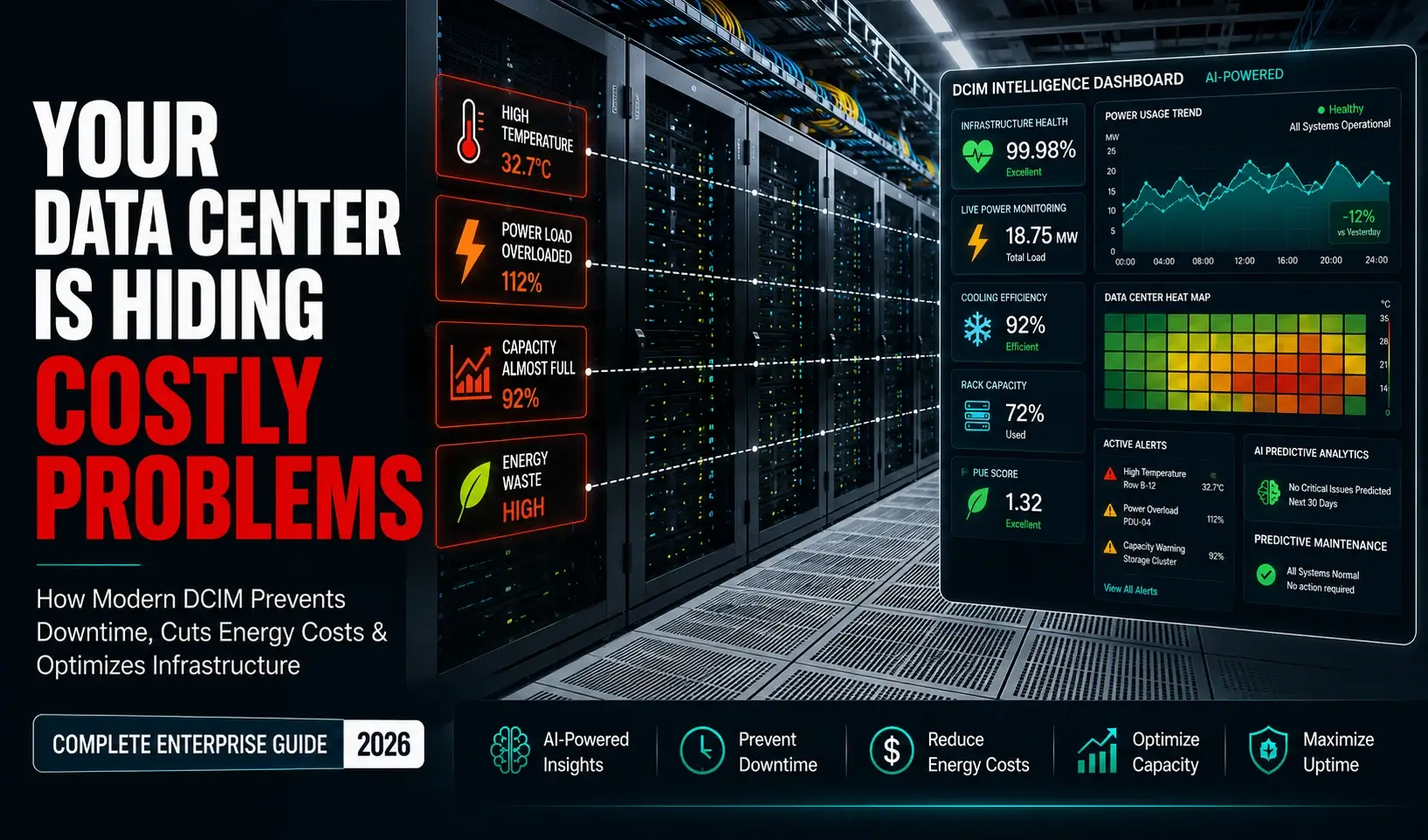
Data Center Infrastructure Management: The Complete Guide to DCIM, Operations, and Optimization TL;DR: Data center infrastructure management (DCIM) is a unified approach to monitoring, managing, and optimizing all physical and logical assets within a data center — including power, cooling, networking, and servers. DCIM software gives IT and facilities teams real-time visibility across their entire infrastructure, helping reduce downtime, cut energy costs, improve capacity planning, and automate operational workflows at enterprise scale. Data centers are not what they used to be. A decade ago, managing one meant tracking servers in spreadsheets, reviewing alerts in separate dashboards, and dispatching technicians when something broke. Today, the same facility might house thousands of physical and virtual assets, support AI workloads drawing hundreds of kilowatts per rack, and feed into a hybrid cloud environment spanning three continents. The operational complexity has grown exponentially — but the tools available to manage it have too. Enterprise data centers now support everything from real-time financial transactions and healthcare records to machine learning model training and streaming platforms. A single hour of downtime can cost organizations more than $300,000, according to the ITIC 2024–2025 Hourly Cost of Downtime Survey. At $15,000 per minute (Gatling, 2026), the financial and reputational stakes of poor infrastructure management have never been higher. This is where data center infrastructure management becomes essential. DCIM software gives IT, facilities, and operations teams the unified visibility, automation, and intelligence they need to manage modern infrastructure efficiently — not reactively. This guide covers everything you need to know: what data center infrastructure management is, how DCIM software works, which tools lead the market, and how AI is reshaping the way enterprises manage their most critical physical assets. Whether you're evaluating DCIM for the first time or looking to optimize a mature infrastructure program, you'll find practical answers here. Why Modern Data Centers Need Better Infrastructure Management The global DCIM market was valued at USD 3.67 billion in 2025 and is forecast to reach USD 14.65 billion by 2035, growing at a CAGR of 14.85% (Precedence Research, 2026). That growth isn't driven by hype — it reflects a genuine operational crisis unfolding inside enterprise data centers worldwide. Several converging forces are making traditional infrastructure management inadequate: AI workloads and high-density computing. GPU clusters and AI inference racks operate at power densities of 50–100 kW per rack or higher — far beyond what conventional monitoring tools were designed to handle. Managing thermal output, power distribution, and cooling at these densities requires precision that spreadsheets and basic SNMP monitoring simply cannot provide. Hybrid cloud and edge complexity. Most enterprises now operate across on-premises data centers, colocation facilities, public cloud environments, and edge nodes. Each layer introduces unique monitoring gaps. Without a unified management layer, teams are left stitching together siloed dashboards that offer an incomplete picture of actual infrastructure health. Energy efficiency pressure. The average global data center Power Usage Effectiveness (PUE) ratio stood at 1.54 in 2025 (Statista). The International Energy Agency projects global data center energy consumption will reach between 650 and 1,050 TWh by 2026. Regulators — particularly in the EU, where the Energy Efficiency Directive now mandates sustainability reporting — are pushing operators to prove efficiency. That requires the kind of granular, real-time energy data only DCIM can deliver. Capacity constraints. As server density increases and AI workloads demand more compute, planning rack space, power headroom, and cooling capacity without accurate data becomes a guessing game with costly consequences. Rising security and compliance obligations. Physical infrastructure security, access control, and audit trails are increasingly scrutinized in regulated industries like banking, healthcare, and government. Manual tracking of physical assets creates compliance blind spots. These pressures aren't abstract. They determine whether a data center can support an enterprise's growth — or become a bottleneck that limits it. What Is Data Center Infrastructure Management? Data center infrastructure management (DCIM) refers to the integrated set of tools, processes, and practices used to monitor, manage, and optimize a data center's physical and IT infrastructure. A DCIM solution provides a single, authoritative view of all assets — servers, networking equipment, power distribution units (PDUs), uninterruptible power supplies (UPS), cooling systems, environmental sensors, and cabling — along with real-time data on their performance, capacity, and condition. The discipline emerged formally around 2009, originally as an extension of building information modeling (BIM) systems used by facilities managers. Its purpose was straightforward: give data center operators the same kind of structured, data-driven visibility over their physical infrastructure that ITSM tools provided for software and services. That definition has expanded significantly. Modern DCIM platforms now incorporate AI-driven analytics, predictive maintenance, digital twins, workflow automation, and integrations with cloud platforms, ITSM tools, and building management systems (BMS). How Does Traditional Monitoring Differ from DCIM? Capability Traditional Monitoring DCIM Software Asset visibility Partial, siloed by domain Unified — IT and facilities in one view Power monitoring Basic thresholds Granular, real-time per-outlet PDU monitoring Cooling management Manual, reactive Automated with CFD modeling and AI optimization Capacity planning Spreadsheet-based Data-driven with "what-if" scenario modeling Change management Email and manual logs Automated workflows with audit trails Predictive intelligence None AI/ML-powered failure prediction Energy reporting Manual exports Automated PUE dashboards and compliance reports Environmental alerts Basic temperature thresholds Multi-parameter: humidity, smoke, water, airflow The shift from traditional monitoring to DCIM isn't just a software upgrade. It represents a fundamental change in how operations teams think about infrastructure management — from reactive firefighting to proactive, data-driven control. For a deeper look at what infrastructure management services involve at the enterprise level, see SISGAIN's infrastructure management services overview and the related guide on what infrastructure management services actually encompass. How DCIM Works A DCIM platform operates through a layered architecture that combines data collection, analysis, visualization, and action. Here's a simplified operational view: Discovery and inventory. The system automatically discovers physical and virtual assets across the data center — servers, switches, PDUs, UPS units, cooling systems, and sensors — and populates a centralized asset repository. Real-time monitoring. Sensors, agents, and protocol integrations (SNMP, WMI, IPMI, REST APIs) continuously feed performance and environmental data into the DCIM platform. This includes power draw, temperature, humidity, airflow, bandwidth utilization, and hardware health. Analysis and correlation. The platform correlates data across domains — for example, linking a spike in CPU temperature to a specific rack's PDU load and cooling airflow — to surface root causes rather than isolated symptoms. Capacity planning. Using historical data and predictive models, DCIM software forecasts when current infrastructure will reach capacity thresholds for power, cooling, floor space, or compute — giving teams lead time to plan expansions or consolidations. Alerts and automation. When conditions breach defined thresholds or AI models detect anomalous behavior, the system triggers alerts, initiates automated remediation workflows, or escalates to ITSM platforms like ServiceNow or Jira. Reporting and compliance. Customizable dashboards and reports give different stakeholders — CIOs, facilities managers, compliance officers — the specific view of infrastructure they need, without requiring manual data extraction. Core Components of Data Center Infrastructure Management Asset Management Asset management sits at the foundation of any DCIM initiative. It involves maintaining an accurate, real-time inventory of every physical and virtual asset in the data center — including location (rack, row, room), configuration, connectivity, ownership, warranty status, and lifecycle stage. Without accurate asset data, every other DCIM function is compromised. Power Management Power management tracks energy consumption at every level of the infrastructure — from facility feeds and power distribution panels to individual rack PDUs and device-level power supplies. The goal is to maximize usable power capacity, prevent circuit overloads, and identify energy waste. Effective power management directly reduces PUE and operating costs. Cooling Management Cooling represents a significant portion of data center operating expense. DCIM platforms integrate with cooling systems — computer room air conditioners (CRACs), in-row coolers, and liquid cooling loops — and use computational fluid dynamics (CFD) modeling to visualize airflow, identify hotspots, and optimize cooling delivery. This prevents thermal events without the waste of over-cooling. Capacity Planning Capacity planning enables data center teams to answer questions like: "Do we have enough power headroom for the new AI cluster?" and "How many additional servers can we onboard before we need a facility expansion?" DCIM provides data-driven answers to these questions, including "what-if" scenario modeling to evaluate the impact of proposed changes before implementation. Environmental Monitoring Environmental monitoring tracks temperature, humidity, airflow, water detection, and smoke across the data center floor. Threshold-based alerts ensure operators respond to environmental anomalies before they escalate into equipment failures or compliance violations. Network Monitoring Network monitoring within DCIM covers physical cabling management, switch and router performance, interface utilization, latency, packet loss, and connectivity mapping. This layer is critical for understanding how infrastructure changes might affect application performance and network availability. Security Monitoring Physical access control, video surveillance integration, and audit trail management fall within the security monitoring component of DCIM. This is especially important in regulated industries where physical access to equipment must be logged and reported. For enterprise security best practices, SISGAIN's IT infrastructure security guide covers this area in depth. Automation Automation capabilities enable data center teams to define workflows for routine tasks — provisioning new equipment, responding to alerts, scheduling maintenance windows, and generating compliance reports — without manual intervention. This reduces human error and frees operations staff for higher-value work. Key Features of DCIM Software When evaluating data center management software, these are the capabilities that distinguish enterprise-grade platforms from basic monitoring tools: Unified asset repository — A single, authoritative database covering all physical and logical assets with full configuration and connectivity details 2D and 3D rack and floor visualization — Real-time graphical views of data center layout, enabling rapid equipment location and change planning Real-time dashboards — Role-appropriate views for IT administrators, facilities managers, and executives, updated continuously from live data Granular energy monitoring — Per-outlet PDU monitoring with capacity headroom tracking and automated circuit overload prevention Environmental alerting — Multi-parameter threshold monitoring for temperature, humidity, airflow, water, and smoke with escalation workflows Computational fluid dynamics (CFD) modeling — Airflow simulation to identify hotspots and optimize cooling placement Capacity analytics — Forecasting models for power, cooling, space, and compute with configurable planning horizons "What-if" scenario modeling — Impact simulation for proposed infrastructure changes before physical implementation AI-powered predictive alerts — Anomaly detection and failure prediction using machine learning models trained on infrastructure data Digital twin integration — Virtual replicas of physical infrastructure for remote planning and change management Automated workflows — Code-free workflow builders to automate common tasks and incident responses ITSM integrations — Native connections to ServiceNow, Jira, Freshservice, and similar platforms for automated ticket creation and CMDB synchronization Compliance and sustainability reporting — Automated PUE dashboards, carbon reporting, and audit-ready logs aligned with regulatory requirements DCIM Feature Comparison at a Glance Feature Entry-Level DCIM Mid-Market DCIM Enterprise DCIM Asset inventory ✅ Basic ✅ Advanced ✅ Full lifecycle Power monitoring ✅ Outlet-level ✅ Circuit-level ✅ Facility-level CFD modeling ❌ ✅ ✅ AI predictive alerts ❌ Limited ✅ Digital twin ❌ Limited ✅ Multi-site management ❌ ✅ ✅ ITSM integration Limited ✅ ✅ Automation workflows ❌ Limited ✅ Sustainability reporting ❌ Limited ✅ Benefits of Data Center Infrastructure Management Organizations that implement DCIM consistently report improvements across several dimensions: Higher uptime. Real-time monitoring and predictive alerting allow teams to address developing issues — a rising rack temperature, a PDU approaching capacity, a failing UPS battery — before they escalate into outages. Given that 93% of organizations report a single hour of downtime costs more than $300,000 (ITIC, 2024–2025), even modest improvements in availability have significant financial impact. Full infrastructure visibility. DCIM eliminates the blind spots created by siloed monitoring tools. IT and facilities teams share a common operational picture, reducing the coordination failures that often delay incident response. Lower operational costs. By optimizing power usage, right-sizing cooling, and eliminating stranded capacity, DCIM delivers measurable reductions in energy spend. Efficient power management reduces the gap between consumed power and the ideal PUE — directly reducing utility bills. Better capacity planning. Data-driven forecasting replaces guesswork with evidence. Teams can plan infrastructure expansions, decommissioning cycles, and hardware refreshes with confidence, avoiding both over-provisioning waste and under-provisioning constraints. Regulatory compliance. Automated reporting simplifies compliance with frameworks like the EU Energy Efficiency Directive, ISO 27001, and SOC 2 by maintaining accurate records of infrastructure state, physical access, and environmental conditions. Faster troubleshooting. Root cause analysis capabilities correlate alerts across domains — power, cooling, networking, and compute — so teams can identify the source of a problem in minutes rather than hours. Improved resource utilization. DCIM identifies underutilized servers, stranded power capacity, and inefficient cooling zones, giving operations teams the data they need to consolidate workloads and reduce hardware sprawl. Key Takeaway: Organizations implementing DCIM typically report improvements in uptime, energy efficiency, and infrastructure planning accuracy within the first 12 months of deployment — with ROI accelerating as automation capabilities mature. Common Challenges in Managing Modern Data Centers Understanding the problems DCIM solves requires an honest look at what enterprise data center operations actually struggle with: Legacy infrastructure and heterogeneous environments. Most enterprise data centers contain equipment from multiple vendors, across multiple generations, using different management protocols. Integrating this diversity into a coherent management framework is technically complex and requires a DCIM platform with broad protocol support. Multi-site and distributed management. Organizations operating across multiple data centers — including colocation facilities and edge nodes — need centralized visibility without sacrificing the granularity required for local operations. Single-site DCIM tools fail here. Hybrid cloud integration. Physical data center management doesn't exist in isolation anymore. Infrastructure decisions affect cloud spend, and cloud workload distribution affects physical capacity requirements. DCIM platforms need to integrate with cloud management layers to provide a complete operational view. SISGAIN's hybrid cloud infrastructure management guide covers strategies for bridging this gap. AI workload demands. High-density AI compute racks challenge both power infrastructure and cooling systems. Planning and managing these environments requires DCIM capabilities specifically designed for high-density deployments — liquid cooling integration, real-time thermal modeling, and dynamic power balancing. Rising energy costs and sustainability mandates. Energy is the largest operating expense for most data centers, and regulatory pressure is intensifying. DCIM platforms that can't generate automated sustainability reports and PUE analytics leave operators exposed to compliance risk. Manual operations creating errors and delays. Many data center teams still rely on spreadsheets, email, and physical inspection for asset tracking and change management. This approach introduces errors, creates audit gaps, and slows operational response times significantly. Practical solutions to consider: Prioritize DCIM platforms with open APIs and broad protocol support to accommodate legacy equipment Evaluate multi-site management capabilities early — retrofitting centralized management into a single-site deployment is difficult Require ITSM integration as a baseline — manual ticket creation from monitoring alerts defeats the purpose of automation Develop a phased implementation plan that begins with asset discovery and power monitoring before expanding to capacity planning and automation Best Data Center Infrastructure Management Tools The DCIM software market includes purpose-built platforms, broader IT operations management suites, and open-source options. Here's an objective assessment of the leading tools: Schneider Electric EcoStruxure IT EcoStruxure IT is Schneider Electric's enterprise DCIM platform, succeeding the earlier StruxureWare product line. It spans three integrated products: Data Center Expert (monitoring and alerting), IT Expert (cloud-connected management), and IT Advisor (capacity planning and digital twin). In 2024, EcoStruxure IT achieved ISO 27001 certification and added FIPS 140-3 cryptographic support, addressing security requirements in government and financial services environments. New sustainability dashboards support EU Energy Efficiency Directive compliance reporting. Strengths: Deep integration with Schneider Electric hardware (APC PDUs, UPS), strong digital twin capabilities, comprehensive sustainability reporting Best for: Large enterprises heavily invested in Schneider Electric infrastructure and needing end-to-end physical security and sustainability compliance Sunbird DCIM (dcTrack) Sunbird's dcTrack is consistently rated among the highest-reviewed DCIM platforms, with a 4.9/5 average user rating and recognition as the top-rated tool on multiple peer review platforms. It focuses on operational simplicity — real-time rack visualization, capacity management, and asset tracking — without the complexity overhead of broader enterprise platforms. Strengths: Ease of use, fast implementation, strong ROI for operations teams, excellent user reviews Best for: Mid-sized to large enterprises prioritizing operational simplicity and fast time-to-value Vertiv Trellis Vertiv Trellis is a modular, enterprise-grade infrastructure optimization platform that provides real-time visibility across IT and facility assets. Its architecture is designed to adapt to changing operational requirements, supporting automation and software-defined management approaches as organizations mature. Strengths: Modular and scalable architecture, strong integration with Vertiv cooling and power hardware, real-time infrastructure optimization Best for: Enterprises using Vertiv infrastructure seeking tight hardware-software integration Nlyte Software Nlyte offers a comprehensive DCIM platform with strong capabilities in asset lifecycle management, auto-discovery, and workflow automation. Its auto-discovery function automatically maintains an updated asset inventory and tracks configuration changes — reducing the manual overhead associated with keeping asset data current. Strengths: Powerful automation, detailed asset lifecycle management, robust dashboards and reporting Best for: Large enterprises with complex, multi-vendor environments requiring detailed asset lifecycle tracking Device42 Device42 is a discovery-first infrastructure management platform that extends beyond traditional DCIM into full IT asset management (ITAM) and CMDB functionality. Its automated discovery capabilities cover physical, virtual, cloud, and containerized environments. Strengths: Broad discovery scope (physical, virtual, cloud), strong CMDB integration, application dependency mapping Best for: Organizations that need a single platform to manage both physical data center assets and hybrid cloud infrastructure ManageEngine OpManager ManageEngine OpManager is a network and data center monitoring platform with strong DCIM capabilities built into a broader IT operations management suite. It supports over 3,000 performance metrics, AI/ML-driven adaptive monitoring, drag-and-drop workflow automation, and integrations with ITSM platforms including ServiceNow, Freshservice, and Jira. Its resource forecasting engine predicts when CPU, memory, and storage will reach capacity thresholds. Strengths: Broad vendor support, cost-effective device-based licensing, strong AI/ML monitoring, extensive ITSM integrations Best for: IT operations teams seeking affordable, comprehensive monitoring with deep ITSM integration OpenDCIM OpenDCIM is a free, open-source DCIM solution built to replace spreadsheet-based inventory tracking. It handles rack inventory, power connection mapping, network connectivity documentation, and basic capacity overlays. It doesn't offer the predictive analytics, automation, or AI capabilities of commercial platforms. Strengths: No licensing cost, solid for basic inventory management, active developer community Best for: Small organizations or teams beginning their DCIM journey with limited budget and straightforward requirements DCIM Tools Comparison Tool Asset Management Power Monitoring AI/Predictive Digital Twin Cloud Integration Best For Schneider EcoStruxure IT ✅ Advanced ✅ Advanced ✅ ✅ Limited Large enterprise, Schneider hardware Sunbird dcTrack ✅ Advanced ✅ Limited Limited Limited Mid-to-large enterprise, fast ROI Vertiv Trellis ✅ Advanced ✅ Advanced ✅ Limited Limited Vertiv hardware environments Nlyte Software ✅ Advanced ✅ ✅ Limited Limited Complex multi-vendor enterprise Device42 ✅ Advanced Limited Limited Limited ✅ Hybrid physical + cloud IT ManageEngine OpManager ✅ ✅ Advanced ✅ Limited ✅ IT ops with ITSM integration needs OpenDCIM ✅ Basic ✅ Basic ❌ ❌ ❌ Small teams, budget-constrained Best Practices for Optimizing Data Center Operations Effective data center infrastructure management isn't achieved by deploying software alone. These practices separate high-performing operations from those that remain reactive: Start with complete asset discovery. You cannot manage what you cannot see. Begin any DCIM initiative with a thorough, automated discovery process that builds a verified, accurate asset inventory. Inaccurate data in the asset repository cascades into flawed capacity planning, missed maintenance windows, and compliance gaps. Define clear ownership for IT and facilities data. DCIM succeeds when IT and facilities teams share a common dataset. Establish governance processes that define who is responsible for updating asset records, responding to alerts, and approving changes. Without clear ownership, asset data degrades quickly. Implement granular power monitoring early. Power monitoring at the PDU and outlet level provides the data needed for both capacity planning and energy efficiency improvements. Deploy smart PDUs across the facility as part of the initial DCIM rollout. Use CFD modeling to optimize cooling. Thermal modeling identifies hotspots before they cause equipment failures. Use CFD analysis to guide blanking panel placement, cold aisle containment design, and cooling unit positioning — especially before deploying high-density AI compute racks. Automate change management workflows. Every physical change to the data center — a new server, a cable move, a decommissioned appliance — should trigger an automated workflow that updates the asset repository, generates a work order, and logs the change for audit purposes. For guidance on infrastructure automation tools and approaches, see SISGAIN's infrastructure automation tools guide. Build a capacity planning cadence. Review capacity forecasts at defined intervals — monthly for power and cooling, quarterly for floor space and compute — to ensure the team has sufficient lead time to plan and procure before constraints materialize. Document disaster recovery dependencies. DCIM asset data should feed directly into disaster recovery and business continuity planning. Knowing which physical systems support which critical applications is essential for effective recovery. SISGAIN's disaster recovery and business continuity guide provides a practical framework for this process. Establish PUE reduction targets. Set measurable targets for PUE improvement and use DCIM dashboards to track progress. Link cooling and power optimization initiatives to these targets to maintain operational focus on efficiency. Key Takeaway: The organizations that extract the most value from DCIM are those that treat it as an operational discipline rather than a monitoring tool — embedding asset management, change control, and capacity planning processes into daily operations. How AI and Automation Are Transforming DCIM Artificial intelligence is shifting DCIM from a reactive monitoring system into a proactive, self-optimizing operations platform. The practical implications for data center managers are significant. Predictive maintenance. Machine learning models trained on sensor data from PDUs, UPS systems, cooling units, and servers can detect subtle anomalies that precede hardware failures — often days or weeks before a failure would be detected by traditional threshold-based alerting. This moves maintenance from scheduled and reactive to truly predictive, reducing both unplanned downtime and unnecessary preventive maintenance costs. Intelligent cooling optimization. AI models analyze real-time thermal data across the data center floor and continuously adjust cooling delivery — raising setpoints when compute loads are low and increasing cooling where thermal density is rising. This dynamic optimization can significantly reduce cooling energy consumption without compromising equipment safety margins. Capacity forecasting. AI-powered forecasting engines analyze historical infrastructure utilization patterns, growth trends, and workload seasonality to generate accurate capacity forecasts. ManageEngine OpManager, for example, uses AI/ML to predict the number of days until CPU, memory, or storage reaches capacity thresholds — with configurable alerts for approaching limits. Adaptive monitoring and alert tuning. Traditional monitoring requires manual threshold configuration for thousands of metrics. AI-driven DCIM platforms like ManageEngine OpManager automatically calculate and adjust performance monitoring thresholds hourly based on historical usage patterns, reducing alert noise from expected fluctuations while ensuring genuine anomalies surface promptly. Digital twins. Digital twin technology creates a virtual replica of the physical data center that can be used for remote planning, change impact simulation, and training. Schneider Electric's IT Advisor enables Busbar modeling, custom reporting, and live alarm integration within the digital twin environment. As AI matures, digital twins will enable autonomous what-if analysis and real-time synchronization with physical infrastructure changes. Self-healing infrastructure. The next frontier of DCIM automation is autonomous remediation — where the platform not only detects a developing issue but initiates a corrective response without human intervention. This might mean automatically migrating a virtual workload away from a server with a failing cooling fan, or adjusting PDU load balancing when a circuit approaches capacity. For a broader perspective on the distinction between observability and traditional monitoring — a concept closely related to AI-driven DCIM — see SISGAIN's observability vs monitoring guide. Future Trends in Data Center Infrastructure Management Several technology and market developments will shape how organizations approach data center infrastructure management over the next three to five years: AI-native operations. The Precedence Research DCIM market report notes that AI will fundamentally shift DCIM from reactive management to proactive, self-optimizing operations. Expect AI capabilities to become standard across all enterprise DCIM platforms rather than premium add-ons. Edge data center proliferation. The cloud and edge data center segment is forecast to grow at a CAGR of 17.16% through 2035 (Precedence Research, 2026). Managing geographically distributed edge nodes requires DCIM platforms designed for centralized multi-site visibility with local autonomy. SISGAIN's edge computing infrastructure guide explores the infrastructure implications in detail. Liquid cooling integration. As AI compute rack densities exceed 100 kW, air cooling approaches its physical limits. Liquid cooling — direct-to-chip and immersion cooling — is moving from niche to mainstream. DCIM platforms will need native integration with liquid cooling systems to monitor coolant temperature, flow rates, and leak detection alongside traditional thermal data. Sustainability and green data center mandates. Regulatory requirements, particularly in Europe, are mandating precise energy reporting and carbon footprint tracking. The BI and analytics application segment within DCIM is forecast to grow at 18.16% CAGR through 2035 (Precedence Research) — driven largely by the demand for automated sustainability intelligence. Autonomous operations. Increasing automation will reduce the need for manual intervention in routine operational tasks. The trajectory points toward data centers that can self-configure, self-optimize, and self-heal across a growing range of scenarios — with human operators focused on strategic decisions rather than operational firefighting. Deep hybrid cloud integration. Physical data center management and cloud resource management are converging. Future DCIM platforms will provide unified visibility and cost optimization across on-premises infrastructure and cloud environments — feeding directly into FinOps workflows. For context on cloud cost management, see SISGAIN's FinOps and cloud cost optimization guide. When Should Businesses Invest in DCIM Software? DCIM delivers the clearest ROI in specific operational contexts. Organizations should consider investing in a data center management software platform when: Infrastructure is growing rapidly. If your data center is adding racks, servers, or colocation space faster than your team can track manually, asset data accuracy will deteriorate — and capacity planning will become unreliable. Downtime incidents are increasing. If the frequency or duration of outages is growing, it's typically a sign that monitoring coverage is insufficient or that the team is spending too much time on reactive response rather than preventive management. Operating across multiple facilities. Any organization managing more than one data center or colocation environment needs centralized visibility. Per-site tools create data silos that make cross-facility capacity planning and incident correlation nearly impossible. Energy costs are rising without clear cause. If power costs are climbing but you lack the granular data to identify where energy is being wasted, DCIM's power monitoring capabilities typically pay for themselves quickly. Regulatory compliance is becoming a concern. Industries subject to SOC 2, ISO 27001, HIPAA, PCI DSS, or the EU EED need the audit trails, access logs, and environmental monitoring records that only DCIM can automate reliably. Planning an AI or high-density compute deployment. High-density AI infrastructure requires detailed power headroom analysis, thermal modeling, and dynamic cooling management before and after deployment. Attempting to manage this without DCIM introduces serious operational risk. Change management is creating errors. If physical infrastructure changes are leading to misconfigurations, untracked assets, or dependency failures, a DCIM platform with automated change management workflows will directly address this. Why Choose SISGAIN for Infrastructure Management? Managing data center infrastructure at enterprise scale requires more than software — it requires operational experience, engineering depth, and the ability to integrate infrastructure management with the broader technology strategy. SISGAIN's infrastructure management services are designed for organizations that need a partner with genuine technical depth in enterprise data center environments, not just monitoring tools. The team brings practical experience across physical data center operations, hybrid cloud architectures, and cloud-native infrastructure management. For organizations building or optimizing hybrid environments, SISGAIN's work in cloud architecture and infrastructure design addresses the integration challenges that arise when physical data center management must align with cloud capacity planning and multi-cloud governance. The cloud infrastructure management guide offers a useful reference for organizations navigating this complexity. Ongoing operational support is provided through cloud managed services that include 24×7 monitoring, proactive incident management, capacity planning, and infrastructure optimization — applying the same rigor that DCIM platforms bring to physical infrastructure across cloud and hybrid environments. For enterprises dealing with multi-cloud GPU strategies for AI workloads — one of the fastest-growing infrastructure challenges — SISGAIN's work on multi-cloud GPU strategy for enterprise LLMs and Fortune 500 multi-cloud infrastructure as code addresses the specific operational requirements of AI-driven infrastructure at scale. The Case for Modern Data Center Infrastructure Management Data center infrastructure management has moved from a niche operational discipline to a strategic necessity for any organization running significant physical infrastructure. The numbers make the argument plainly: a market growing from $3.67 billion to $14.65 billion over a decade reflects the reality that enterprises cannot afford to manage their most critical physical assets without data-driven intelligence. The operational case is equally clear. DCIM gives data center managers the visibility to prevent outages, the analytics to plan capacity accurately, and the automation to operate efficiently — even as infrastructure complexity continues to compound. AI and digital twin capabilities are raising the ceiling further, enabling organizations to move from reactive management toward genuinely autonomous operations. For organizations at the beginning of this journey, the priority is straightforward: start with complete asset discovery, establish granular power monitoring, and build toward predictive alerting and automation from that foundation. For those looking to go further — integrating physical data center management with hybrid cloud operations, building AI-ready infrastructure, or implementing comprehensive observability across distributed environments — the expertise required extends beyond any single platform. Explore SISGAIN's infrastructure management services to understand how experienced infrastructure engineering teams approach these challenges in practice. table { width: 100%; max-width: 100%; border-collapse: collapse; margin: 24px 0; font-size: 15px; line-height: 1.6; background: #ffffff; border: 1px solid #d9e2ec; display: block; overflow-x: auto; overflow-y: hidden; white-space: nowrap; -webkit-overflow-scrolling: touch; border-radius: 10px; } table tbody { display: table; width: 100%; } table th { background: #0b2a4a; color: #ffffff; font-weight: 700; text-align: left; padding: 14px 16px; border: 1px solid #0b2a4a; } table td { padding: 13px 16px; border: 1px solid #d9e2ec; color: #1f2937; vertical-align: top; } table tr:nth-child(even) td { background: #f8fbff; } table tr:hover td { background: #eef6ff; } table p { margin: 0; } /* Mobile Optimization */ @media (max-width: 768px) { table { font-size: 14px; } table th, table td { padding: 12px; } }
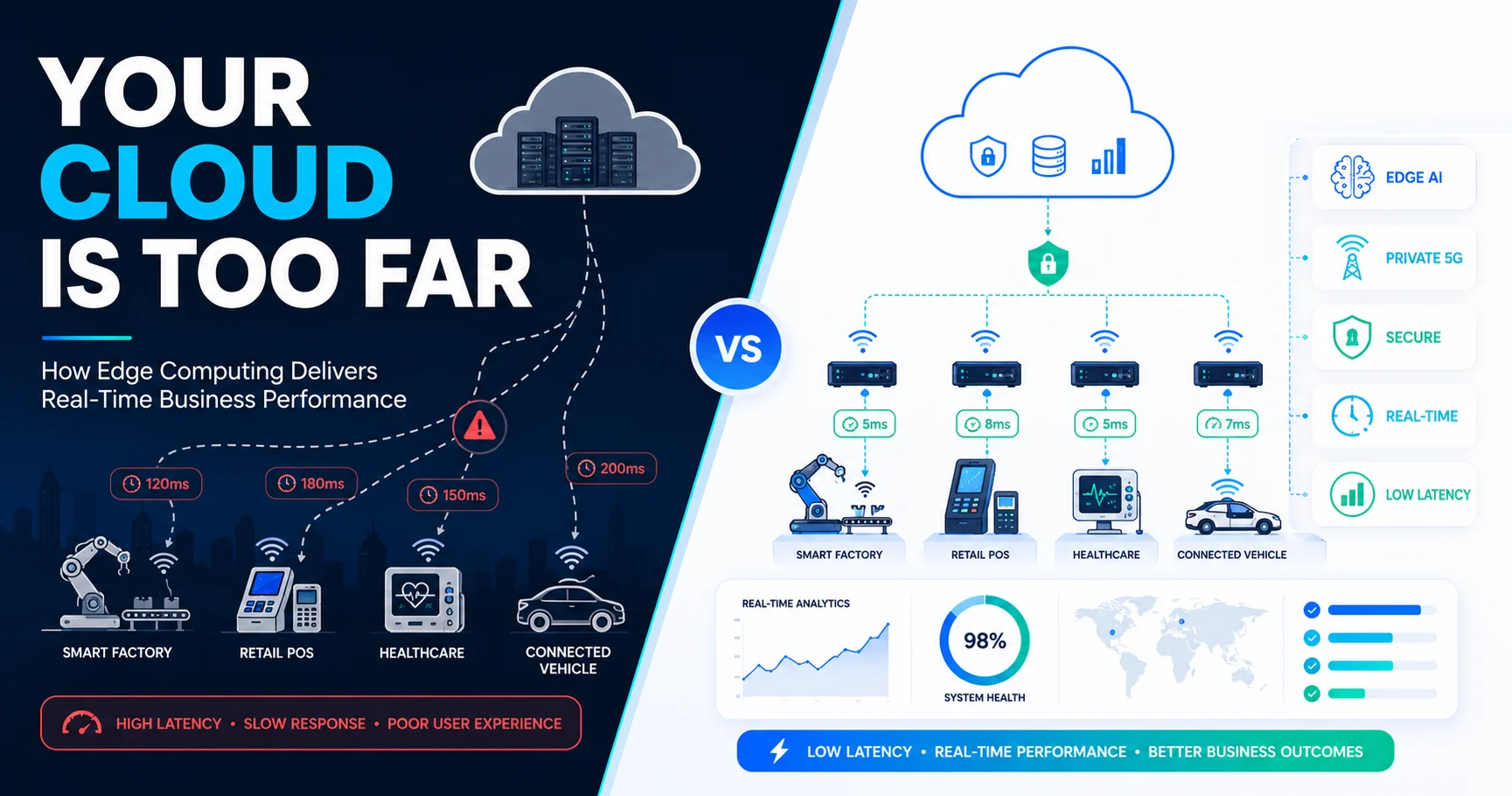
Edge Computing Infrastructure: Benefits, Use Cases, Challenges, and Business Value TL;DR: Edge computing infrastructure processes data near its source rather than routing it to centralized cloud servers. This approach cuts latency from 50–200ms to as low as 1–10ms, reduces bandwidth costs, and enables real-time decision-making. Enterprises across manufacturing, healthcare, retail, and logistics are adopting edge computing to gain speed, resilience, and competitive advantage. Cloud computing transformed enterprise IT. But as IoT devices multiply, customer expectations for real-time experiences rise, and operational data volumes explode, routing every byte of data to a distant data center has become a bottleneck rather than a strength. Consider this: a production line processing 60 parts per second cannot afford a 200ms round trip to the cloud for a quality check. An autonomous vehicle cannot wait 100ms for a navigation update. A hospital monitoring patient vitals cannot tolerate network-dependent delays. These are not edge cases — they represent the operational reality of modern enterprise. Edge computing addresses this directly. Rather than centralizing all computation, edge computing infrastructure distributes processing power to locations close to where data originates. The result is faster response times, lower bandwidth consumption, reduced cloud costs, and greater resilience when network connectivity is disrupted. According to Gartner Research, 75% of enterprise data will be processed at the edge in the coming years, up from just 10% historically. The global edge computing market reflects this momentum — valued at $28.5 billion in 2026 and projected to grow to $263.8 billion by 2034 (Global Market Insights). This guide covers everything enterprise leaders and technology teams need to understand: how edge computing infrastructure works, what business problems it solves, where it is being deployed, and how to build a strategy that delivers lasting value. What Is Edge Computing Infrastructure? Edge computing infrastructure is a distributed computing model that moves data processing, storage, and application logic closer to the physical source of that data — whether that is a factory sensor, a retail POS terminal, a hospital monitoring device, or a connected vehicle. Unlike traditional cloud computing, which consolidates workloads in centralized data centers, edge computing places compute resources at or near the network's boundary — the "edge." This proximity dramatically shortens the distance data must travel before it is processed, which in turn reduces latency, decreases bandwidth consumption, and enables real-time decision-making without dependency on cloud connectivity. Edge computing does not replace the cloud. It extends it. Most enterprise deployments follow a hybrid model: time-sensitive workloads are processed at the edge, while aggregated results, long-term analytics, and non-critical data flow to the central cloud for storage and analysis. The relationship between edge computing and the Internet of Things (IoT) is particularly important. IoT devices generate enormous volumes of data continuously. Sending all of that raw data to the cloud is expensive and slow. Edge computing allows organizations to filter, analyze, and act on relevant data locally, transmitting only meaningful insights to centralized systems. For enterprises looking to understand how infrastructure management ties into this broader picture, our overview of infrastructure management services provides a strong foundation. Why Businesses Are Investing in Edge Computing The business case for edge computing infrastructure comes down to speed, cost, resilience, and competitive differentiation. Speed and responsiveness. Edge computing cuts latency to 1–10ms, compared to 50–200ms or more for cloud-only architectures (Firecell, 2026). For industries where milliseconds determine safety, quality, or customer experience, this difference is critical. Reduced bandwidth costs. Processing data locally means only relevant summaries and alerts are transmitted to the cloud. Organizations with high-volume IoT deployments report substantial savings in network and cloud egress costs when edge processing filters data before it leaves the site. Business continuity. Edge nodes operate independently of cloud connectivity. If a network link fails, local operations continue without interruption. This autonomy is especially valuable for manufacturing plants, remote energy sites, and retail locations with unreliable connectivity. Competitive advantage. Real-time analytics, personalized customer experiences, and AI-powered automation all depend on fast data processing. Enterprises that deploy edge computing infrastructure gain the ability to act on insights faster than competitors relying solely on cloud processing. Regulatory compliance. Data sovereignty laws in sectors such as healthcare, finance, and government often require sensitive data to remain within specific geographic boundaries. Processing that data locally at the edge simplifies compliance and reduces the risk of regulatory violations. Core Components of Edge Computing Infrastructure Understanding the building blocks of an edge computing deployment helps enterprise architects make informed design decisions. Edge Devices Edge devices are the data generators — IoT sensors, industrial cameras, medical monitors, point-of-sale terminals, and connected machinery. These devices collect raw data from the physical environment and initiate the edge computing workflow. Edge Gateways Edge gateways aggregate data from multiple edge devices and perform initial filtering, protocol conversion, and local processing. They act as the bridge between field devices and edge servers, reducing the data volume that needs to travel further in the network stack. Edge Servers Edge servers are the compute workhorses of the architecture. These ruggedized or micro-data-center-grade machines run applications, AI inference models, and analytics workloads locally. They handle the heavy processing that cannot wait for a cloud round trip. Cloud Integration Layer This layer manages the secure transmission of processed data, logs, and aggregated insights from edge locations to the central cloud. It also pushes software updates, configuration changes, and AI model refreshes from the cloud down to edge nodes. Our guide on cloud infrastructure management covers this integration layer in detail. Network Connectivity Edge deployments depend on reliable, low-latency network connectivity — whether via private 5G, Wi-Fi 6, fiber, or MPLS. Network design significantly affects edge performance and resilience. Monitoring and Management Tools Distributed edge nodes require centralized visibility. Monitoring platforms track device health, performance metrics, security events, and connectivity status across all edge locations. Learn more about how infrastructure monitoring supports edge environments. How Edge Computing Architecture Works A complete edge computing architecture follows a layered data flow that moves from the physical world to business applications: User Device / Physical Environment → Edge Device (IoT Sensor / Camera) → Edge Gateway (Aggregation & Filtering) → Edge Server (Local Processing & AI Inference) → Secure Network Link → Central Cloud (Storage, Long-Term Analytics) → Business Applications (Dashboards, Reports, Alerts) At each stage, data is filtered and enriched. Raw sensor readings become structured events at the gateway. Structured events become actionable insights at the edge server. Actionable insights flow to the cloud where they inform business strategy and feed machine learning pipelines. This architecture ensures that time-sensitive decisions happen locally in milliseconds, while strategic analysis happens centrally with full context. Enterprises designing this layered approach benefit from working with specialists in cloud architecture and infrastructure who can optimize data flows across edge and cloud tiers. Top Benefits of Edge Computing Infrastructure Ultra-Low Latency Edge computing reduces response times by two to ten times compared to centralized cloud processing (3GPP, cited in Firecell, 2026). For applications such as autonomous robotics, real-time quality inspection, and financial transaction processing, sub-10ms response times are not optional — they are a hard requirement. Better Customer Experience Retailers can deliver personalized product recommendations in real time. Media platforms can stream content without buffering. Healthcare providers can surface patient alerts instantly. Edge computing makes all of this possible by eliminating the round-trip delay to distant data centers. Lower Cloud Costs By processing data at the edge and transmitting only essential information to the cloud, enterprises significantly reduce cloud storage, compute, and egress costs. Our FinOps and cloud cost optimization guide outlines strategies that pair well with edge architecture to drive sustained cost efficiency. Improved Privacy and Data Sovereignty Sensitive data — patient records, financial transactions, biometric data — can be processed and stored locally without ever leaving the facility or jurisdiction. This reduces exposure to external threats and simplifies regulatory compliance. Business Continuity Local edge nodes continue operating during cloud or WAN outages. Critical processes stay online regardless of connectivity disruptions, which is especially important for manufacturing, logistics, and emergency services. Scalability Edge infrastructure scales horizontally. New edge locations can be added to the network without overhauling the central cloud architecture, making edge computing well-suited to geographically distributed enterprise operations. Bandwidth Optimization Edge processing dramatically reduces the volume of raw data transmitted over expensive WAN and cloud links. Enterprises with high-density IoT environments see the most significant bandwidth savings. For organizations managing multi-cloud and hybrid environments alongside edge infrastructure, our hybrid cloud infrastructure management guide is a practical resource. Real Business Use Cases of Edge Computing Manufacturing Edge computing enables real-time quality control, predictive maintenance, and autonomous robotics on factory floors. Sensors embedded in machinery monitor vibration, temperature, and pressure, with edge nodes detecting anomalies within milliseconds. Maintenance teams receive alerts before equipment fails, reducing costly unplanned downtime. Healthcare Hospitals use edge computing to process patient monitoring data locally, enabling real-time alerts for critical changes in vitals. Edge infrastructure also supports robot-assisted surgeries, where any latency in data transmission could compromise patient safety. Additionally, local processing keeps sensitive health data compliant with HIPAA and similar regulations (IBM Think). Retail Brick-and-mortar retailers deploy edge computing to power real-time inventory management, facial recognition for frictionless checkout, and hyper-personalized in-store experiences. RFID tags and camera feeds are processed locally to trigger restocking alerts and targeted promotions without cloud dependency. Smart Cities Municipal governments use edge infrastructure to manage traffic flow, monitor public infrastructure, coordinate emergency vehicle routing, and analyze energy grid performance. Processing happens at distributed nodes across the city, reducing the volume of data that needs to reach central systems. Autonomous Vehicles Self-driving vehicles rely on edge computing to process LiDAR, radar, and camera data in real time. Navigation decisions must happen in milliseconds — far too fast for cloud processing. Edge computing enables vehicles to respond to dynamic traffic conditions instantly (IBM Think). Oil and Gas Remote energy sites — offshore platforms, pipeline monitoring stations — use edge computing for real-time asset monitoring and anomaly detection. Local processing reduces the need for expensive satellite bandwidth while ensuring continuous operational visibility. Banking Financial institutions deploy edge computing at ATMs, branch offices, and trading terminals to accelerate transaction processing, enable real-time fraud detection, and maintain operation during connectivity disruptions. Logistics Warehouses and distribution centers use edge computing to power machine vision systems that verify package integrity, guide autonomous sorting equipment, and optimize routing in real time — all without cloud dependency. Best Edge Computing Tech for Cloud-Based Frontend For development teams building cloud-based applications, the best edge computing tech for cloud-based frontend focuses on moving server-side logic and content delivery closer to users through distributed edge networks. Content Delivery Networks (CDNs) serve static assets from edge nodes geographically close to users, cutting page load times significantly. Modern CDNs have evolved from simple file caches to programmable edge platforms. Edge Rendering allows server-side rendering (SSR) and static site generation (SSG) to happen at edge nodes rather than centralized origin servers. A user in Tokyo receives content rendered at a Tokyo edge node, not a Virginia data center — dropping latency from 500ms to under 50ms. Edge Functions and Serverless Edge APIs enable developers to run business logic — authentication, personalization, A/B testing, rate limiting — at edge locations using platforms such as Cloudflare Workers, Vercel Edge Functions, AWS Lambda@Edge, and Deno Deploy. These tools support sub-millisecond cold starts and global deployment by default. AI Inference at the Edge allows machine learning models to run directly on edge nodes, enabling real-time content personalization, fraud scoring, and recommendation engines without cloud round trips. Smart Caching with Stale-While-Revalidate strategies ensure users receive fresh content immediately while background processes revalidate the cache, balancing performance with accuracy. The practical result: a frontend architecture built on edge computing edge computing solutions delivers faster page loads, lower infrastructure costs, and more personalized experiences at global scale. Edge Computing Hardware Explained Choosing the right edge computing hardware depends on the processing requirements, environmental conditions, and management complexity of each deployment. Industrial PCs and Embedded Computers are ruggedized computing units designed for factory floors, outdoor environments, and harsh industrial conditions. They support continuous operation under extreme temperature, vibration, and humidity. Micro Data Centers are self-contained, prefabricated compute units that include servers, storage, networking, power conditioning, and cooling in a single enclosure. They are deployed at retail locations, cell towers, and remote sites where traditional data center infrastructure is impractical. AI Accelerators (GPUs and TPUs) enable edge nodes to run demanding AI inference workloads locally — object detection, predictive maintenance models, natural language processing — without cloud dependency. Selecting the right accelerator is covered in detail in our multi-cloud GPU strategy for enterprise AI guide. Smart Gateways combine protocol translation, data aggregation, and edge analytics in a single device optimized for IoT environments. Rugged Edge Servers deliver full server-class processing in form factors designed for space-constrained or environmentally challenging deployments, including oil platforms, military installations, and remote substations. When selecting hardware, enterprise architects should evaluate power consumption, processing throughput, storage capacity, environmental rating, remote management capabilities, and total cost of ownership over the expected deployment lifecycle. How to Build an Effective Edge Computing Strategy A structured approach to building an edge computing strategy reduces deployment risk and accelerates business value. Assess Workloads Inventory all applications and data flows. Identify which workloads are latency-sensitive, data-intensive, or compliance-constrained. Not all workloads belong at the edge — strategic assessment prevents unnecessary complexity. Identify Latency-Sensitive Applications Applications requiring sub-20ms response times are prime edge candidates. These typically include real-time control systems, safety monitoring, customer-facing applications, and AI inference pipelines. Choose Edge Locations Select deployment locations based on proximity to data sources and end users. Consider network connectivity options, physical security, power availability, and maintenance access at each location. Design Security Architecture Edge nodes deployed in distributed, sometimes physically exposed environments require a robust security model. This includes device authentication, encrypted communications, network segmentation, and intrusion detection. Our IT infrastructure security best practices guide outlines the controls essential for edge deployments. Integrate with Cloud Design clear data pipelines between edge nodes and the central cloud. Define what data is processed locally, what is transmitted upstream, and at what frequency. Ensure bidirectional management — cloud to edge for configuration and updates, edge to cloud for insights and logs. Monitoring and Observability Distributed edge infrastructure demands centralized visibility. Implement monitoring that covers device health, application performance, network status, and security events across all edge locations. Explore the distinction between observability and monitoring to design an effective visibility strategy. Scaling Design edge infrastructure to scale without manual intervention. Containerized workloads, Infrastructure as Code, and automated provisioning enable rapid deployment of new edge nodes as the business expands. Common Challenges of Edge Computing Edge computing delivers significant value, but enterprise deployments face real operational challenges that require deliberate planning. Security at the Edge. Distributed nodes — often in environments with limited physical security — expand the attack surface. According to an AT&T survey (2022), businesses allocate 11–20% of their edge investment to security. Physical tampering, device authentication failures, and software vulnerabilities are all meaningful risks. Device Management at Scale. Managing hundreds or thousands of edge nodes — each with its own hardware, operating system, and application stack — is operationally demanding. Automated provisioning, remote management, and over-the-air updates are essential. Network Reliability. Edge nodes in remote or industrial environments may face unreliable connectivity. Infrastructure must be designed to maintain local operations during outages and synchronize gracefully when connectivity is restored. Compliance and Data Governance. Multi-jurisdictional deployments must comply with different data residency, privacy, and industry regulations across each location. Governance frameworks must account for this complexity. Operational Complexity. Managing a hybrid edge-cloud architecture requires new skills, processes, and tooling across networking, security, DevOps, and infrastructure teams. Vendor Lock-In. Proprietary edge platforms can create long-term dependencies. Enterprises should evaluate open standards, containerized workloads, and multi-vendor strategies to preserve flexibility. Robust disaster recovery planning is essential for edge environments. Our disaster recovery and business continuity guide addresses strategies for maintaining resilience across distributed infrastructure. Edge Computing Solutions for Modern Enterprises Enterprise edge computing solutions span a range of deployment models tailored to specific business needs: Managed Edge: Fully managed edge infrastructure delivered as a service, including hardware procurement, deployment, monitoring, and support Industrial Edge: Ruggedized edge deployments for manufacturing, energy, and logistics environments with real-time control and AI capabilities AI Edge: Edge nodes equipped with GPU accelerators for on-device inference, enabling real-time computer vision, predictive analytics, and NLP Private Edge with 5G: Combining edge compute with private 5G networks for ultra-low latency wireless connectivity within a campus or facility Retail Edge: In-store computing infrastructure for inventory management, customer analytics, and checkout automation Healthcare Edge: HIPAA-compliant edge deployments for patient monitoring, imaging analysis, and clinical workflow support IoT Edge: Platforms designed to aggregate, filter, and process high-volume IoT data streams from thousands of connected devices Hybrid Edge: Architectures that intelligently route workloads between edge nodes and cloud based on latency, cost, and compliance requirements Edge Computing vs. Cloud Computing Dimension Edge Computing Cloud Computing Latency 1–10 ms 50–200+ ms Data Processing Location Near the source Centralized data centers Best Use Cases Real-time control, AI inference, IoT Long-term analytics, storage, SaaS Resilience Operates during connectivity loss Dependent on network connectivity Cost Model Higher upfront hardware; lower bandwidth Pay-as-you-go; higher egress costs at scale Scalability Horizontal, distributed Near-unlimited vertical and horizontal Security Model Distributed, edge-hardened Centralized, provider-managed Deployment Complexity Higher — distributed management Lower — centralized management The choice between edge and cloud is rarely binary. Process control loops require edge latency below 10ms. Long-term analytics and business intelligence thrive in the cloud. Most enterprise deployments combine both — and the growing discipline of hybrid edge-cloud architecture ensures each workload runs where it performs best. For deeper guidance on cloud-side infrastructure design, our cloud infrastructure management guide is a practical reference. Best Practices for Successful Edge Infrastructure The following checklist reflects what high-performing enterprise edge deployments have in common: Standardize hardware platforms across edge locations to simplify maintenance and spare parts management Adopt Zero Trust Security — authenticate every device, encrypt all communications, segment networks rigorously Use Infrastructure as Code (IaC) to provision and configure edge nodes consistently and at scale — see our Fortune 500 multi-cloud IaC guide for proven patterns Implement remote monitoring to detect hardware failures, connectivity issues, and security events without requiring on-site intervention Containerize workloads for portability, easier updates, and consistent behavior across edge nodes Automate operations — patching, configuration management, and scaling should require minimal human intervention; explore infrastructure automation tools to accelerate this Build observability into every layer — metrics, logs, and traces from all edge nodes should feed into a unified management plane Plan for hardware lifecycle management — edge hardware depreciates and requires replacement; build refresh cycles into your strategy from day one Future Trends in Edge Computing Infrastructure The edge computing landscape is evolving rapidly. These are the developments that enterprise technology leaders should track closely. Edge AI and On-Device Inference. Machine learning models are increasingly deployed directly on edge hardware, enabling real-time computer vision, anomaly detection, and predictive analytics without cloud dependency. As AI accelerator hardware becomes more affordable and energy-efficient, edge AI capabilities will become standard in industrial and retail deployments. Private 5G Networks. The convergence of edge computing and private 5G delivers ultra-low latency wireless connectivity within campuses, factories, and large facilities. 5G Ultra-Reliable Low-Latency Communication (URLLC) targets end-to-end latency below 1ms with 99.999% reliability — a significant enabler for autonomous robotics and industrial automation. Digital Twins. Edge infrastructure feeds real-time operational data into digital twin models — virtual replicas of physical assets and systems. These models enable simulation, predictive maintenance, and optimization at a level of fidelity that cloud-only architectures cannot match. Edge Kubernetes and Container Orchestration. Kubernetes-based platforms are extending to edge environments, bringing consistent workload management, self-healing capabilities, and CI/CD pipelines to distributed edge nodes. This approach reduces operational complexity significantly — and our Kubernetes and containerization services are built to support this evolution. Autonomous Edge Infrastructure. AI-driven infrastructure management will enable edge nodes to self-configure, self-heal, and self-optimize — reducing the operational burden of managing large distributed deployments. Sustainable Edge Data Centers. Energy efficiency is becoming a priority as edge deployments scale. Liquid cooling, renewable energy integration, and intelligent power management are emerging as standard design requirements for enterprise edge infrastructure. The Strategic Imperative of Edge Computing The shift to distributed computing is not a speculative future scenario — it is an operational reality unfolding across industries at scale. With global edge computing hardware markets projected to grow from $14.82 billion in 2026 to nearly $49.38 billion (Fortune Business Insights), and enterprise data processing shifting decisively toward the edge, the question for most organizations is not whether to invest in edge computing infrastructure, but when and how. The enterprises that move deliberately — assessing their workloads, designing secure and scalable architectures, and integrating edge with their existing cloud environments — will gain sustainable advantages in speed, efficiency, resilience, and customer experience. Edge computing infrastructure is foundational to the next generation of enterprise technology. It enables real-time AI, autonomous operations, personalized digital experiences, and operational continuity at a scale that cloud-only architectures simply cannot deliver. Ready to design and deploy enterprise-grade edge computing infrastructure? Explore SISGAIN's infrastructure management services to learn how our team helps enterprises plan, build, and operate distributed infrastructure that drives measurable business value. table { width: 100%; max-width: 100%; border-collapse: collapse; margin: 24px 0; font-size: 15px; line-height: 1.6; background: #ffffff; border: 1px solid #d9e2ec; display: block; overflow-x: auto; overflow-y: hidden; white-space: nowrap; -webkit-overflow-scrolling: touch; border-radius: 10px; } table tbody { display: table; width: 100%; } table th { background: #0b2a4a; color: #ffffff; font-weight: 700; text-align: left; padding: 14px 16px; border: 1px solid #0b2a4a; } table td { padding: 13px 16px; border: 1px solid #d9e2ec; color: #1f2937; vertical-align: top; } table tr:nth-child(even) td { background: #f8fbff; } table tr:hover td { background: #eef6ff; } table p { margin: 0; } /* Mobile Optimization */ @media (max-width: 768px) { table { font-size: 14px; } table th, table td { padding: 12px; } }
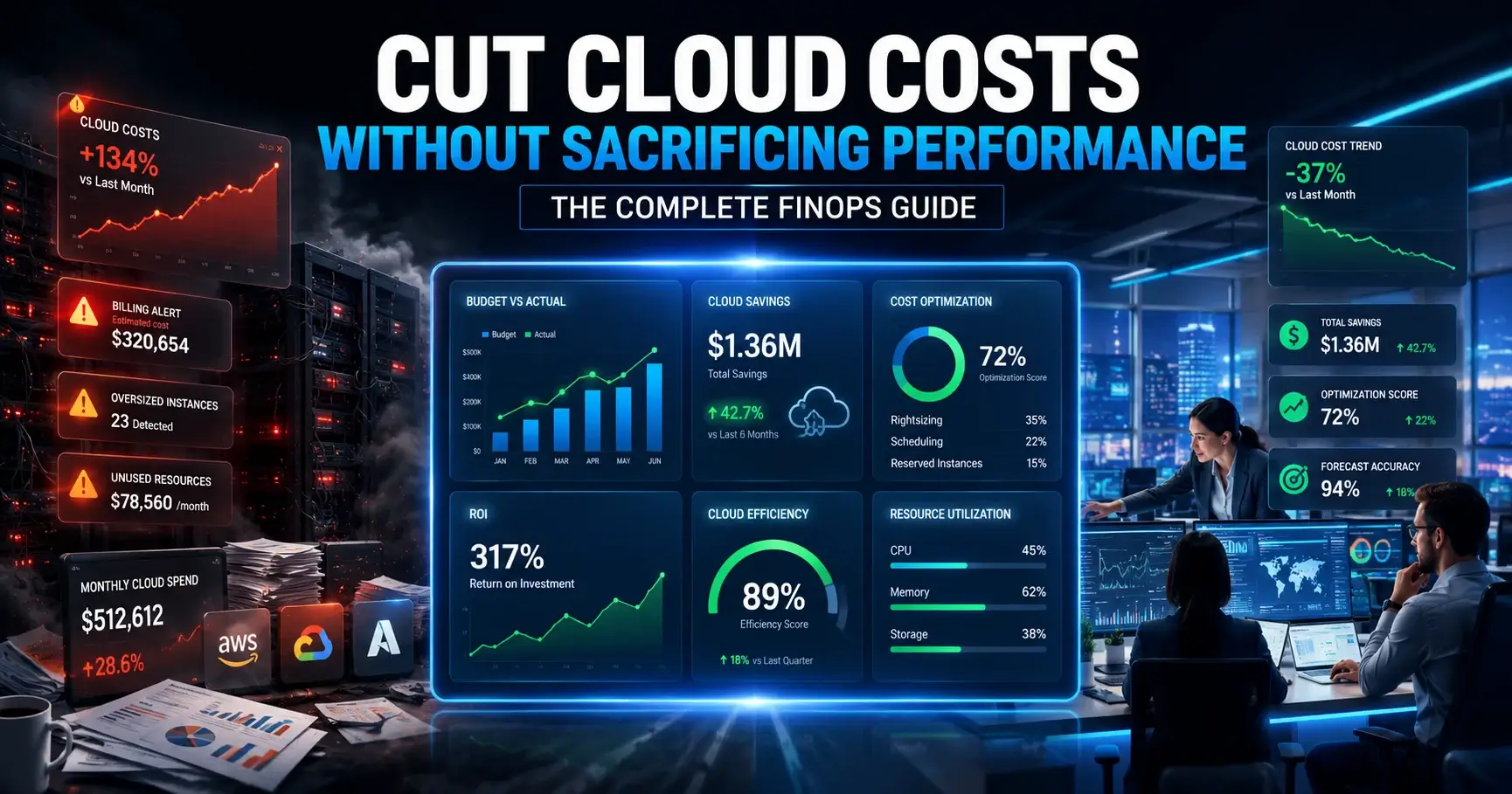
What Is FinOps? Complete Guide to Cloud Cost Optimization for Businesses Quick answer: FinOps (short for Financial Operations) is an operational framework and cultural practice that maximizes the business value of technology by enabling timely, data-driven decisions and creating financial accountability through collaboration between engineering, finance, and business teams. It helps organizations control cloud costs without slowing down innovation. Cloud bills have a way of growing faster than anyone plans for. A team spins up a handful of virtual machines for a project, the project ends, but the machines keep running. Reserved instances get purchased without a clear usage strategy. Infrastructure scales up for peak demand and never scales back down. Before long, finance is asking questions that engineering can't answer, and engineering is making decisions that finance never approved. This is not an unusual story. According to a 2025 report by Harness, an estimated 21% of enterprise cloud infrastructure spend — equivalent to $44.5 billion globally — is wasted on underutilized resources each year. Meanwhile, Gartner forecasts that global public cloud spending reached over $720 billion in 2025, up from nearly $600 billion in 2024. The financial stakes have never been higher. The challenge is not that organizations are spending too much on cloud. Often, they are spending in the wrong places, without enough visibility to know the difference. Traditional budgeting approaches were built for predictable, fixed-cost environments. Cloud infrastructure is the opposite — elastic, variable, and billed by the minute. That mismatch is exactly what FinOps was designed to solve. This guide covers everything decision-makers, engineers, and finance teams need to understand about FinOps: what it is, how the FinOps framework works, what platforms support it, how to implement it, and when to consider engaging expert FinOps services. Why Does Cloud Cost Optimization Matter for Businesses Today? Cloud adoption has moved well beyond experimentation. For most organizations, cloud infrastructure now powers core operations — customer-facing applications, data pipelines, machine learning workloads, development environments, and more. That operational dependence brings real financial consequences. The cost structure of cloud is fundamentally different from on-premises infrastructure. Instead of fixed, depreciated assets, cloud spend is variable, consumption-based, and billed continuously. That flexibility is a genuine advantage — but it also creates serious risks for organizations that lack the visibility and governance to manage it. Several factors are driving cloud costs upward across enterprises: Overprovisioning: Teams allocate resources for peak demand and rarely resize them afterward. According to SISGAIN's client data, up to 60% of compute resources frequently run at under 20% utilization. Idle and zombie resources: Forgotten virtual machines, unattached storage volumes, and unused load balancers accumulate silently. They deliver zero business value but generate real charges every month. Multi-cloud complexity: Managing costs across AWS, Azure, and GCP simultaneously creates data silos and blind spots. Without centralized visibility, it's nearly impossible to understand total spend or compare efficiency across providers. Commitment waste: Reserved Instances and Savings Plans purchased without a coherent FinOps strategy often expire underutilized, converting committed spend into wasted investment. Organizational silos: Finance teams see invoices. Engineering teams see resource utilization. Neither has the complete picture, and without shared context, cost decisions are made in isolation. The result: according to Flexera's State of the Cloud report, 84% of organizations identify managing cloud spend as their top cloud challenge. Only 3 in 10 have a clear understanding of where their cloud spend is actually going. Cloud cost optimization, done properly, is not about cutting corners or restricting engineering teams. It is about making intentional, data-driven decisions about where cloud investment delivers the most business value — and eliminating the spend that doesn't. What Is FinOps? According to the FinOps Foundation's Technical Advisory Council, updated March 2026: "FinOps is an operational framework and cultural practice which maximizes the business value of technology, enables timely data-driven decision making, and creates financial accountability through collaboration between engineering, finance, and business teams." The term itself is a portmanteau of "Finance" and "DevOps" — a nod to the collaborative, iterative, cross-functional nature of the practice. Other names for FinOps include Cloud Financial Management, Cloud Cost Management, Cloud Financial Engineering, and Cloud Optimization. All describe the same underlying discipline. A common misconception is that FinOps is about saving money. The FinOps Foundation explicitly addresses this: FinOps is about getting the most value out of technology to drive efficient growth, not simply minimizing spend. Sometimes that means cutting costs. Sometimes it means investing more — but doing so deliberately, with clear visibility into the expected return. FinOps has its roots in managing public cloud costs, but the modern practice has expanded significantly. Today, FinOps principles apply across all technology categories: SaaS subscriptions, software licensing, data center infrastructure, data cloud platforms, AI services, and Kubernetes workloads. FinOps vs. traditional cloud cost management: Dimension Traditional Cloud Cost Management FinOps Approach Reactive, after-the-fact Proactive, continuous Ownership Centralized IT or Finance Distributed across Engineering, Finance, Product Visibility Monthly billing reviews Real-time cost dashboards Decision-making Top-down budget enforcement Data-driven, team-level accountability Optimization Periodic manual reviews Automated, continuous sprints Culture Cost as a Finance concern Cost as a shared engineering metric How Does FinOps Work in Practice? FinOps is, at its core, a cultural change as much as a technical one. It works by breaking down the organizational silos that typically separate cloud spending decisions from the people who understand cloud architecture — and those who control financial planning. In a mature FinOps practice, engineering teams understand the cost implications of their architectural choices before they deploy resources. Finance teams have real-time visibility into cloud spend rather than waiting for the monthly invoice. Product teams factor cost efficiency into their roadmap priorities. And leadership has the executive reporting needed to make confident investment decisions. Practically, this looks like: Shared dashboards: A single source of truth for cloud costs, visible to finance, engineering, and leadership simultaneously, broken down by team, service, environment, and application. Cost ownership at the team level: Individual engineering teams are accountable for the cloud spend their services generate. This is called "showback" (showing teams their costs) or "chargeback" (allocating actual costs back to budget centers). Regular optimization reviews: Monthly sprints where identified waste — idle resources, oversized instances, unused services — is systematically eliminated. Collaborative forecasting: Engineering and finance teams co-develop cloud budget forecasts based on actual utilization data rather than estimates. The cross-functional collaboration that FinOps requires is also what makes it effective. The Harness FinOps in Focus 2025 report found that 55% of developers say cloud infrastructure purchasing commitments are ultimately based on guesswork — primarily because they lack real-time visibility into cost data. FinOps closes that gap by giving the people who make architectural decisions the financial context they need to make better ones. For organizations managing cloud infrastructure management at scale, this kind of cross-team alignment is foundational to sustainable cost efficiency. What Is the FinOps Framework? The FinOps Framework, developed and maintained by the FinOps Foundation, is the operating model that defines how organizations establish and evolve a successful FinOps practice. It encompasses principles, personas, phases, maturity models, domains, and capabilities — all structured in a common language that reflects how practitioners drive value from technology investments. The Six FinOps Principles The FinOps Foundation defines six core principles that guide FinOps practice: Teams need to collaborate: Finance, technology, product, and leadership work together across all technology categories, from executives to engineers. Everyone is focused on the most valuable strategic goals, and teams continuously improve for efficiency and innovation. Business value drives technology decisions: Unit economic and value-based metrics demonstrate business impact better than aggregate spend alone. FinOps teams make conscious trade-offs among cost, quality, and speed — always anchored to business outcomes. Everyone takes ownership for their technology usage: Accountability is pushed to the edge. Engineers take ownership of costs from architecture design through ongoing operations. Decentralized decision-making around cost-effective architecture is encouraged, and cost is treated as a first-class metric throughout the software development lifecycle. FinOps data should be accessible, timely, and accurate: Cost data is processed and shared as soon as it becomes available. Real-time visibility drives better utilization. Fast feedback loops result in more efficient behavior across the organization. A centralized FinOps function enables best practices: A central FinOps team encourages, evangelizes, and enables best practices across a shared accountability model. Rate and commitment optimization are best handled centrally to take advantage of economies of scale. Take advantage of the variable cost model: Cloud and modern technology categories offer consumption-based pricing with significant optimization opportunities. FinOps practices embrace just-in-time capacity planning and shift from infrequent reactive cleanups to proactive, continuous optimization. These principles are not a checklist — they are a north star. Organizations returning to them regularly will find their FinOps practice stays grounded in business value rather than drifting into pure cost-cutting. FinOps Framework Phases: Inform, Optimize, Operate The FinOps journey consists of three iterative phases: Inform, Optimize, and Operate. These phases are not sequential steps to be completed once — they form a continuous cycle that FinOps teams work through repeatedly as their practice matures and their technology environment evolves. Inform — Visibility and Allocation The Inform phase focuses on building accurate visibility into technology cost, usage, and efficiency. Without this foundation, optimization efforts are speculative at best. Key activities in the Inform phase include: Data ingestion: Connecting to cloud billing APIs (AWS Cost & Usage Reports, Azure Cost Management APIs, GCP Billing Export) to ingest granular, line-item cost data across all accounts and services. Allocation and tagging: Attributing cloud spend to the teams, applications, environments, and business units that generated it. Accurate allocation is the prerequisite for every downstream reporting and accountability activity. Reporting and analytics: Creating dashboards that give finance, engineering, and leadership a shared view of current spend, broken down by the dimensions that matter to each stakeholder. Forecasting: Building models that predict future cloud spend based on historical trends and planned capacity changes. Unit economics: Calculating the cost per unit of business value — cost per customer, cost per transaction, cost per API call — to connect infrastructure spend directly to business outcomes. The on-demand and elastic nature of cloud technology means that the Inform phase is never truly complete. Organizations must continuously revisit it to validate the impact of optimization actions and ensure that decisions are grounded in accurate data. Effective infrastructure monitoring and observability practices are closely related to this phase — comprehensive telemetry and cost data work together to provide the full picture of infrastructure health and efficiency. Optimize — Rates and Usage With accurate visibility established, the Optimize phase focuses on identifying and documenting opportunities to improve efficiency and value across the technology landscape. Optimization in FinOps operates across two dimensions: Usage optimization: Reducing resource consumption to achieve the same or better outcomes. This includes rightsizing oversized instances, eliminating idle and zombie resources, cleaning up unused storage, and modernizing architectures to use more efficient services. Rate optimization: Ensuring the organization pays the right price for the resources it must use. This includes purchasing Reserved Instances and Savings Plans for stable workloads, using Spot or Preemptible instances for fault-tolerant jobs, and negotiating enterprise discount programs with cloud providers. Usage optimization primarily requires collaboration with engineering teams, who understand workload behavior and can assess the impact of configuration changes. Rate optimization requires procurement and leadership involvement, since it involves financial commitments. A well-functioning FinOps practice coordinates both. The Optimize phase also involves prioritizing opportunities. Not every optimization delivers equal value, and teams have limited capacity to act on every finding simultaneously. Establishing clear criteria for prioritization — based on savings potential, implementation complexity, and business risk — ensures that FinOps effort delivers maximum impact. This connects directly to infrastructure automation tools that can make optimization more consistent and scalable. Operate — Continuous Improvement The Operate phase is where identified optimizations become implemented realities. It is also the phase most dependent on organizational culture — because meaningful, sustained cost reduction requires continuous action, not periodic cleanup. Key activities in the Operate phase include: Implementing changes: Rightsizing instances, purchasing commitment-based discounts, shutting down unused resources, and deploying automation to prevent waste from recurring. Governance and policy enforcement: Establishing budget alerts, tagging policies, and guardrails that prevent new waste from accumulating. Accountability reporting: Delivering showback and chargeback reports that make team-level cloud costs visible and create shared responsibility. Continuous monitoring: Detecting anomalies, tracking KPIs, and reviewing optimization outcomes to validate that changes delivered the expected savings. Maturity development: Maturing the FinOps practice itself — expanding scope, improving processes, and building internal FinOps champions who sustain the practice long-term. The Operate phase loops directly back into Inform and Optimize. As infrastructure changes and new workloads are deployed, the cycle restarts — which is precisely the point. FinOps is not a project with an end date. It is an ongoing operating discipline. Understanding the FinOps Lifecycle The FinOps lifecycle describes the continuous process through which organizations improve their cloud financial management over time. It is not a linear path from start to finish — it is a feedback loop that becomes faster, more precise, and more valuable as the organization's FinOps maturity grows. The FinOps Foundation's maturity model frames this progression as "Crawl, Walk, Run": Crawl: Reactive and focused on problem-solving after the fact. Basic visibility is established, and quick-win optimizations are identified. Cost allocation may be incomplete, and governance is minimal. Walk: Proactive optimization becomes routine. Tagging coverage improves, automation handles some optimization tasks, and teams begin taking ownership of their cloud spend. Forecasting accuracy improves. Run: Cost efficiency is embedded in engineering culture. Cost is treated as a first-class metric in architecture decisions. Sophisticated automation handles governance and anomaly detection. FinOps informs strategic investment decisions at the executive level. Most organizations begin their FinOps journey in Crawl — and that is entirely appropriate. The goal is to take action at a scale that is manageable, measure the results, and build momentum. Quick wins in the early stages generate the business case for investing in more mature capabilities. Progressing through the FinOps lifecycle also depends on how well FinOps practices integrate with adjacent disciplines. Organizations with strong IT infrastructure security practices, well-governed hybrid cloud environments, and mature infrastructure management services tend to reach FinOps maturity faster — because the underlying data quality, governance habits, and cross-team collaboration are already in place. What Are the Core FinOps Capabilities Every Organization Should Build? The FinOps Framework organizes specific functional capabilities under four domains. Each capability represents a discrete area of FinOps activity that organizations can develop progressively: Understand Usage and Cost Data Ingestion: Connecting to billing data sources and normalizing cost data across cloud providers and technology categories. Allocation: Attributing spend to business units, teams, environments, and applications through tagging and account structure. Reporting and Analytics: Delivering cost visibility to all stakeholders through dashboards, scheduled reports, and ad-hoc analysis. Anomaly Management: Detecting and responding to unexpected cost spikes before they result in significant overruns. Quantify Business Value Forecasting: Predicting future cloud spend based on historical trends, planned workloads, and business growth projections. Budgeting: Setting and managing cloud budgets at the organizational, team, and service level. KPIs and Benchmarking: Defining and tracking the metrics that demonstrate cloud efficiency and business value. Unit Economics: Connecting infrastructure costs to business outcomes — cost per user, cost per transaction, cost per feature. Optimize Usage and Cost Usage Optimization: Rightsizing, eliminating waste, modernizing architectures, and improving resource efficiency. Rate Optimization: Managing Reserved Instances, Savings Plans, Committed Use Discounts, Spot instances, and enterprise agreements. Licensing and SaaS: Rationalizing software licenses and SaaS subscriptions to eliminate redundancy and underutilization. Manage the FinOps Practice Governance, Policy, and Risk: Implementing tagging standards, budget guardrails, policy-as-code, and compliance controls. Automation, Tools, and Services: Deploying platforms and automation that make FinOps activities faster, more consistent, and less dependent on manual effort. FinOps Education and Enablement: Building internal knowledge and FinOps culture across engineering, finance, and product teams. Invoicing and Chargeback: Allocating cloud costs back to the business units and cost centers that consumed them. No organization builds all of these capabilities at once. The practical approach is to identify which capabilities would deliver the most immediate value given the current state of cloud spend, and develop them in priority order. What Are the Best FinOps Platforms for Cloud Cost Management? Several platforms support FinOps practices across different cloud environments, team sizes, and maturity levels. The right choice depends on the organization's cloud providers, governance requirements, technical complexity, and budget. Native Cloud Provider Tools AWS Cost Explorer: AWS's built-in cost management tool provides visualizations of AWS spending, rightsizing recommendations for EC2, Reserved Instance recommendations, and basic anomaly detection. Strong for AWS-only environments; limited for multi-cloud. Azure Cost Management: Microsoft's native tool for Azure cost visibility, budget management, and anomaly alerts. Includes some support for AWS costs through connector integrations. Best suited for Azure-centric or Microsoft-ecosystem organizations. Google Cloud Billing: GCP's native billing and cost reporting interface, with budget alerts, cost tables, and BigQuery export for advanced analysis. Works well within GCP environments; lacks multi-cloud breadth. Enterprise and Multi-Cloud Platforms CloudHealth by VMware: A mature multi-cloud management platform with strong governance features, policy enforcement, chargeback reporting, and optimization recommendations across AWS, Azure, and GCP. Well-suited for large enterprise environments. Apptio Cloudability: Focused on cloud financial management with strong alignment to business units and cost center reporting. Popular with finance-centric organizations and those already using Apptio for IT financial management. Flexera One: Combines multi-cloud cost management with software license management and ITAM (IT Asset Management), making it a strong choice for enterprises managing both cloud and on-premises technology costs. Harness Cloud Cost Management (CCM): Developer-focused FinOps platform with AI-powered recommendations, Kubernetes cost visibility, and tight integration with CI/CD pipelines. Particularly useful for organizations prioritizing developer-level cost ownership. Kubecost: Open-source Kubernetes cost allocation tool that provides namespace-level cost visibility, rightsizing recommendations, and cluster efficiency reporting. A common choice for organizations running significant containerized workloads. FinOps Platform Comparison Platform Best For Multi-Cloud Kubernetes Governance AWS Cost Explorer AWS-only environments ✗ Limited Basic Azure Cost Management Azure-centric orgs Partial Limited Moderate Google Cloud Billing GCP environments ✗ Limited Basic CloudHealth Large enterprise, multi-cloud ✓ Limited Strong Apptio Cloudability Finance-focused enterprises ✓ Limited Strong Flexera One Cloud + license management ✓ Limited Strong Harness CCM Developer-centric FinOps ✓ Strong Moderate Kubecost Kubernetes-heavy workloads Partial Strong Moderate For organizations managing complex multi-cloud environments, combining native tools with a third-party platform — or engaging cloud managed services — often delivers better coverage and more actionable insights than any single tool can provide. What Is a FinOps Report? A FinOps report is a structured communication artifact that delivers cloud cost intelligence to specific stakeholders within the organization. Unlike raw billing exports, a well-designed FinOps report translates cost data into business context that informs decisions. Executive FinOps Report (monthly or quarterly, for C-suite and board): Total cloud spend vs. budget Month-over-month and year-over-year trends Savings achieved through optimization activities Forecasted spend for the next quarter Key cost drivers and anomalies ROI from FinOps initiatives Team-Level Showback Report (weekly or bi-weekly, for engineering and product teams): Cloud spend attributed to the team's services and environments Comparison to previous period and budget allocation Identified waste and optimization opportunities Reserved Instance coverage and utilization Recommendations with estimated savings Finance and Budget Report (monthly, for finance teams): Spend by cost center, department, and business unit Budget variance analysis Commitment utilization (Reserved Instances, Savings Plans) Forecasted variance for the remainder of the fiscal period Chargeback allocations The most effective FinOps reports are automated, delivered on a consistent cadence, and actionable — meaning each stakeholder can clearly see what decisions or actions the data suggests. What Are the Most Effective Cloud Cost Optimization Techniques? The specific optimization techniques available depend on the cloud provider, workload type, and architectural patterns in use. These are the highest-impact approaches across most enterprise environments: Rightsizing: Adjusting instance types, sizes, and configurations to match actual workload requirements. Rightsizing uses historical utilization data — typically 30 to 90 days — to identify oversized resources. This single technique typically delivers 15–30% cost reduction in compute-heavy environments. Reserved Instances and Savings Plans: Committing to one- or three-year usage terms in exchange for discounts of 30–60% compared to on-demand pricing. Effective for predictable, stable workloads. Requires careful analysis to avoid commitment waste. Spot and Preemptible Instances: Using spare cloud provider capacity at deeply discounted rates (up to 90% off on-demand) for fault-tolerant, interruptible workloads such as batch processing, data pipelines, and CI/CD jobs. Auto-Scaling: Configuring workloads to scale resources up and down dynamically based on demand. Prevents paying for capacity during low-traffic periods. Particularly impactful for web applications with variable traffic patterns. Idle and Zombie Resource Cleanup: Systematically identifying and terminating unused virtual machines, unattached storage volumes, obsolete snapshots, and forgotten load balancers. Automation is critical here — manual reviews catch a fraction of what automated daily scans find. Storage Tiering: Moving infrequently accessed data to lower-cost storage tiers (e.g., AWS S3 Glacier, Azure Archive Storage, GCP Coldline). Often overlooked, storage optimization can deliver significant savings in data-intensive environments. Kubernetes Cost Optimization: Implementing namespace-level cost allocation, pod rightsizing, cluster autoscaler tuning, and Spot/Preemptible node strategies for containerized workloads. Kubernetes environments are particularly prone to overprovisioning because resource limits are set conservatively to ensure application stability. Cloud architecture and infrastructure design plays a significant role in Kubernetes cost efficiency. Serverless Optimization: Reviewing function memory allocations, execution timeouts, and concurrency limits for serverless workloads. Many organizations set these values at defaults and never revisit them. Tagging and Allocation Governance: Ensuring all resources are consistently tagged by team, environment, application, and cost center. Untagged resources cannot be allocated accurately — and resources that lack accountability tend to accumulate waste faster. Infrastructure automation tools can enforce tagging standards at the point of provisioning. What Are the Key Benefits of FinOps for Businesses? Organizations that implement FinOps practices consistently report benefits across financial, operational, and cultural dimensions: Direct cost reduction: SISGAIN's FinOps engagements typically achieve 30–45% cloud cost reduction within 60–90 days through a combination of rightsizing, commitment optimization, waste elimination, and governance. The specific savings depend on the starting state — organizations with no prior FinOps practice tend to have more low-hanging fruit. Real-time cost visibility: Finance and engineering teams gain access to up-to-date cost data rather than month-end billing surprises. This visibility alone changes behavior — teams that can see the cost impact of their decisions tend to make more cost-conscious architectural choices. Budget accuracy and forecasting: With historical utilization data and unit economic models, FinOps teams can forecast cloud spend significantly more accurately than traditional IT budget processes allow. This improves financial planning and reduces budget variance. Accountability and governance: Showback and chargeback reporting create clear ownership of cloud costs at the team and service level. When teams know their costs are visible, optimization becomes part of their day-to-day operating rhythm. Better ROI on cloud investment: By eliminating waste and reallocating spend toward high-value workloads, FinOps improves the overall return on cloud investment — not just the bill. Faster decision-making: Real-time data and cross-team alignment reduce the time required to evaluate cost implications of architectural changes, new service deployments, or capacity commitments. Stronger executive reporting: Leaders gain the financial intelligence needed to make confident decisions about cloud investment strategy, vendor negotiations, and technology modernization priorities. For organizations managing complex disaster recovery and business continuity requirements alongside day-to-day operations, FinOps also ensures that redundancy and resilience investments are properly accounted for — rather than appearing as unexplained cost overruns. What Are the Most Common Challenges When Implementing FinOps? FinOps implementation is not without friction. Understanding the most common obstacles — and how to address them — significantly improves the chances of a successful practice. Cultural resistance: Engineering teams may perceive FinOps as a cost-cutting mandate that constrains their ability to build and innovate. Finance teams may see it as an IT initiative outside their area. Overcoming this requires executive sponsorship, clear communication about the goals of FinOps (maximizing value, not just cutting costs), and early wins that demonstrate tangible benefits to all stakeholders. Poor tagging and cost allocation: Without consistent resource tagging, it is impossible to attribute costs accurately to teams, applications, or business units. Many organizations discover significant "untagged spend" when they first attempt cost allocation. The solution is a comprehensive tagging taxonomy, enforced through policy-as-code, implemented as early as possible in the cloud journey. Multi-cloud complexity: Each cloud provider has different billing structures, discount mechanisms, naming conventions, and cost management tools. Generating a unified view across AWS, Azure, and GCP requires either a sophisticated third-party platform or significant engineering effort. This is one of the primary reasons organizations engage dedicated FinOps services rather than building multi-cloud visibility entirely in-house. Limited visibility into Kubernetes and container costs: Kubernetes workloads are notoriously difficult to cost-allocate because multiple applications share cluster resources. Namespace-level cost attribution requires specialized tooling that many organizations do not deploy until cost concerns force the issue. Organizational silos: When engineering, finance, and product teams have no shared platform for cost data, they inevitably work from different numbers — which makes collaborative optimization difficult. Building a single source of truth for cloud cost data is foundational. Skills shortage: Effective FinOps practice requires a combination of cloud architecture knowledge, financial acumen, data analysis skills, and organizational influence. Few individuals naturally possess all of these, and building internal FinOps capability takes time. Analysis paralysis: The volume of optimization opportunities in a large cloud environment can be overwhelming. Organizations that try to optimize everything simultaneously often make slow progress. The solution is ruthless prioritization — focus on the highest-impact opportunities first, implement them, measure results, and iterate. Connecting FinOps with broader multi-cloud infrastructure practices and GPU and AI workload strategies helps organizations avoid treating cloud cost management as a separate initiative from their core cloud operations. When Should a Business Invest in Dedicated FinOps Services? Not every organization needs a full-time internal FinOps team or a specialized external engagement from day one. But there are clear indicators that a more structured, expert-led approach is warranted: Monthly cloud bills exceed $50K: At this scale, even modest optimization percentages translate into meaningful dollar savings. The ROI on FinOps investment becomes clear and compelling. Cloud spend is growing faster than the business: If cloud costs are increasing significantly faster than revenue, user growth, or feature delivery, something is wrong. FinOps investigation typically surfaces the culprits quickly. Significant AI or GPU workloads: AI training and inference workloads on GPU instances are among the most expensive in cloud computing. Without FinOps governance, AI infrastructure costs can become unmanageable very quickly. Kubernetes environments at scale: Container orchestration adds a layer of cost complexity that requires specialized tools and expertise. Organizations running significant Kubernetes workloads need Kubernetes-specific FinOps capabilities. Multi-cloud operations: Managing costs across two or more cloud providers without a unified FinOps practice creates the visibility and governance gaps that lead to waste and budget overruns. Enterprise governance requirements: Organizations subject to regulatory compliance, internal audit requirements, or board-level financial oversight need FinOps governance that meets those standards — not ad-hoc cost reviews. Preparing for cloud modernization or migration: Large-scale migrations or modernization projects often create temporary cost spikes. FinOps planning before and during these projects prevents costs from exceeding projections. Why Do Enterprises Work with SISGAIN for FinOps Services? SISGAIN's FinOps practice is built around a FinOps-as-a-Service delivery model that combines cost management tooling, expert advisory, and automated engineering. The approach covers the complete FinOps lifecycle, from initial cost discovery through continuous optimization and governance. Several factors distinguish SISGAIN's approach in the enterprise FinOps market: Certified expertise across major cloud platforms: SISGAIN holds FinOps Foundation certification, AWS Cost Optimization Partner status, Azure FinOps certification, and GCP Cost Management expertise. Engagements are staffed by practitioners with hands-on experience across all three major cloud providers. Speed to value: Most clients receive a detailed savings opportunity report within five business days of onboarding. Quick-win optimizations and initial rightsizing typically deliver measurable savings within the first 30 days. Full optimization — targeting 30–45% cost reduction — generally achieves results within 60–90 days. Automation over manual effort: SISGAIN implements rightsizing automation, tagging policy enforcement through policy-as-code, automated anomaly detection, and continuous optimization workflows. This means savings are sustained as the environment evolves, rather than eroding as new resources are deployed. Multi-cloud unified visibility: SISGAIN connects to AWS Cost & Usage Reports, Azure Cost Management APIs, and GCP Billing Export to deliver unified dashboards across all cloud environments — eliminating the data silos that undermine cost governance in multi-cloud operations. FinOps culture enablement: Beyond tooling and optimization, SISGAIN embeds FinOps practices into client engineering culture through showback reporting, cost awareness training, and the development of internal FinOps champions who sustain savings long after the engagement concludes. Enterprise-grade governance: Engagements include tagging taxonomy design, policy guardrails, budget alerting, Kubernetes cost optimization, and FinOps maturity assessments aligned to established maturity benchmarks. SISGAIN's engagement process follows four stages: cloud cost audit and discovery, FinOps strategy and roadmap, implementation and automation, and continuous optimization and governance. This structured approach means clients don't have to figure out where to start — the audit surfaces the opportunities, and the roadmap prioritizes them by expected impact. Start Optimizing What You're Already Spending Cloud costs are not going down on their own. Workloads grow, new services are deployed, architectures evolve — and without a structured FinOps practice, waste accumulates faster than any team can manually address. The good news is that the FinOps framework provides a clear, battle-tested model for taking control. Starting with visibility, moving through optimization, and embedding governance into ongoing operations — the Inform, Optimize, Operate cycle is designed to deliver measurable results at every stage of cloud maturity. The organizations that benefit most from FinOps are those that treat it as an operational discipline rather than a one-time project. Cost efficiency, business value alignment, and financial accountability become permanent features of how engineering and finance teams work together — not periodic events triggered by an oversized invoice. For businesses ready to move from reactive cost management to proactive cloud financial governance, exploring SISGAIN's FinOps services is a practical starting point. The free cloud cost audit surfaces waste and savings opportunities within five business days — giving engineering and finance leaders the concrete data they need to build the case for a sustained FinOps practice. table { width: 100%; max-width: 100%; border-collapse: collapse; margin: 24px 0; font-size: 15px; line-height: 1.6; background: #ffffff; border: 1px solid #d9e2ec; display: block; overflow-x: auto; overflow-y: hidden; white-space: nowrap; -webkit-overflow-scrolling: touch; border-radius: 10px; } table tbody { display: table; width: 100%; } table th { background: #0b2a4a; color: #ffffff; font-weight: 700; text-align: left; padding: 14px 16px; border: 1px solid #0b2a4a; } table td { padding: 13px 16px; border: 1px solid #d9e2ec; color: #1f2937; vertical-align: top; } table tr:nth-child(even) td { background: #f8fbff; } table tr:hover td { background: #eef6ff; } table p { margin: 0; } /* Mobile Optimization */ @media (max-width: 768px) { table { font-size: 14px; } table th, table td { padding: 12px; } }
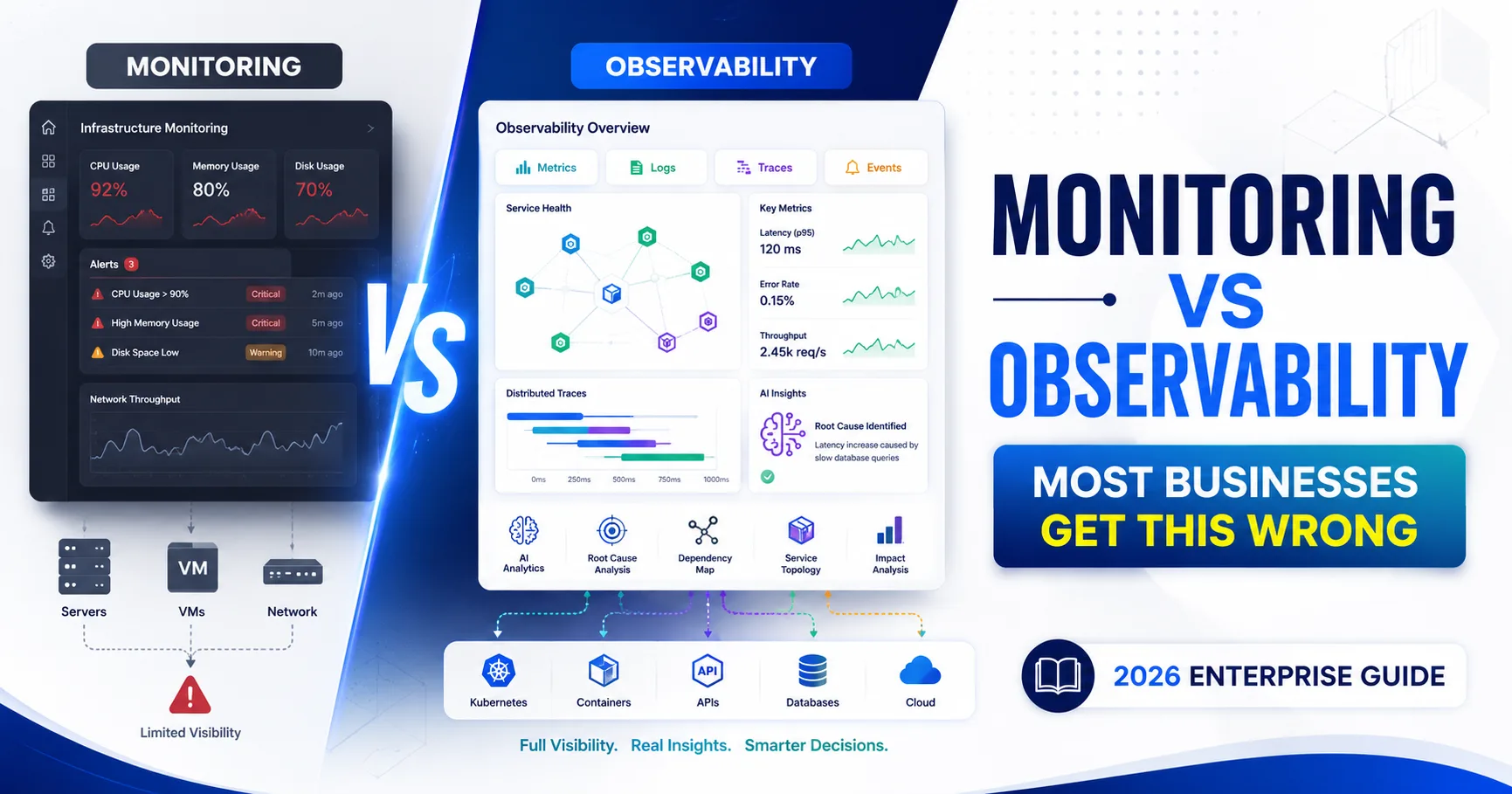
Observability vs Monitoring: Key Differences, Benefits, and When Businesses Need Each TL;DR: Monitoring tracks predefined metrics and alerts teams when thresholds are breached. Observability goes further—it uses metrics, logs, traces, and events to explain why a failure occurred. Modern enterprises running distributed, cloud-native, or hybrid infrastructures need both to maintain reliability, accelerate incident response, and reduce operational costs. Every operations team has been there. An alert fires at 2 a.m. The dashboard shows a spike. But the spike—where did it originate? Was it the payment microservice, the Kubernetes node it runs on, the upstream API it depends on, or the cloud network path between regions? Monitoring told you something was wrong. It could not tell you why. That gap—between knowing that a problem exists and understanding why it exists—defines the fundamental difference between monitoring and observability. And as enterprise infrastructure has grown more distributed, that gap has widened considerably. Microservices architectures, containerized workloads, Kubernetes orchestration, hybrid cloud deployments, and multi-region API meshes have collectively made systems harder to reason about. A single user-facing transaction may now traverse dozens of services across multiple cloud providers before completing. Traditional monitoring tools were not built for this level of complexity. They were designed for servers in a rack, not ephemeral pods in a cluster. This is not an argument against monitoring—it remains essential. But the question of observability vs monitoring is no longer academic. It is a strategic infrastructure decision that directly affects uptime, developer velocity, customer experience, and incident resolution time. This guide breaks down both disciplines in depth: what they are, where they differ, when each applies, and how leading organizations are using them together to build resilient, self-healing systems at scale. What Is Monitoring? Monitoring is the practice of collecting, tracking, and alerting on predefined metrics to assess the health and performance of IT systems. It answers one primary question: Is the system behaving as expected? When a metric—CPU utilization, memory usage, error rate, response latency—crosses a defined threshold, monitoring tools trigger an alert. Teams then investigate and respond. Monitoring is fundamentally reactive: it detects deviations from known baselines and notifies the right people. Common Monitoring Components Monitoring spans several disciplines across the infrastructure stack: Infrastructure Monitoring — Tracks host-level metrics: CPU, memory, disk I/O, network throughput. Tools like Nagios, Zabbix, and Prometheus operate at this layer. For a detailed overview of what infrastructure monitoring covers and how it supports operational stability, foundational monitoring practices remain the first line of defense. Application Performance Monitoring (APM) — Measures response times, transaction throughput, and error rates at the application layer. Tools include Dynatrace, AppDynamics, and New Relic APM. Log Monitoring — Parses and searches structured and unstructured log data to surface errors, warnings, and anomalies. Common tools: Splunk, Elastic Stack (ELK), and Graylog. Synthetic Monitoring — Simulates user interactions to test availability and performance from external vantage points. Network Monitoring — Tracks bandwidth utilization, packet loss, latency, and device health using SNMP, NetFlow, and similar protocols. SLA/Uptime Monitoring — Validates that services meet contractual availability thresholds; examples include UptimeRobot and Pingdom. Benefits of Monitoring Immediate alerting on known failure conditions Clear visibility into server and infrastructure health Compliance reporting and audit trail support Resource utilization tracking for cost optimization SLA enforcement and uptime validation Limitations of Monitoring Monitoring is effective when failures follow known patterns. Its limitations emerge in dynamic, distributed environments: Threshold dependency. Alerts require predefined thresholds. Issues that fall below those thresholds—or that develop gradually—go undetected. No root cause analysis. Monitoring identifies what failed. It does not explain why it failed or how contributing factors interacted. Alert fatigue. Static thresholds generate excessive noise in variable-load environments, leading teams to dismiss legitimate alerts. Blind spots in distributed systems. Monitoring individual components does not reveal how failures propagate across microservices or API chains. Reactive by design. By the time an alert fires, the customer impact has already begun. What Is Observability? Observability is the ability to infer the internal state of a system from its external outputs. It goes beyond tracking predefined metrics—it captures rich telemetry data that allows engineers to ask arbitrary questions about system behavior, even for failure modes that were never anticipated. The term originates from control theory: a system is observable if its internal states can be determined from its outputs. Applied to software and infrastructure, observability means that teams can reason about what is happening inside complex, distributed systems by analyzing the data those systems emit—without requiring a pre-existing alert rule or dashboard for every possible failure scenario. Observability is proactive and exploratory. It enables teams to investigate unknown unknowns—the failure modes no one predicted and no one built an alert for. The Three Pillars of Observability Observability platforms collect and correlate three primary telemetry types, commonly referred to as the "three pillars": 1. MetricsQuantitative measurements sampled over time: request rate, error rate, latency percentiles (p50, p95, p99), CPU utilization, and memory consumption. Metrics are efficient to store and query, making them ideal for dashboards and trend analysis. The Prometheus/Grafana stack is the dominant open-source choice for metrics collection and visualization. 2. LogsDetailed, timestamped records of discrete events emitted by applications and infrastructure components. Logs provide granular context—what happened, when it happened, on which service, and under what conditions. Structured logging (JSON-formatted logs with consistent fields) significantly improves searchability and correlation. 3. TracesDistributed traces capture the end-to-end journey of a single request as it flows through multiple services, databases, and external APIs. Each trace is composed of spans—individual units of work with timing, metadata, and relationship context. Tracing is the only mechanism that reveals latency contributions and failure points across service boundaries in a microservices architecture. Tools include Jaeger, Zipkin, and OpenTelemetry-compatible collectors. Beyond the three pillars, mature observability platforms also incorporate: Events — Discrete occurrences such as deployments, configuration changes, or auto-scaling actions that provide change context for correlated anomalies Profiling — Continuous CPU and memory profiling to identify hot paths and memory leaks at the code level Real User Monitoring (RUM) — Telemetry captured from actual user sessions in browsers and mobile apps AIOps-driven correlation — Machine learning algorithms that correlate signals across all telemetry types to surface root causes automatically What Is the Difference Between Monitoring and Observability? The difference between monitoring and observability comes down to scope and intent. Monitoring answers questions you already know to ask—did CPU exceed 90%? Did error rate spike? Observability answers questions you didn't anticipate—why did latency increase for a subset of users in one region during a specific deployment window? Monitoring is reactive; observability is investigative and proactive. The table below provides a structured comparison across the dimensions that matter most to enterprise architecture teams. Observability vs Monitoring: Detailed Comparison Dimension Monitoring Observability Primary Goal Detect known failure conditions Understand system behavior, including unknown failures Approach Reactive — alerts when thresholds are breached Proactive — enables arbitrary investigation of system state Core Data Sources Metrics, logs Metrics, logs, traces, events, profiling, RUM Alert Model Predefined static thresholds Dynamic anomaly detection, AI-driven correlation Root Cause Analysis Limited — identifies what failed Comprehensive — explains why and how failures occurred Unknown Problems Cannot detect what was not anticipated Designed to surface unknown unknowns Cloud-Native Readiness Limited in dynamic, ephemeral environments Built for containers, Kubernetes, microservices, and serverless Kubernetes Support Partial — struggles with pod-level ephemeral context Full — traces span pod lifecycles across namespaces AI Readiness Low — rule-based alerting High — ML-driven anomaly detection and predictive analytics Automation Support Alert-triggered remediation Autonomous self-healing workflows via AIOps integration Scalability Degrades as system complexity grows Scales with distributed architectures Cost Lower initial investment Higher instrumentation investment; lower incident costs Best Use Cases Stable, well-understood systems; SLA reporting; compliance Microservices, hybrid cloud, distributed systems, DevOps pipelines Visibility Scope Per-component End-to-end, cross-service, full-stack Tooling Examples Nagios, Zabbix, Prometheus, CloudWatch Datadog, Dynatrace, New Relic, Honeycomb, Grafana + Tempo Why Modern Businesses Need Observability and Monitoring Together The framing of observability vs monitoring as an either/or choice misrepresents how mature operations teams actually work. The two disciplines are complementary, not competitive—particularly for organizations building resilient cloud architecture across hybrid and multi-cloud environments. Monitoring provides the fast-signal layer—immediate alerting on known conditions. Observability provides the depth needed to understand, diagnose, and permanently resolve the issues those alerts surface. Consider a concrete scenario: a monitoring alert fires indicating that API response times have degraded beyond the SLA threshold. That alert is valuable—it triggers incident response immediately. But resolving the incident requires observability. Distributed traces reveal that a downstream database query is consuming 4 seconds of latency for requests routed through a specific availability zone. Logs from that zone show a configuration drift introduced by a recent infrastructure-as-code deployment. Without trace context and correlated log data, the team would be guessing. The operational environments that benefit most from combining both capabilities include: Hybrid and multi-cloud architectures, where traffic traverses on-premises systems and multiple cloud providers simultaneously. Effective hybrid cloud infrastructure management requires telemetry that spans every environment without blind spots. Kubernetes-orchestrated workloads, powered by Kubernetes and containerization services, where pods are ephemeral, services scale dynamically, and a single deployment can affect dozens of interdependent microservices. API-driven platforms, where third-party dependencies introduce failure modes outside the organization's direct control. Edge computing deployments, where latency-sensitive processing occurs outside centralized data centers and traditional monitoring reach. AI and ML infrastructure, where GPU cluster performance, model serving latency, and inference pipeline health require specialized telemetry. Enterprises operating multi-cloud GPU infrastructure for LLMs face observability challenges that standard monitoring tools are not equipped to address. According to Gartner, by 2026, over 60% of large enterprises will have moved toward self-healing systems powered by AIOps—systems that combine monitoring signals with observability data to autonomously detect, diagnose, and remediate incidents without human intervention. Benefits of Observability Faster Root Cause Analysis Distributed traces pinpoint the exact service, method, and line of code contributing to a failure. What previously required hours of log searching now takes minutes. Engineering teams spend less time in war rooms and more time shipping improvements. Reduced Downtime and Lower MTTR William Hill, a global sports betting platform processing 5.2 million transactions daily, implemented observability tools and achieved an 80% improvement in mean time to resolution (MTTR), resolving their most critical P1 incidents in under 60 minutes. Reduced MTTR directly translates to reduced revenue impact and reputational risk. Better Customer Experience Observability correlates technical telemetry with user-facing outcomes. Teams can see not just that latency increased, but that it increased specifically for mobile users in a particular region completing checkout transactions—enabling targeted, high-priority remediation. Proactive Anomaly Detection Machine learning models trained on historical telemetry identify deviations from normal behavior before they breach alert thresholds. This shifts the operational posture from reactive firefighting to proactive prevention. Security Visibility Observability platforms continuously profile traffic patterns and system behavior. Anomalous network flows, unexpected authentication failures, or unusual API access patterns trigger alerts before they escalate into breaches. This capability integrates directly with IT infrastructure security best practices to create a defense-in-depth posture. Improved DevOps Collaboration Developers, SREs, and platform engineers work from a shared telemetry plane. Deployment events are correlated with performance changes, making it straightforward to identify whether a new code release introduced a regression—without finger-pointing between teams. Capacity Planning and Cost Optimization Historical observability data supports accurate demand forecasting. Rather than overprovisioning to absorb uncertainty, infrastructure teams can right-size resources based on real traffic patterns. IBM's research indicates that IBM Instana Observability delivers a 219% ROI and reduces developer troubleshooting time by 90%. Benefits of Monitoring Observability addresses complexity; monitoring addresses immediacy. The benefits of a well-configured monitoring stack remain significant: Continuous uptime tracking with SLA-aligned alerting ensures teams respond to availability issues within contractual windows Server and infrastructure health dashboards provide at-a-glance operational awareness across fleets Resource utilization reporting supports chargeback models and cost allocation across business units Compliance and audit support — many regulatory frameworks require evidence of continuous system monitoring and documented incident response Low implementation overhead for stable, well-understood systems where failure modes are predictable Effective infrastructure management services rely on monitoring as the operational baseline—the always-on layer that ensures nothing falls through the cracks before observability tools can provide deeper context. What Is Network Observability? Network observability is the practice of gaining comprehensive, real-time visibility into the performance, behavior, and health of a computing network by collecting and correlating telemetry from every layer of the network stack—routers, switches, load balancers, API gateways, cloud networking fabrics, and SD-WAN overlays. It answers not just whether the network is reachable, but why specific paths degrade, how traffic flows across hybrid environments, and what changes caused a performance shift. Traditional Network Monitoring vs. Network Observability Traditional network performance monitoring (NPM) tools use SNMP polling and predefined thresholds to track latency, packet loss, bandwidth utilization, and device health on a per-device basis. This model works adequately for static, on-premises networks but fails in several important ways in modern environments: Static thresholds do not adapt to dynamic traffic patterns in containerized or cloud-native networks Per-device visibility misses east-west traffic between microservices within a cluster No end-to-end context — NPM cannot correlate a latency spike at the network layer with an application performance degradation at the service layer Post-incident detection — by the time NPM generates an alert, user impact has already occurred Network observability addresses each of these limitations by collecting richer telemetry—flow records, packet captures, BGP routing updates, DNS query logs, and Kubernetes network metrics—and correlating them across the full path from client to service. The Pillars of Network Observability Network observability, as defined by IBM, is built on five pillars that work in combination: Metrics — Quantitative KPIs: latency, packet loss, bandwidth utilization, jitter, and device CPU usage, collected continuously from all network components Logs — Granular event records capturing configuration changes, authentication failures, routing table updates, and dropped connections Traces — End-to-end transaction paths revealing how packets traverse devices, cloud fabrics, and application services Context — Network topology maps, application dependency graphs, and device roles that give raw telemetry actionable meaning Correlation — Cross-layer analysis that connects seemingly unrelated events to identify root causes of cascading failures Key Network Observability Use Cases Modern enterprise networks span on-premises data centers, multiple cloud providers, SD-WAN overlays, and Kubernetes networking (CNI plugins, service meshes like Istio). Network observability provides: East-west traffic visibility between microservices within Kubernetes clusters — a blind spot for traditional NPM Hybrid cloud path analysis — correlating latency across on-premises and cloud segments simultaneously Zero Trust enforcement monitoring — validating that traffic policies are correctly applied across all network segments 5G and edge observability — tracking performance of network slices and edge nodes in real time In financial services, where high-frequency trading environments cannot tolerate millisecond-level latency variations, network observability tools detect and resolve path-level degradation before it affects transaction outcomes. In telecommunications, network observability is foundational to managing 5G network slices and ensuring ultra-reliable, low-latency performance for critical use cases such as autonomous vehicle connectivity. Real-World Business Use Cases Financial Services Banks and trading platforms use observability to correlate application performance with network telemetry in real time. Payment processing pipelines span multiple microservices across hybrid cloud environments—observability ensures that any degradation in the transaction path is detected, diagnosed, and resolved before it affects customer-facing outcomes or regulatory reporting. Healthcare Hospital systems and health technology platforms operate under strict uptime and compliance requirements. Observability provides end-to-end visibility into EHR systems, telehealth platforms, and medical device integrations—enabling teams to identify data pipeline bottlenecks, API failures, and security anomalies without disrupting clinical workflows. E-Commerce During peak traffic events (Black Friday, product launches), distributed tracing reveals exactly where checkout latency originates—whether in the payment gateway, inventory service, or CDN layer. Proactive anomaly detection prevents cart abandonment caused by performance degradation that monitoring thresholds alone would miss. Manufacturing Industrial IoT environments generate telemetry from thousands of connected devices across factory floors and supply chains. Observability platforms correlate sensor data, network metrics, and application logs to identify production anomalies, equipment failures, and supply chain disruptions before they halt operations. This aligns directly with infrastructure automation tools that underpin modern industrial operations. Government and Public Sector Government agencies running citizen-facing digital services rely on observability to meet availability SLAs while maintaining security and compliance posture. Full-stack visibility ensures that performance issues and security events are surfaced and addressed without manual log-sifting across siloed systems. SaaS Platforms Multi-tenant SaaS providers use observability to isolate whether a performance issue affects a single tenant or the entire platform—a distinction that monitoring alone cannot make. Trace data tied to tenant identifiers enables engineering teams to diagnose tenant-specific configuration issues, noisy-neighbor effects, or resource contention without exposing cross-tenant data. Common Observability Tools Observability tooling spans several categories. The right stack depends on infrastructure type, team maturity, and budget: Metrics Collection and Visualization Prometheus — Open-source metrics collection and alerting; the standard for Kubernetes environments Grafana — Visualization and dashboarding platform; integrates with Prometheus, Loki, Tempo, and commercial data sources Datadog — Commercial full-stack observability with integrated metrics, logs, traces, and APM AWS CloudWatch / Azure Monitor / Google Cloud Operations Suite — Native cloud provider monitoring and observability for cloud-native workloads Log Management Elastic Stack (ELK) — Elasticsearch, Logstash, and Kibana; the dominant open-source log aggregation and search platform Grafana Loki — Lightweight log aggregation designed to work alongside Prometheus Splunk — Enterprise log management with advanced search, correlation, and SIEM capabilities Datadog Log Management — Integrated log pipeline within the Datadog observability platform Distributed Tracing Jaeger — CNCF open-source distributed tracing system, widely used in Kubernetes environments Zipkin — Lightweight distributed tracing system originally developed at Twitter Grafana Tempo — High-scale, cost-efficient distributed tracing backend Instrumentation Standards OpenTelemetry — The CNCF-hosted open standard for telemetry instrumentation, providing vendor-neutral SDKs and APIs for metrics, logs, and traces. OpenTelemetry has become the de facto instrumentation standard across the industry, enabling teams to collect telemetry once and send it to any compatible backend. APM and Full-Stack Platforms Dynatrace — AI-driven full-stack observability with automated root cause analysis New Relic — Cloud-based observability platform covering APM, infrastructure, logs, and browser monitoring Honeycomb — High-cardinality event-based observability optimized for production debugging AIOps and Autonomous Operations IBM Instana — AI-powered automated monitoring with real-time visibility into distributed infrastructure Moogsoft — AIOps platform specializing in incident correlation and noise reduction BigPanda — Event correlation and incident management powered by machine learning How to Transition from Monitoring to Observability Moving from a purely monitoring-based approach to a full observability practice is a phased journey, not an overnight migration. The roadmap below reflects what enterprise infrastructure and DevOps teams typically follow: Observability Implementation Roadmap Phase Action Key Deliverable 1. Assessment Audit current monitoring coverage; identify blind spots in distributed systems Gap analysis report: what is monitored vs. what is unobservable 2. Telemetry Strategy Define which services require metrics, logs, traces, and events; establish data retention policies Telemetry coverage matrix by service and environment 3. Instrumentation Instrument applications using OpenTelemetry SDKs; standardize log formats to structured JSON Consistent, vendor-neutral telemetry emitted from all services 4. Distributed Tracing Deploy a tracing backend (Jaeger, Grafana Tempo); enable trace context propagation across service boundaries End-to-end trace visibility for all critical transaction paths 5. Unified Dashboards Build service-level objective (SLO) dashboards correlating metrics, logs, and traces in a single pane Operational dashboards aligned to business outcomes 6. Alert Refinement Replace static thresholds with SLO-based alerting; implement anomaly detection Reduced alert noise; higher signal-to-noise ratio 7. AIOps Integration Connect telemetry pipelines to AIOps platforms for automated correlation and root cause analysis Autonomous incident detection with actionable root cause context 8. Continuous Improvement Establish blameless postmortem processes; use observability data to improve instrumentation quality over time Continuously improving observability maturity and system reliability Effective cloud infrastructure management is a prerequisite for a successful observability implementation. Teams that lack foundational cloud governance—consistent tagging, automated provisioning, and defined network topology—will find that observability data is too fragmented to be actionable. Best Practices for Observability and Monitoring Standardize on OpenTelemetry from the start. Vendor lock-in is one of the most expensive mistakes in observability. Instrumenting with OpenTelemetry ensures portability across backends and future-proofs your telemetry investment. Define Service Level Objectives (SLOs) before building dashboards. Dashboards built without SLOs visualize data without purpose. Start with business-aligned SLOs—availability, latency, and error rate targets—then build observability around proving or disproving those targets. Use structured, contextual logging. Unstructured logs are searchable but not queryable. JSON-formatted logs with consistent fields (service name, trace ID, request ID, environment) enable correlation across the telemetry stack and dramatically accelerate root cause analysis. Instrument at the service boundary, not just the infrastructure layer. Infrastructure monitoring tells you whether the host is healthy. Service-level instrumentation tells you whether the service is serving customers correctly. Both are necessary; neither alone is sufficient. Correlate observability data with deployment events. Configuration changes and code deployments are among the most common causes of production incidents. Tagging telemetry with deployment metadata enables engineers to immediately determine whether a change introduced a regression. Implement disaster recovery and business continuity planning in parallel. Observability accelerates incident detection; disaster recovery plans determine what happens after detection. Organizations that invest in observability without corresponding recovery playbooks still suffer extended outages when incidents occur. Common Mistakes to Avoid Treating observability as a tool purchase, not a practice. Installing Datadog or Dynatrace does not make a system observable. Observability requires disciplined instrumentation, defined SLOs, and a culture of using telemetry data to drive decisions. Over-alerting on monitoring thresholds. Alert fatigue is one of the most damaging operational dysfunctions. Teams that configure hundreds of static threshold alerts without SLO alignment quickly learn to ignore notifications—including critical ones. Neglecting east-west traffic. Most monitoring tools focus on north-south traffic (external requests in). Microservices architectures generate enormous east-west traffic (service-to-service). Without tracing this traffic, root cause analysis in distributed systems is guesswork. Skipping cardinality planning for metrics. High-cardinality metrics (labeled with user IDs, tenant IDs, or request paths) can cause storage and query performance issues in time-series databases. Plan cardinality limits before instrumenting at scale. Ignoring Fortune 500-grade multi-cloud IaC practices when deploying observability tooling across cloud environments. Observability infrastructure itself must be managed as code, version-controlled, and reproducible—not configured manually and inconsistently across regions. Future Trends in Observability and Monitoring (2026 and Beyond) AI-Driven Observability (AIOps)AIOps platforms are moving beyond correlation into autonomous remediation. By 2026, according to Gartner, over 60% of large enterprises will have implemented self-healing systems that detect, diagnose, and resolve incidents without human intervention. This shifts the SRE role from incident response to reliability engineering. OpenTelemetry as the Universal StandardOpenTelemetry adoption continues to accelerate across every major cloud provider, APM vendor, and infrastructure platform. Organizations that standardize on OpenTelemetry today gain flexibility to switch backends without re-instrumenting—a significant long-term cost advantage. Predictive Analytics and Capacity PlanningMachine learning models trained on historical telemetry data are enabling accurate capacity forecasting. Instead of overprovisioning to absorb demand uncertainty, infrastructure teams will right-size resources in real time based on predicted load curves. Edge and IoT ObservabilityAs compute moves to the edge—5G base stations, retail point-of-sale systems, factory floors—observability tooling must follow. Lightweight, bandwidth-efficient telemetry collection agents designed for constrained edge environments are an active development area across all major platforms. Full-Stack ObservabilityThe convergence of network observability, infrastructure observability, application observability, and security observability into unified platforms eliminates the siloed tooling that forces engineers to context-switch between systems during an incident. Full-stack observability is becoming the expected baseline for enterprise operations teams. Security ObservabilityTraditional SIEM tools and observability platforms are converging. Security teams increasingly require the same telemetry that SRE teams use—distributed traces, network flow data, and behavioral baselines—to detect sophisticated threats that evade signature-based detection. Agentic AI in OperationsLarge language model-powered agents are beginning to appear in observability platforms, capable of querying telemetry data in natural language, generating postmortem reports automatically, and proposing remediation steps based on similar past incidents. This capability will fundamentally change how operations teams interact with observability data. Make Observability and Monitoring Work Together The observability vs monitoring debate resolves to a simple conclusion for teams relying on enterprise infrastructure management: you need both, and you need them integrated. Monitoring provides the fast-signal layer that triggers immediate response. Observability provides the depth that enables permanent resolution. Neither discipline alone is sufficient for the complexity of modern distributed systems. The organizations that will maintain competitive advantage through 2026 and beyond are those building toward full-stack observability—unified telemetry across applications, infrastructure, networks, and security, correlated by AI, and acted on by autonomous remediation workflows. That capability does not emerge from a single tool purchase. It emerges from disciplined instrumentation, standardized telemetry, clear SLOs, and a culture that treats system transparency as a first-class engineering concern. For infrastructure and DevOps teams beginning this journey, the first step is understanding where your current monitoring coverage ends and where your observability blind spots begin. SISGAIN's engineering teams work with organizations across industries to assess monitoring maturity, design observability architectures, and implement the telemetry pipelines and AIOps integrations needed to operate reliably at scale. table { width: 100%; max-width: 100%; border-collapse: collapse; margin: 24px 0; font-size: 15px; line-height: 1.6; background: #ffffff; border: 1px solid #d9e2ec; display: block; overflow-x: auto; overflow-y: hidden; white-space: nowrap; -webkit-overflow-scrolling: touch; border-radius: 10px; } table tbody { display: table; width: 100%; } table th { background: #0b2a4a; color: #ffffff; font-weight: 700; text-align: left; padding: 14px 16px; border: 1px solid #0b2a4a; } table td { padding: 13px 16px; border: 1px solid #d9e2ec; color: #1f2937; vertical-align: top; } table tr:nth-child(even) td { background: #f8fbff; } table tr:hover td { background: #eef6ff; } table p { margin: 0; } /* Mobile Optimization */ @media (max-width: 768px) { table { font-size: 14px; } table th, table td { padding: 12px; } }
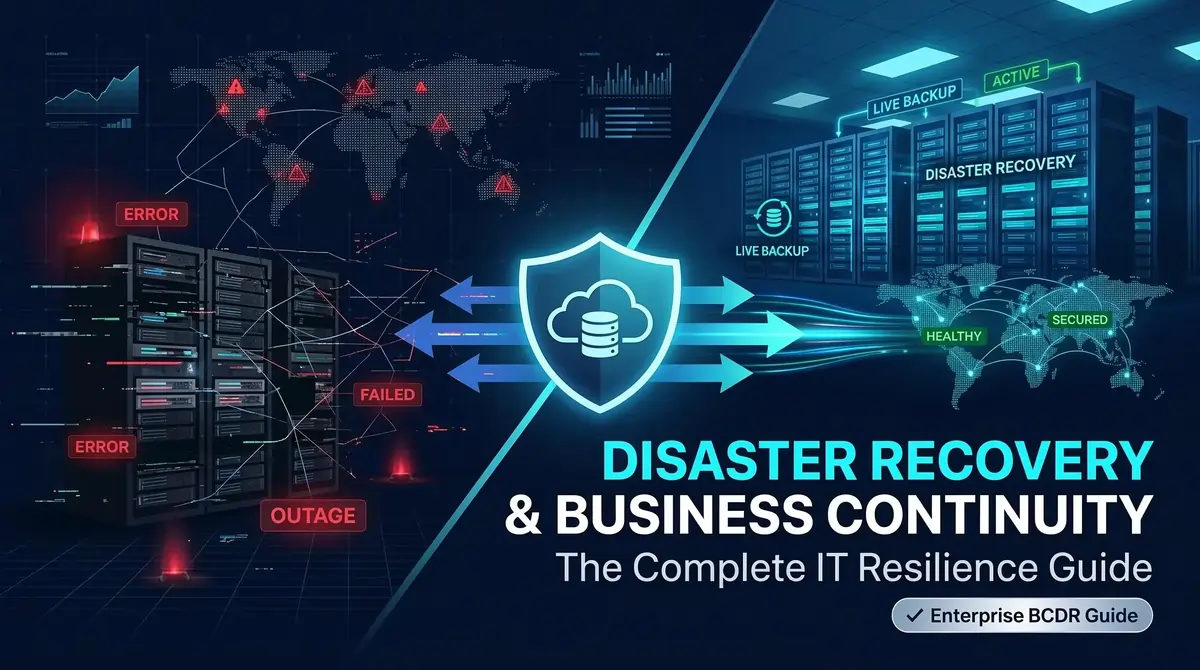
Disaster Recovery and Business Continuity: Complete Guide to IT Resilience TL;DR: Disaster recovery and business continuity (BCDR) are the twin disciplines that determine whether an organization survives a disruption — or doesn't. This guide covers every component of a mature BCDR strategy: from defining RTOs and RPOs, to cloud DR architectures, common threats, implementation steps, and emerging trends like AI-driven autonomous recovery. Use it to build, audit, or strengthen your organization's resilience posture. Every organization eventually faces a disruption. A ransomware attack that encrypts production systems overnight. A misconfigured cloud resource that triggers a cascading outage. A data center flood that renders on-site infrastructure unreachable. The question is never whether a disruptive event will happen — it is whether your organization is ready to recover when it does. The numbers make the stakes clear. According to the Cockroach Labs 2025 State of Resilience Report, 100% of surveyed senior technology executives reported financial losses from IT outages in the previous year. The ITIC 2024 Hourly Cost of Downtime Survey found that 90% of mid-sized and large enterprises lose more than $300,000 per hour when systems go down — with 41% facing hourly losses between $1 million and $5 million. For smaller organizations, the 2025 Calyptix/ITIC SMB Security Survey found hourly downtime costs frequently exceeding $25,000. Despite this, the Disaster Recovery Journal's 2026 report found that 22% of organizations still have no formal disaster recovery program in place. And among those that do, only 28% of ransomware victims fully recover all affected data, according to a 2026 Veeam industry survey of more than 900 security leaders. This guide covers everything your team needs to understand, build, and continuously improve a resilient IT business continuity and disaster recovery plan — including frameworks, implementation steps, cloud architectures, DR tools, metrics, and what the future of BCDR looks like. What Is Disaster Recovery and Business Continuity? The terms are often used interchangeably, but they address different dimensions of organizational resilience. Understanding the distinction is foundational before attempting to build any BCDR program. Understanding Business Continuity Business continuity is the discipline of ensuring that critical business functions can continue operating during and after a disruption. It is broader than IT recovery — it encompasses people, processes, supply chains, facilities, and communications. A business continuity plan (BCP) defines how a hospital keeps patient care running if its EHR system goes offline, or how a bank continues processing transactions if its primary data center becomes inaccessible. Business continuity planning is forward-looking. It maps which functions are essential, what dependencies exist, and how the organization would operate at reduced capacity if necessary. Understanding Disaster Recovery Disaster recovery (DR) is the subset of business continuity that focuses specifically on restoring IT systems, data, and infrastructure after a disruptive event. A disaster recovery plan defines how technology teams detect failures, execute recovery procedures, restore data from backups, failover to secondary environments, and return systems to normal operation within defined time windows. Think of business continuity as the strategy and disaster recovery as the execution playbook. Disaster Recovery vs. Business Continuity Dimension Business Continuity Disaster Recovery Scope Whole organization IT systems and data Focus Operational continuity Technical restoration Owners C-suite, operations, IT IT, infrastructure, DevOps Output Business Continuity Plan (BCP) Disaster Recovery Plan (DRP) Key metrics Business impact, operational capacity RTO, RPO, MTTR Activation Immediately during a disruption When IT systems fail or are compromised Together, they form BCDR — a unified framework that covers both organizational continuity and technical recovery. Why Every Organization Needs an IT Business Continuity and Disaster Recovery Plan The case for a mature BCDR program rarely needs to be made twice after a major incident. But leadership teams often deprioritize it during periods of stability, treating it as an insurance policy they hope never to use. That framing underestimates the risk. Consider the exposure across common scenarios: Ransomware: Sophos' 2025 State of Ransomware Report found that 50% of surveyed organizations had data encrypted in a ransomware attack in the previous year. Recovery costs averaged $1.53 million per attack — excluding ransom payments. Eighteen percent took more than a month to recover. And 89% of those attacks, per a 2025 Veeam Ransomware Trends Report, attempted to infect backup systems as well. Data breaches: IBM's 2025 Cost of a Data Breach Report found the average breach cost in the United States reached $10.22 million. Forty-two percent of breaches occurred in cloud-based systems. Human error: ITIC's 2024 data identified human error as the second most common cause of downtime, affecting 69% of organizations. Accidental deletion, misconfiguration, and device mismanagement are everyday risks that even mature IT teams encounter. Operational scale: The Cockroach Labs survey found organizations experienced an average of 86 outages per year. Fifty-five percent reported weekly outages. The business risk extends beyond the immediate incident. FEMA has cited that approximately 25% of businesses that close following a major disaster never reopen. According to Inc., 60% of small and midsize businesses that experience a significant cyberattack go out of business within six months. A well-built IT business continuity and disaster recovery plan does not just reduce downtime. It protects revenue, preserves customer trust, satisfies regulatory requirements, and gives leadership the operational confidence to make decisions under pressure. Core Components of a BCDR Strategy A mature BCDR strategy is built from several interlocking components. Weakness in any one of them compromises the whole. Business Impact Analysis (BIA): Identifies which systems, processes, and data are critical to operations. Quantifies the financial, operational, and reputational impact of different downtime scenarios. The BIA anchors every subsequent recovery decision. Risk Assessment: Catalogs the threats most likely to cause disruption — ransomware, hardware failure, natural disaster, insider threat, supply chain outage — and evaluates their probability and potential impact. This guides investment prioritization. Recovery Time Objective (RTO): The maximum acceptable time to restore a system or process after a failure. An RTO of four hours for a core banking platform means systems must be operational within four hours of a declared incident. Recovery Point Objective (RPO): The maximum acceptable amount of data loss measured in time. An RPO of 15 minutes means no more than 15 minutes of data can be lost in any recovery scenario. Incident Response: The structured process for detecting, classifying, containing, and escalating incidents before formal DR procedures begin. Effective incident response compresses the gap between failure and recovery initiation. Backup Strategy: Defines backup frequency, retention policies, storage locations, and verification procedures. The 3-2-1-1 rule — three copies, two different media types, one offsite, one immutable — is the widely adopted standard for enterprise environments. Disaster Recovery Sites: Hot sites (fully operational, always-on), warm sites (partially configured, requiring activation), and cold sites (hardware available, requiring full configuration). Cloud environments, backed by well-run infrastructure management services, have largely replaced traditional hot and warm sites for most workloads. Communication Plan: Defines who is notified when, through what channels, and with what information. This covers internal stakeholders, vendors, regulators, customers, and media. Testing and Continuous Improvement: Plans that are never tested are assumptions. Regular tabletop exercises, failover tests, and live recovery rehearsals are what separate theoretical readiness from demonstrated capability. What Is a BCDR Policy? A BCDR policy is the governing document that establishes organizational commitments, responsibilities, and standards for business continuity and disaster recovery. It is distinct from a plan — the policy defines what the organization will do; the plan defines how. A complete BCDR policy covers: Scope and objectives: Which systems, data, and processes fall within the policy Governance structure: Who owns BCDR, who approves changes, and how decisions are escalated Roles and responsibilities: Clear ownership across IT, security, operations, and leadership Compliance requirements: Regulatory frameworks the policy must satisfy — SOC 2, HIPAA, PCI DSS, ISO 27001, GDPR, and others RTO/RPO standards: Tiered recovery targets based on system criticality Review cycle: Frequency of policy updates, triggered either annually or by significant changes to infrastructure, personnel, or regulation In regulated industries — financial services, healthcare, critical infrastructure — a documented BCDR policy is not optional. It is a compliance requirement with audit evidence attached. BCDR Framework Explained The most durable BCDR frameworks are built around five phases: Prevention: Proactive measures that reduce the probability of disruption. Patch management, vulnerability scanning, access controls, redundant infrastructure, and disaster-resistant architecture all belong here. Preparedness: Building the capabilities to respond effectively — documented plans, trained personnel, tested runbooks, and verified backups. Many organizations invest in prevention but underinvest in preparedness. Response: The immediate actions taken when a disruption occurs. Detection, classification, escalation, containment, and communication. Speed and clarity at this stage directly determine how fast recovery begins. Recovery: Restoring systems, data, and operations according to defined RTOs and RPOs. This includes failover execution, data restoration, and validation that recovered systems are clean and functional. Continuous Improvement: Post-incident reviews, regular testing cycles, and systematic updates to plans based on lessons learned. Resilience degrades over time without this phase. Step-by-Step Guide to Business Continuity Planning and Disaster Recovery Step 1: Identify Critical Business Processes Start by mapping every business function and its technology dependencies. A manufacturing company might identify production scheduling, supply chain systems, and ERP as tier-one critical. A SaaS company might prioritize its customer-facing application, authentication infrastructure, and payment processing. Every organization's map will look different. Step 2: Perform Risk Assessment For each critical process, identify plausible threats. Score each threat by likelihood and potential impact. Ransomware will rank high for most organizations. Hardware failure is a consistent risk for on-premises environments. Natural disaster risk varies by geography. The output is a prioritized threat register that guides investment. Step 3: Conduct Business Impact Analysis Quantify what happens if each critical system is unavailable for one hour, four hours, 24 hours, and one week. Include direct financial impact, customer impact, regulatory exposure, and operational degradation. This BIA output is what justifies your RTO and RPO targets to leadership. Step 4: Define Recovery Objectives Use the BIA to set tiered RTOs and RPOs for each system. Mission-critical systems — transaction processing in banking, patient records in healthcare — may require RTOs measured in minutes. Tier-two systems may tolerate hours. Non-essential systems may tolerate days. System Tier Example Target RTO Target RPO Tier 1 – Mission Critical Core banking, EHR, payment processing < 15 minutes < 5 minutes Tier 2 – Business Critical CRM, ERP, collaboration tools < 4 hours < 1 hour Tier 3 – Important Reporting systems, dev environments < 24 hours < 4 hours Tier 4 – Non-Critical Archival systems, legacy tools < 72 hours < 24 hours Step 5: Create Recovery Procedures Document step-by-step runbooks for each critical system. These should be specific enough that an on-call engineer unfamiliar with the system can execute them under pressure at 2 a.m. Vague procedures fail during real incidents. Step 6: Build Backup Infrastructure Implement backup solutions aligned to your RPO targets. For sub-hour RPOs, continuous data protection or synchronous replication may be required. Deploy immutable backups to prevent ransomware encryption of backup repositories — Veeam's 2025 Ransomware Trends Report found 89% of attacks attempt to infect backup systems. Use cross-region replication for geographic redundancy. Step 7: Train Employees Human error was identified as the second most common cause of downtime in ITIC's 2024 data, affecting 69% of organizations. Training covers incident identification, escalation procedures, communications protocols, and each team member's specific role during a recovery. Step 8: Test the Entire Plan Testing is the single most underperformed element of BCDR. A 2026 Disaster Recovery Journal report noted that 22% of organizations have no formal DR program — and among those that do, many test infrequently. Run tabletop exercises quarterly. Conduct live failover tests at least twice a year. Validate backup restoration, not just backup creation. Step 9: Review and Update Regularly Infrastructure changes, personnel changes, new regulatory requirements, and post-incident findings all create drift between the plan and reality. Build a structured review cycle — minimally annual, ideally following any significant change. Types of Disaster Recovery Solutions Backup and Restore: The baseline approach — data is backed up at defined intervals and restored to hardware after a failure. Simple and cost-effective, but RTOs can be long depending on data volumes and restoration speed. Disaster Recovery as a Service (DRaaS): Cloud-based DR where a provider replicates workloads and orchestrates recovery on demand. Organizations pay for the capability without maintaining a secondary data center. Well-suited for SMEs and mid-market enterprises. Cloud Disaster Recovery: Leverages cloud platforms — AWS, Azure, GCP — as recovery targets for on-premises or hybrid workloads. Scales on demand, eliminates capital expenditure for standby infrastructure, and depends on disciplined cloud infrastructure management practices to stay reliable. Multi-Cloud Recovery: Distributes recovery workloads across multiple cloud providers to eliminate single-provider dependency. Relevant for enterprises with strict availability SLAs and regulatory requirements around data sovereignty. Hot Site: A fully operational secondary environment that can assume production traffic immediately. The highest cost option — appropriate for systems where any downtime is unacceptable. Warm Site: A partially configured environment that requires some activation steps before assuming production load. Balances cost and recovery speed. Cold Site: Hardware is available but requires full configuration before use. Appropriate for non-critical systems with tolerant RTOs. Common Threats That Require Disaster Recovery Planning Ransomware: Encrypts data and demands payment for decryption keys. Fifty percent of organizations had data encrypted in a 2025 Sophos survey. Modern ransomware targets backup systems deliberately. Other Cyberattacks: DDoS attacks, credential compromise, supply chain infiltration, and data exfiltration all create operational disruption requiring DR activation. Hardware Failures: ITIC's 2024 data found 28% of organizations experienced server downtime due to hardware failure. Drive failures, NIC failures, and power supply failures are predictable risks in any data center environment. Human Error: Accidental deletion, misconfiguration, and unauthorized changes remain leading causes of operational disruption. Granular backup snapshots are the primary defense. Natural Disasters: Floods, fires, earthquakes, and severe weather can destroy on-site infrastructure entirely. Geographic distribution of recovery infrastructure is the mitigation strategy. Power Failures: Unplanned power loss affects on-premises environments without adequate UPS and generator infrastructure. Cloud environments largely abstract this risk. Cloud Outages: IBM's 2025 data found 42% of breaches involved cloud environments. Major cloud providers have experienced regional outages. Multi-cloud and hybrid architectures reduce single-provider dependency. Insider Threats: Verizon's 2025 Data Breach Investigations Report found 18% of breaches involved internal actors. Following IT infrastructure security best practices — including access controls, activity monitoring, and immutable backups — limits the blast radius. Best Practices for Effective Disaster Recovery and Business Continuity Set RTOs and RPOs before choosing technology. Recovery objectives drive architecture decisions — not the other way around. Test backup restoration, not just backup creation. A 2021 Veeam study found 58% of data backups fail during recovery attempts. Deploy immutable backups. Backups that cannot be overwritten, deleted, or encrypted are the last line of defense against ransomware. System-enforced immutability is more reliable than policy-based immutability. Align DR with compliance requirements. HIPAA, PCI DSS, SOC 2, and ISO 27001 all impose specific data protection and availability requirements. Build compliance into BCDR architecture from the start. Automate recovery where possible. Manual recovery processes introduce delay and human error. Infrastructure as Code and automated runbooks accelerate execution. Document everything. Plans that exist only in experienced engineers' heads are single points of failure. Runbooks must be written, version-controlled, and tested by personnel unfamiliar with the system. Conduct post-incident reviews. Every incident — including near-misses — contains information that should feed back into the BCDR program. Monitor recovery metrics continuously. RTO achievement, RPO violations, backup success rates, and MTTR should be tracked as operational KPIs, not just measured during audits. Disaster Recovery in Cloud and Hybrid Infrastructure Cloud platforms have fundamentally changed DR economics. Secondary data centers once required significant capital investment and ongoing maintenance. Today, organizations can design resilient cloud architecture and infrastructure that replicates workloads to cloud regions and pays only for active storage and compute — activating full recovery capacity on demand. AWS offers services including AWS Backup, AWS Elastic Disaster Recovery (DRS), and multi-region architectures. AWS DRS enables continuous replication of on-premises and cloud workloads with sub-second RPOs and RTO targets measured in minutes. Azure provides Azure Site Recovery (ASR) for orchestrated failover across on-premises, Azure, and multi-cloud environments. ASR integrates with Azure Monitor and Azure Policy for automated compliance and observability. Google Cloud offers Google Cloud Backup and DR, regional failover using Cloud Spanner, and integration with Actifio for application-consistent backup. Hybrid Cloud environments require unified DR orchestration across on-premises and cloud tiers. Key considerations include data synchronization latency, network connectivity during failover, and consistent identity and access management across environments. Multi-Cloud DR provides provider independence and geographic distribution. The architectural complexity increases, but for enterprises with strict availability SLAs and data sovereignty requirements, the operational resilience justifies the investment. Disaster Recovery Tools and Technologies Backup Software: Enterprise backup platforms — Veeam, Commvault, Rubrik, Cohesity — manage backup scheduling, verification, retention, and restoration across heterogeneous environments. Modern platforms include immutability, ransomware detection, and automated recovery testing. Replication: Synchronous replication maintains real-time copies of data at secondary sites, enabling near-zero RPOs. Asynchronous replication introduces a lag that must be weighed against network bandwidth costs. Snapshot Technology: Point-in-time copies of data at the storage or hypervisor layer. Snapshots enable rapid granular restoration — individual files, folders, or VMs — from a specific moment before a failure or corruption event. Infrastructure Monitoring: Continuous visibility into system health, performance, and availability enables faster incident detection and reduces mean time to respond. Automation: Automated recovery orchestration — triggered failovers, pre-validated runbook execution, automated rollback — reduces recovery time and eliminates manual steps that introduce delay and error. Infrastructure as Code (IaC): Codified infrastructure definitions enable consistent, repeatable environment provisioning. During a DR event, IaC tools like Terraform can rebuild entire environments from version-controlled templates in minutes rather than days. AI-powered Recovery: A 2025 Cockroach Labs survey found 49% of organizations are investing in AI and automation to improve disaster recovery capabilities. As enterprises scale AI workloads with a multi-cloud GPU strategy for enterprise LLMs, AI-driven anomaly detection, predictive failure identification, and autonomous recovery orchestration are moving from experimentation to production deployment. Disaster Recovery Metrics Every Business Should Track Metric Definition Target Range RTO Time from failure declaration to system restoration Defined per system tier RPO Maximum data loss tolerated, measured in time Defined per system tier MTTR Mean Time to Recovery — average time to restore after failure Minimize continuously Recovery Success Rate Percentage of recovery tests that achieve defined RTO/RPO > 99% Backup Success Rate Percentage of scheduled backups that complete successfully > 99% Downtime Cost Financial impact per hour of downtime for critical systems Track and report quarterly Recovery Testing Frequency Number of DR tests conducted per year Minimum annually; biannually for critical systems A 2026 Veeam survey found that 57% of organizations track restore and recovery testing frequency, 56% track MTTR, and only 23% track the percentage of recovery processes that are fully automated. That last metric represents a meaningful gap for most organizations. Common BCDR Mistakes Businesses Should Avoid Assuming backups are working without verifying them. A 2021 Veeam study found that 58% of data backups fail during recovery. Automated backup verification — not just backup creation logging — is mandatory. Setting RTOs without validating them. A 2026 Veeam survey found 90% of security leaders were confident in their recovery capabilities, but only 28% of ransomware victims fully recovered their data. An RTO on a slide is not the same as an RTO demonstrated under real conditions. Protecting on-premises infrastructure but neglecting cloud and SaaS data. IBM's 2025 data found 42% of breaches involved cloud environments. Microsoft 365 and Google Workspace data requires dedicated backup — native retention is not a substitute for backup. Building DR plans that only exist in key personnel's heads. Organizational knowledge walks out the door with resignations, illness, and unplanned absence. Runbooks must be documented, tested, and owned by the team — not an individual. Never testing with realistic failure scenarios. Tabletop exercises that only involve IT teams, or tests that are announced in advance, do not reveal real weaknesses. Unannounced tests and cross-functional exercises expose the gaps that planned tests miss. Treating BCDR as a one-time project. Infrastructure changes, personnel changes, and new threats continuously erode the relevance of static plans. BCDR is an operational discipline, not a project with a completion date. Future Trends in Disaster Recovery and Business Continuity AI-driven Recovery: Machine learning models that analyze historical incident data to predict failures before they occur, automatically trigger recovery playbooks, and optimize recovery sequencing. Forty-nine percent of organizations are already investing in AI and automation for DR (Cockroach Labs, 2025). Predictive Analytics: Using infrastructure telemetry to identify hardware degradation, capacity constraints, and anomalous behavior patterns before they cause outages. Autonomous Recovery: Self-healing infrastructure that detects failures, routes around them, and initiates recovery without human intervention. Relevant for microservices architectures where failure domains are granular and service dependencies are complex. Immutable Backups: Backups enforced as immutable at the storage system level — not just through policy — that ransomware cannot overwrite or delete. A 2026 Veeam survey found organizations with immutable storage were far more likely to achieve full data recovery after ransomware attacks (40% vs. 16% among those without budget for immutable infrastructure). Zero Trust Security: Applying zero-trust principles to DR infrastructure — no implicit trust, continuous verification, least-privilege access — ensures that backup and recovery systems are not treated as trusted environments that bypass normal security controls. Cyber Recovery Vaults: Air-gapped or logically isolated recovery environments that cannot be reached from the production network. Designed specifically to ensure a clean, verified copy of data and systems survives even a sophisticated, network-wide attack. Cloud-native Resilience: Multi-AZ, multi-region, and multi-cloud architectures that build resilience into the application layer rather than treating DR as a bolt-on process. Serverless and containerized workloads increasingly support automated recovery as a native capability. Edge Disaster Recovery: As compute moves to edge locations — retail stores, manufacturing floors, hospitals — DR must extend to protect distributed edge infrastructure with local recovery capabilities and centralized management. How SISGAIN Helps Organizations Build Resilient IT Infrastructure Building and sustaining a mature IT business continuity and disaster recovery program requires deep expertise across cloud infrastructure, security operations, observability, and automation. Most enterprise IT teams are already managing significant operational workloads — adding BCDR program development and continuous maintenance on top frequently results in gaps, deferred testing, and undocumented runbooks. SISGAIN's cloud managed services practice delivers enterprise-grade infrastructure management across AWS, Azure, and GCP — with disaster recovery and business continuity baked into every engagement. Backup Management and Disaster Recovery: SISGAIN manages backup operations with defined RTO and RPO targets, automated recovery testing, cross-region replication, and documented DR runbooks. Quarterly game-day simulations validate that recovery procedures work under realistic failure conditions — not just on paper. 24/7 Cloud Infrastructure Monitoring and Management: SISGAIN's NOC team monitors compute, storage, networking, and application layers continuously — with sub-5-minute alert response times and pre-authorized automated remediation for common incident categories. For P1 incidents, SISGAIN's Enterprise tier guarantees a 15-minute response time, 24 hours a day, 365 days a year. Cloud Security Operations (SecOps): SISGAIN's managed security operations include Cloud Security Posture Management (CSPM), SIEM integration, vulnerability management, identity governance, and compliance monitoring — continuously enforcing security posture across cloud environments. This directly reduces the probability of incidents that trigger DR activation. Patch Management and Compliance Automation: Automated OS and application patch management with pre-tested rollout windows, rollback capabilities, and compliance reporting aligned to SOC 2, PCI DSS, HIPAA, and ISO 27001 requirements. Cloud Observability and AIOps: Unified observability across metrics, logs, and traces — with AIOps-powered anomaly detection, predictive alerting, and automated root cause analysis. Identifying failure precursors before they cause outages is the highest-value form of DR. Hybrid Cloud Management: SISGAIN manages hybrid architectures that span on-premises infrastructure and cloud environments — ensuring consistent recovery capabilities, unified observability, and governance across both tiers. SISGAIN serves 100+ enterprise clients across 40+ countries, including organizations in financial services, healthcare, and technology — maintaining a 99.9% uptime SLA with an average mean time to resolution of 4.2 minutes and a mean time to resolution under 15 minutes for managed service clients. The average cloud cost savings for managed clients is 35% within the first 90 days of engagement. Ready to strengthen your organization's disaster recovery and business continuity posture? Schedule a free cloud assessment with SISGAIN's infrastructure team. No commitment required. Senior engineers only. Response within 24 hours. Building Resilience That Actually Works A disaster recovery and business continuity strategy is only as strong as its weakest untested assumption. The organizations that recover quickly from disruptions ransomware, hardware failure, cloud outages share a common characteristic: they have invested in proving their recovery capability, not just documenting it. The data from 2025 and 2026 points to a consistent pattern. Organizations that deploy immutable backups, conduct regular live recovery tests, align DR ownership across IT and business leadership, and invest in automation consistently outperform those that rely on legacy backup tools and static plans that haven't been opened since last year's audit. BCDR is no longer purely a risk mitigation function. It is a competitive capability. Organizations that can recover faster, protect data more reliably, and demonstrate resilience to customers and regulators carry a meaningful operational advantage over those that can only hope their plan works when the time comes. Start with an honest assessment of where your current BCDR program stands. table { width: 100%; max-width: 100%; border-collapse: collapse; margin: 24px 0; font-size: 15px; line-height: 1.6; background: #ffffff; border: 1px solid #d9e2ec; display: block; overflow-x: auto; overflow-y: hidden; white-space: nowrap; -webkit-overflow-scrolling: touch; border-radius: 10px; } table tbody { display: table; width: 100%; } table th { background: #0b2a4a; color: #ffffff; font-weight: 700; text-align: left; padding: 14px 16px; border: 1px solid #0b2a4a; } table td { padding: 13px 16px; border: 1px solid #d9e2ec; color: #1f2937; vertical-align: top; } table tr:nth-child(even) td { background: #f8fbff; } table tr:hover td { background: #eef6ff; } table p { margin: 0; } /* Mobile Optimization */ @media (max-width: 768px) { table { font-size: 14px; } table th, table td { padding: 12px; } }
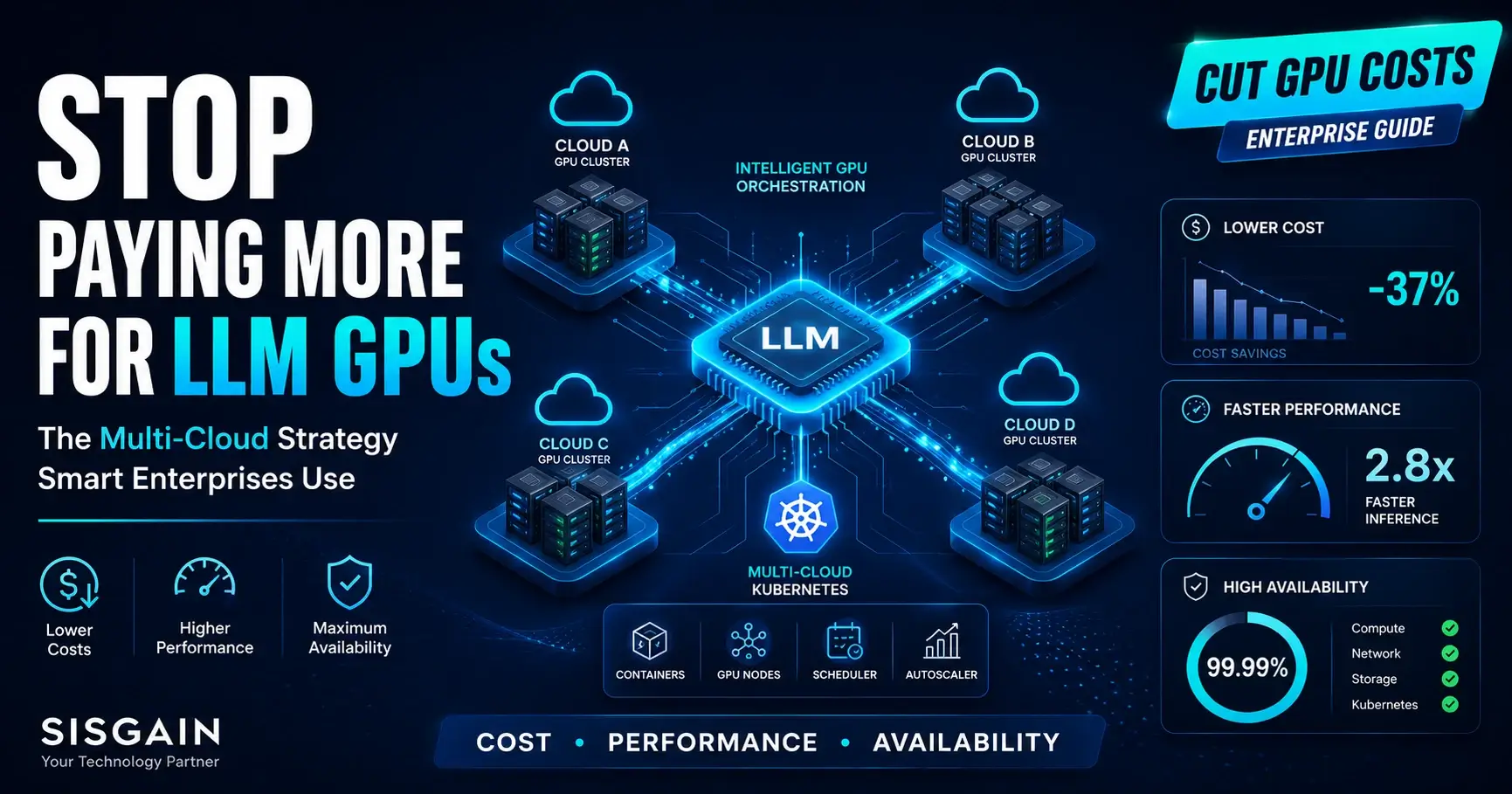
Multi-Cloud GPU Strategy: Cut Costs, Boost Performance, and Eliminate Downtime for LLMs TL;DR: A multi-cloud GPU strategy distributes AI workloads across multiple cloud providers to optimize cost, performance, and availability. For enterprises running large language models, single-cloud deployments create vendor lock-in, capacity risks, and unpredictable costs. Multi-cloud GPU orchestration—managed through Kubernetes and AI workload scheduling tools—solves all three. GPU scarcity is not a future problem. Enterprises training and serving large language models today routinely encounter capacity constraints, spot instance interruptions, and pricing volatility that single-cloud contracts cannot absorb. When a single provider throttles your GPU allocation mid-training run, you do not get a warning. You get failure. A multi-cloud GPU strategy changes the equation. By distributing LLM workloads across AWS, Google Cloud, Microsoft Azure, CoreWeave, and specialized GPU cloud providers, enterprise AI teams gain flexibility that a single-vendor contract structurally cannot offer. GPU availability expands. Cost optimization becomes an active discipline rather than a procurement afterthought. Disaster recovery moves from theoretical to operational. Getting this right starts with a deliberate infrastructure management strategy that treats GPU capacity as a managed portfolio rather than a single vendor relationship. This guide covers what a multi-cloud GPU strategy is, why single-cloud deployments no longer meet enterprise LLM demands, and how to build, orchestrate, and optimize AI infrastructure across multiple GPU clouds. It addresses Kubernetes GPU management, AI workload orchestration, cost and performance trade-offs, common failure patterns, and the industry trends reshaping enterprise AI infrastructure over the next three years. The audience for this content is technical: CIOs, CTOs, Cloud Architects, Infrastructure Engineers, AI Engineers, DevOps teams, and Platform Engineers who make or influence GPU infrastructure decisions. The recommendations are practical. The conclusions are direct. What Is a Multi-Cloud GPU Strategy? A multi-cloud GPU strategy is an architectural approach where AI workloads—model training, fine-tuning, inference, and data processing—run across GPU clusters hosted by two or more cloud providers simultaneously or in a coordinated failover configuration. It is not the same as multi-region deployment within a single provider. It is not hybrid cloud management, though hybrid configurations can incorporate multi-cloud elements. A true multi-cloud GPU strategy involves active management of GPU resources across distinct provider APIs, pricing models, and availability zones. The strategy has three operational pillars: Cost optimization: Route workloads to the provider offering the lowest spot or reserved GPU pricing at any given time. Performance optimization: Select the GPU architecture—NVIDIA A100, H100, or L40S—and cloud region that delivers the lowest latency and highest throughput for a specific LLM task. High availability: Ensure that GPU capacity constraints, provider outages, or spot preemptions on one cloud do not halt production AI workloads. Executing across all three pillars requires multi-cloud GPU orchestration—the software layer that abstracts provider differences and makes intelligent scheduling decisions at runtime. Why Single-Cloud GPU Deployments Are No Longer Enough Single-cloud GPU deployments made sense when LLM workloads were experimental. They no longer do. The fundamental problem is structural. Major hyperscalers—AWS, Azure, and Google Cloud—operate GPU capacity as a constrained resource. NVIDIA H100 and H200 availability fluctuates based on demand from thousands of concurrent enterprise customers. On-demand H100 instances regularly show wait times measured in weeks, not hours. Spot instance preemption rates increase sharply during peak demand windows, interrupting multi-day training runs without recourse. Beyond availability, single-cloud contracts impose pricing rigidity. Reserved instance commitments lock enterprises into a fixed cost structure for one to three years, regardless of how LLM infrastructure requirements shift. As model architectures evolve—from dense transformers to mixture-of-experts configurations—GPU requirements change. A contract signed for A100 capacity becomes a liability when H100 or Blackwell GPUs become the performance baseline. Security and compliance create a third constraint. Regulated industries—healthcare, finance, government—increasingly require data residency controls that a single provider cannot always satisfy across all required jurisdictions. Multi-cloud AI infrastructure allows organizations to route sensitive workloads to the provider whose compliance posture and regional footprint match the regulatory requirement, which is why a documented approach to IT infrastructure security has to sit alongside any provider-selection decision. Single-cloud GPU deployments optimize for simplicity. Enterprise LLM operations require resilience, cost discipline, and compliance coverage. Simplicity is not sufficient. Benefits of a Multi-Cloud GPU Strategy for Enterprise LLMs Reduced GPU cost through competitive routing. Spot GPU pricing varies significantly across providers and regions. A multi-cloud GPU strategy enables dynamic workload routing to the lowest-cost available GPU cluster, reducing AI training and inference costs without reducing throughput. Elimination of single-provider capacity risk. When one provider exhausts H100 availability, the orchestration layer routes to an alternative source—CoreWeave, Lambda Labs, or a secondary hyperscaler—without manual intervention. Improved LLM inference latency. Distributing inference endpoints across multiple cloud regions reduces the geographic distance between the model and the end user, directly improving response latency for production applications. Stronger disaster recovery posture. A provider outage on AWS us-east-1 does not affect a workload already running on Azure or Google Cloud. Multi-cloud AI infrastructure eliminates single points of failure at the provider level. Regulatory flexibility. Enterprises operating in the EU, APAC, or government sectors can route specific LLM workloads to providers and regions that satisfy local data residency and sovereignty requirements without restructuring the entire AI infrastructure. Negotiating leverage. Committing to multi-cloud removes single-vendor dependency and creates competitive pressure that typically improves both pricing and support terms. How Multi-Cloud GPU Orchestration Improves AI Infrastructure Multi-cloud GPU orchestration is the control plane that makes a multi-cloud strategy executable at scale. Without it, operating GPU clusters across multiple providers is a manual, error-prone process that creates more operational overhead than it eliminates. Effective multi-cloud GPU orchestration does four things: Abstracts provider APIs. The orchestration layer normalizes differences in GPU provisioning, monitoring, and billing across AWS, Azure, Google Cloud, and specialized GPU clouds into a single control interface. Executes intelligent GPU scheduling. Workloads are assigned to GPU clusters based on real-time cost, availability, latency, and compliance constraints—not static configuration files. Manages GPU autoscaling. The orchestration layer scales GPU clusters up during peak training or inference demand and scales them down when demand drops, eliminating idle GPU spend. This is typically enforced through infrastructure automation tools rather than manual scaling decisions. Enforces workload-aware placement policies. Sensitive LLM workloads are routed to compliant provider environments automatically, without requiring manual placement decisions. Tools operating in this space include Kubernetes-based orchestration platforms extended with GPU-aware scheduling plugins, as well as purpose-built AI infrastructure orchestration platforms designed for multi-cloud LLM operations. Understanding GPU Orchestration for LLM Workloads LLM workloads impose requirements on GPU orchestration that general-purpose compute scheduling does not address. Training a large language model requires high-bandwidth interconnect between GPU nodes—typically NVIDIA NVLink or InfiniBand—to minimize the communication overhead of distributed training across hundreds or thousands of GPUs. An orchestration system unaware of GPU topology will schedule training jobs across nodes with inadequate interconnect, degrading throughput and inflating training time. Inference workloads have different requirements. Low-latency token generation for production LLM applications requires consistent GPU availability, predictable memory allocation for model weights, and fast autoscaling to handle request volume spikes. An orchestration system optimized for training throughput is not automatically optimized for inference latency. Effective GPU orchestration for LLM workloads distinguishes between these job types and applies placement policies accordingly: Training jobs: Prioritize GPU topology awareness, high-bandwidth interconnect, and fault-tolerant checkpoint recovery. Fine-tuning jobs: Prioritize cost—often routable to spot instances with checkpoint resumption. Inference endpoints: Prioritize low latency, high availability, and autoscaling responsiveness. GPU resource management at this level of specificity requires orchestration tooling with native LLM awareness, not generic workload schedulers retrofitted for AI. Building Multi-Cloud AI Infrastructure for Large Language Models Building multi-cloud AI infrastructure is an architectural decision that spans networking, storage, security, and orchestration, and it benefits from the same discipline organizations already apply to a broader cloud infrastructure management guide. Each layer requires deliberate design. Networking. Cross-cloud GPU traffic must traverse public internet unless private connectivity options—AWS Direct Connect, Azure ExpressRoute, or Google Cloud Interconnect—are configured. For distributed training across providers, network latency and bandwidth constraints can negate the benefits of GPU availability diversification. Evaluate whether the workload tolerates cross-cloud communication overhead before distributing training jobs across providers. Storage. LLM training datasets and model checkpoints require high-throughput, low-latency storage. Cloud-native object storage (S3, GCS, Azure Blob) is the standard approach, but cross-cloud data transfer costs accumulate quickly at petabyte scale. A storage strategy that centralizes training data in one provider while running compute on another introduces both latency and egress costs. Security. Multi-cloud environments expand the attack surface. Each provider uses a distinct identity and access management model. A coherent security posture requires a unified secrets management system, consistent network policy enforcement across clouds, and workload identity federation that works across provider boundaries. Observability. GPU utilization, job completion rates, autoscaling events, and cost metrics must flow into a unified observability platform. Operating blind across multiple clouds is operationally untenable, which is why a deliberate approach to monitoring GPU infrastructure needs to be built in from day one rather than bolted on later. The Role of Multi-Cloud Kubernetes in GPU Management Kubernetes is the de facto orchestration platform for containerized AI workloads. Multi-cloud Kubernetes extends that orchestration capability across provider boundaries, and enterprises formalizing this layer often turn to dedicated Kubernetes & Containerization Services to manage cluster lifecycle across providers. Tools like Cluster API, Crossplane, and Loft enable teams to provision and manage Kubernetes clusters across AWS EKS, Google GKE, and Azure AKS through a unified control plane. Combined with GPU-aware scheduling extensions—NVIDIA's GPU Operator, the Kubernetes Device Plugin for GPUs, and schedulers like Volcano or YARN for batch AI jobs—multi-cloud Kubernetes provides the foundation for portable, schedulable LLM workloads. Key capabilities that multi-cloud Kubernetes enables for GPU management: GPU node pool provisioning across providers from a single cluster management interface. GPU autoscaling using Kubernetes Cluster Autoscaler or Karpenter, extended to provision GPU nodes from multiple cloud APIs. Workload portability through containerized LLM training and inference jobs that run on any compliant Kubernetes cluster regardless of the underlying GPU cloud. Policy-based GPU scheduling using Kubernetes resource quotas, priority classes, and node affinity rules to control which workloads access which GPU pools. Multi-cloud Kubernetes does not eliminate the complexity of managing GPU infrastructure across providers—it structures that complexity into a manageable, auditable control plane. AI Workload Orchestration Across Multiple GPU Clouds AI workload orchestration at the multi-cloud level requires more than a Kubernetes federation. It requires a scheduling intelligence layer that understands LLM job characteristics and makes real-time placement decisions based on cost, performance, and compliance constraints. The orchestration decision tree for a typical enterprise LLM operation includes: Job classification: Is this a training run, a fine-tuning job, or an inference request? Constraint evaluation: Does the workload have data residency requirements, minimum GPU memory thresholds, or SLA commitments that restrict provider selection? Cost comparison: What is the current spot or on-demand price for the required GPU type across available providers? Availability check: Does the preferred provider have sufficient GPU capacity available now? Placement decision: Route the workload to the optimal provider, GPU cluster, and region based on the above inputs. This decision cycle runs continuously. As spot prices shift, GPU availability changes, and job queues evolve, the orchestration layer adjusts placement in real time. Manual scheduling at this frequency is not feasible for enterprise-scale LLM operations. Best Practices for an Effective Multi-Cloud GPU Strategy 1. Define a GPU workload taxonomy before selecting providers.Classify every LLM workload by type, SLA, data sensitivity, and GPU memory requirement before evaluating provider options. Workload characteristics determine provider fit—not the reverse. 2. Prioritize GPU topology in training job placement.Distributed LLM training degrades sharply when GPU nodes lack high-bandwidth interconnect. Confirm that the GPU clusters used for large training runs provide NVIDIA NVLink or InfiniBand connectivity. 3. Build checkpoint-first fault tolerance.Spot GPU instances are preemptible. Every training job must checkpoint model state at regular intervals and resume automatically from the latest checkpoint on preemption. Treat preemption as a standard operational event, not an exception. 4. Implement unified cost visibility before optimizing.GPU cost optimization requires accurate, real-time data on GPU utilization, idle time, and spot versus on-demand spend across all providers. Establish a unified FinOps dashboard before making routing decisions—many enterprises bring in dedicated FinOps Services to build this visibility rather than assembling it ad hoc. 5. Standardize on containers and Kubernetes-native tooling.Workload portability across GPU clouds depends on containerization. LLM training and inference jobs packaged as Kubernetes-native workloads are portable; jobs with hard dependencies on provider-specific APIs are not. Defining cluster and provider configuration through Infrastructure as Code (IaC) keeps this portability reproducible across environments rather than dependent on manual setup. 6. Enforce least-privilege access across all provider environments.Multi-cloud environments multiply IAM complexity. Apply least-privilege access policies consistently across providers using a centralized secrets management system. Audit GPU cluster access regularly. 7. Separate inference and training infrastructure.Training clusters optimize for throughput and interconnect bandwidth. Inference clusters optimize for latency and autoscaling speed. Running both workload types on shared GPU infrastructure forces trade-offs that degrade performance on both dimensions. Common Challenges and How to Overcome Them Challenge Root Cause Recommended Solution GPU spot preemption interrupting training runs Provider reclaims spot capacity mid-job Implement checkpoint-and-resume logic; use mixed instance pools with at least one on-demand node Inconsistent GPU availability across providers NVIDIA H100/H200 supply constraints at hyperscalers Add specialized GPU cloud providers (CoreWeave, Lambda Labs) to the provider pool Cross-cloud data transfer costs Egress fees when training data and compute span providers Centralize training datasets in one region; replicate only model checkpoints cross-cloud Fragmented IAM and security policies Each provider uses distinct identity models Deploy a centralized secrets manager (HashiCorp Vault or AWS Secrets Manager cross-cloud) and federated workload identity Lack of unified observability Metrics siloed in provider-native monitoring tools Implement an aggregated observability stack (Prometheus + Grafana or Datadog) with cross-cloud GPU metrics GPU scheduling inefficiency Generic Kubernetes scheduler lacks GPU topology awareness Deploy NVIDIA GPU Operator and a GPU-aware batch scheduler (Volcano, YARN, or Kueue) FinOps complexity at scale Multiple billing models, discount programs, and currencies Establish a dedicated FinOps function with tooling (CloudHealth, Apptio Cloudability) that consolidates GPU spend across providers Industries Benefiting from Multi-Cloud GPU Strategy Healthcare Healthcare AI requires strict data residency controls under HIPAA in the US and GDPR in the EU. Multi-cloud AI infrastructure enables healthcare organizations to route LLM workloads processing patient data to compliant provider regions while running non-sensitive model development tasks on lower-cost GPU clouds. Clinical NLP models, medical imaging AI, and drug discovery LLMs all benefit from the GPU capacity diversification that multi-cloud provides. Finance Financial services firms run time-sensitive LLM workloads—fraud detection inference, risk modeling, algorithmic research—where GPU availability and latency directly affect revenue outcomes. A multi-cloud GPU strategy ensures that GPU capacity constraints on one provider do not create inference latency spikes or batch processing delays during peak trading windows. Compliance requirements under SOC 2, PCI-DSS, and regional financial regulations drive provider selection for specific workloads. Manufacturing Manufacturing AI applications—predictive maintenance, quality inspection, supply chain optimization—increasingly run LLM-scale models on operational data. Multi-cloud GPU infrastructure enables manufacturers to keep operational data within regional cloud environments while accessing GPU capacity from specialized providers for compute-intensive training jobs. Retail Retail LLM applications—recommendation engines, demand forecasting, personalized search—face sharp demand spikes during peak retail periods. GPU autoscaling across multiple clouds allows retail AI teams to absorb those spikes without maintaining idle reserved capacity year-round. Multi-cloud GPU routing keeps inference costs proportional to actual demand. Government Government and defense organizations face the most stringent data sovereignty requirements. Multi-cloud GPU strategy allows these organizations to operate LLM workloads in FedRAMP-authorized or sovereign cloud environments while accessing commercial GPU capacity for non-sensitive research and development workloads. The separation of classified and unclassified AI workloads across distinct provider environments is a structural requirement, not an optimization. Future Trends in Multi-Cloud GPU Strategy AI-Native InfrastructureCloud infrastructure is evolving from general-purpose compute with GPU add-ons to purpose-built AI infrastructure. Providers are deploying GPU supercomputer clusters—NVIDIA DGX Cloud on Azure, AWS Trainium clusters, Google TPU v5 pods—designed specifically for LLM training at scale. Multi-cloud GPU strategies will increasingly incorporate these purpose-built AI infrastructure options alongside traditional GPU instances. GPU MarketplacesSpot GPU capacity markets—CoreWeave, RunPod, Vast.ai, and emerging broker platforms—are creating a secondary GPU market that operates outside hyperscaler pricing. GPU marketplace integration into multi-cloud orchestration platforms gives enterprise AI teams access to a wider pool of GPU capacity at competitive prices, reducing dependence on hyperscaler spot instance availability. Edge AILLM inference at the edge—on-premises GPU servers, regional co-location facilities, and edge cloud nodes—is becoming a requirement for latency-sensitive enterprise applications. Multi-cloud GPU strategies will expand to incorporate edge GPU capacity alongside hyperscaler and specialized cloud GPU resources. Intelligent SchedulingCurrent GPU scheduling systems route workloads based on cost, availability, and static constraints. Next-generation intelligent scheduling incorporates ML-driven prediction—forecasting spot price movements, GPU availability windows, and preemption probabilities—to make proactive placement decisions that reduce job interruptions and total GPU spend. Autonomous OperationsAI-driven infrastructure operations—automated GPU cluster right-sizing, self-healing job recovery, and autonomous cost optimization—are moving from experimental to production-grade tooling. Enterprise AI infrastructure teams will manage GPU operations at a policy level rather than a configuration level. FinOps for AIGPU cost management is becoming a dedicated discipline within enterprise FinOps. Frameworks for GPU cost allocation, chargeback, and optimization are maturing rapidly. Organizations that establish FinOps for AI practices now—with tooling, processes, and ownership—will have a measurable cost advantage as LLM infrastructure spend scales. Serverless GPUsServerless GPU platforms—where AI inference runs on GPU infrastructure with no cluster management overhead and billing on a per-token or per-second basis—are gaining traction for variable inference workloads. Multi-cloud GPU strategies will incorporate serverless GPU options for unpredictable or low-volume inference tasks, eliminating idle reserved capacity costs for those workload types. Key Takeaways Single-cloud GPU deployments create structural constraints—capacity limits, pricing rigidity, and availability risk—that multi-cloud AI infrastructure eliminates. A multi-cloud GPU strategy requires three aligned pillars: cost optimization, performance optimization, and high availability. Multi-cloud GPU orchestration is the control plane that makes multi-cloud GPU management executable at enterprise scale. Without it, the operational overhead of managing multiple providers outweighs the benefits. Multi-cloud Kubernetes, combined with NVIDIA GPU Operator and GPU-aware batch schedulers, provides the foundational orchestration layer for portable LLM workloads across provider boundaries. Effective multi-cloud AI infrastructure requires deliberate design across networking, storage, security, and observability—not just GPU provisioning. Different LLM workload types—training, fine-tuning, inference—require different GPU placement policies. A single scheduling approach degrades performance across all three. FinOps for AI is not optional at enterprise scale. GPU cost optimization depends on accurate, unified visibility into spend across all providers. Industries with strict data residency requirements—healthcare, finance, government—benefit from multi-cloud GPU strategy both as a cost and a compliance mechanism. The Infrastructure Decision That Compounds GPU infrastructure decisions compound. A training cluster optimized for today's LLM architecture becomes a constraint when the next model generation requires different GPU types, higher interconnect bandwidth, or different regional availability. A single-cloud commitment made for simplicity becomes a ceiling on what is operationally possible. Multi-cloud GPU strategy removes that ceiling. It does not simplify GPU infrastructure—it structures the complexity into manageable layers: orchestration, scheduling, cost management, and security. Each layer operates independently but contributes to the same outcome: GPU capacity that scales with AI ambition rather than constraining it. The organizations building durable AI infrastructure today are not choosing between providers. They are building the systems that let them use all of them—on their terms, at their cost, with the control that enterprise LLM operations demand, backed by Infrastructure Management Services that can operate that complexity day to day. table { width: 100%; max-width: 100%; border-collapse: collapse; margin: 24px 0; font-size: 15px; line-height: 1.6; background: #ffffff; border: 1px solid #d9e2ec; display: block; overflow-x: auto; overflow-y: hidden; white-space: nowrap; -webkit-overflow-scrolling: touch; border-radius: 10px; } table tbody { display: table; width: 100%; } table th { background: #0b2a4a; color: #ffffff; font-weight: 700; text-align: left; padding: 14px 16px; border: 1px solid #0b2a4a; } table td { padding: 13px 16px; border: 1px solid #d9e2ec; color: #1f2937; vertical-align: top; } table tr:nth-child(even) td { background: #f8fbff; } table tr:hover td { background: #eef6ff; } table p { margin: 0; } /* Mobile Optimization */ @media (max-width: 768px) { table { font-size: 14px; } table th, table td { padding: 12px; } }
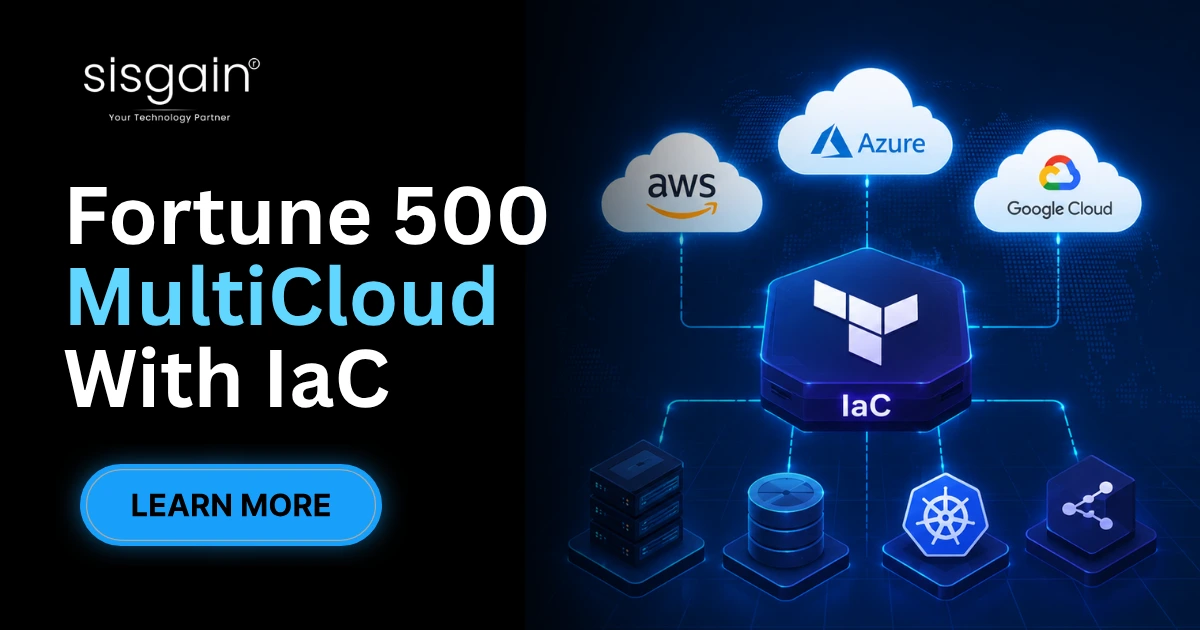
Key Takeaways Fortune 500 companies use Infrastructure as Code (IaC) to manage multi-cloud infrastructure consistently across AWS, Azure, and Google Cloud, reducing manual configuration errors and deployment time. Multi-cloud strategies exist primarily for business continuity, regulatory compliance, vendor risk reduction, and disaster recovery — not just cost savings. Terraform, OpenTofu, and Pulumi are the dominant IaC tools enterprises use to codify infrastructure, paired with GitOps and Policy as Code for governance. Configuration drift, cloud sprawl, and security misconfigurations are the top challenges large enterprises face, and IaC combined with continuous monitoring solves most of them. Platform engineering and internal developer platforms (IDPs) are the next evolution, giving engineering teams self-service, governed infrastructure at scale. Most engineering leaders don't lose sleep over a single cloud outage. They lose sleep over the spreadsheet of manual server configurations nobody fully understands anymore, spread across three cloud providers and five regions. That's the real business pain behind multi-cloud infrastructure at enterprise scale, and it's why Infrastructure as Code has moved from a DevOps nicety to a board-level priority. This article breaks down exactly how large enterprises solve that problem in practice. Introduction Multi-cloud infrastructure is no longer an experiment for Fortune 500 companies — it's the default operating model. Regulatory pressure, vendor negotiation leverage, and the need for regional performance have pushed enterprises to run workloads across AWS, Azure, and Google Cloud simultaneously. But running infrastructure across three providers using manual processes doesn't scale. A single misconfigured firewall rule, applied inconsistently across clouds, can take down a production system or trigger a compliance violation. This is where Infrastructure as Code changes the equation. Instead of engineers manually clicking through cloud consoles, IaC lets teams define infrastructure in version-controlled code that can be tested, reviewed, and deployed identically across environments. Large enterprises use IaC not just for speed, but for governance — the ability to prove, at any moment, exactly what infrastructure exists and why. This article explains why multi-cloud has become standard practice, what IaC actually does, and — most importantly — how Fortune 500 organizations structure their tooling, governance, and teams to make multi-cloud infrastructure manageable rather than chaotic. You'll walk away with a practical framework, not just theory. Why Fortune 500 Companies Are Moving Toward Multi-Cloud Infrastructure Enterprises rarely choose multi-cloud because it's fashionable. They choose it because single-cloud dependency creates real business risk. A regional outage at one provider can halt operations if there's no failover path on a second cloud. Regulators in banking, healthcare, and insurance increasingly require data residency and processing controls that no single cloud region can satisfy alone. Vendor diversification also gives enterprises negotiating leverage on pricing and support terms. Global expansion adds another layer — a company entering the EU or APAC markets often finds one provider has stronger regional presence and compliance certifications than another. None of this is theoretical; it shows up directly in procurement and risk committee decisions. Organizations undertaking large-scale Cloud Migration & Modernization initiatives frequently discover that legacy workloads perform better, or are simply cheaper to run, on a specific provider — which naturally produces a multi-cloud footprint rather than a single-vendor one. Business Challenge Multi-Cloud Benefit Single point of failure during outages Workload failover across independent providers Vendor lock-in and pricing leverage Competitive negotiating position across vendors Data residency and regulatory requirements Region-specific hosting to satisfy local law Inconsistent global performance Deploy closer to users on the best-performing cloud Disaster recovery limitations Cross-cloud backup and recovery architecture Slow entry into new markets Faster expansion using local cloud infrastructure What Is Infrastructure as Code (IaC) and Why Does It Matter? Infrastructure as Code means defining servers, networks, databases, and security policies in machine-readable configuration files instead of provisioning them by hand. Those files live in version control, just like application code, which means every infrastructure change is tracked, reviewed, and reversible. IaC tools generally follow a declarative model — you describe the desired end state, and the tool figures out how to get there — rather than an imperative model, where you script each individual step. Declarative approaches, used by Terraform and OpenTofu, are what most enterprises standardize on because they're easier to audit and less prone to human error. Reusable templates, often called modules, let platform teams package approved infrastructure patterns — a compliant VPC, a hardened Kubernetes cluster — so application teams can consume them without reinventing security controls each time. Combined with CI/CD pipelines and GitOps practices, infrastructure changes flow through the same automated, peer-reviewed process as application releases. This workflow is what makes Cloud Architecture & Infrastructure Services repeatable across business units, rather than dependent on any single engineer's tribal knowledge. It's also the foundation that makes multi-cloud governance possible at scale. How These Companies Manage Multi-Cloud Infrastructure Using IaC This is where theory meets practice. Large enterprises don't run Terraform the way a five-person startup does. They build centralized governance structures around it, because dozens of teams touching cloud infrastructure independently creates chaos fast. Centralized governance starts with a platform team that owns the core Terraform modules and cloud landing zones. Application teams consume these modules rather than writing raw provider code, which keeps security baselines consistent across AWS, Azure, and GCP. This single decision eliminates most of the inconsistency that causes outages and audit failures. Terraform modules and OpenTofu form the technical backbone. Since Terraform's licensing change, many enterprises have adopted OpenTofu, the open-source fork, specifically to avoid vendor licensing risk while keeping the same module syntax and workflow their teams already know. GitOps extends this discipline to Kubernetes and application deployments. Tools like ArgoCD continuously reconcile the live cluster state against what's declared in Git, automatically correcting configuration drift before it becomes an incident. This is a critical piece of managing multi-cloud infrastructure consistently, because drift is often invisible until something breaks. Policy as Code — using tools like Open Policy Agent (OPA) or HashiCorp Sentinel — lets security and compliance teams codify rules directly into the deployment pipeline. Instead of reviewing every change manually, a policy engine automatically blocks non-compliant infrastructure, like an unencrypted storage bucket, before it ever reaches production. Secrets management through platforms like HashiCorp Vault ensures credentials, API keys, and certificates are never hardcoded into IaC files. This is non-negotiable in regulated industries, where a leaked credential in a public repository can trigger a serious incident. Platform engineering ties all of this together. Rather than every team learning Terraform from scratch, platform teams build internal developer platforms (IDPs) that expose "golden paths" — pre-approved, self-service templates for common infrastructure needs. A developer requests a new environment through a simple interface, and the underlying IaC handles the provisioning, security, and compliance automatically. None of this replaces good Infrastructure Management Services; it complements them by giving internal and external teams a shared, auditable source of truth for every cloud resource in production. Ready to bring this level of governance to your own cloud environment? Enterprise infrastructure modernization doesn't happen through a single tool purchase — it requires the right architecture, the right guardrails, and a team that has done this before. If your organization is evaluating how to consolidate multi-cloud sprawl into a governed IaC model, this is the moment to get expert guidance before technical debt compounds further. Observability closes the loop. Prometheus and Grafana are the most common combination enterprises use to monitor infrastructure health across clouds, while centralized logging feeds into compliance reporting systems that satisfy auditors without manual evidence collection. Together, these practices are what separate mature enterprise infrastructure programs from teams still fighting fires reactively. Enterprise IaC Technology Stack Layer Purpose Popular Enterprise Tools Provisioning Define and deploy cloud infrastructure Terraform, OpenTofu, Pulumi Cloud Providers Underlying compute, storage, networking AWS, Microsoft Azure, Google Cloud Container Orchestration Deploy and scale containerized workloads Kubernetes Secrets Management Secure storage of credentials and keys HashiCorp Vault Policy Enforcement Automated compliance and governance Open Policy Agent (OPA), Sentinel CI/CD Pipelines Automate testing and deployment GitHub Actions, GitLab CI/CD, Azure DevOps Monitoring & Observability Track infrastructure health and performance Prometheus, Grafana GitOps Delivery Continuous reconciliation of cluster state ArgoCD Common Challenges Managing Multi-Cloud Infrastructure Even with IaC in place, enterprises run into recurring problems. Configuration drift happens when someone makes a manual change directly in a cloud console, bypassing the code that's supposed to represent the source of truth. Over time, this creates a gap between what's documented and what's actually running. Cloud sprawl is another common issue — teams spin up resources without central visibility, leading to unused infrastructure and unnecessary spend. Security gaps often emerge from inconsistent configurations across providers, since AWS, Azure, and GCP each have different default settings and terminology for similar controls. Strong cloud infrastructure security practices require normalizing these differences through shared policy definitions rather than managing each cloud separately. The talent shortage compounds all of this. Terraform, Kubernetes, and multi-cloud networking require specialized skills that are expensive to hire and retain, which is why many enterprises turn to managed enterprise infrastructure management partners to fill capability gaps rather than building every function in-house. Challenge Solution Configuration drift GitOps reconciliation and drift detection tooling Cloud sprawl Centralized tagging, budgets, and resource governance Inconsistent security controls Policy as Code applied uniformly across providers Compliance reporting overhead Automated audit logging tied to IaC pipelines Rising cloud costs FinOps practices with real-time cost visibility Skills gap in Terraform/Kubernetes Managed services and internal platform teams Operational complexity across clouds Unified internal developer platform (IDP) Best Practices Used by Fortune 500 Companies Build reusable, versioned modules. Platform teams create standardized Terraform modules for common patterns — networking, databases, compute — so application teams don't rebuild security controls from scratch each time. Adopt GitOps for continuous reconciliation. Every infrastructure change flows through Git, giving teams a single audit trail and automatic drift correction rather than relying on manual checks. Enforce Policy as Code. Compliance rules get codified once and applied automatically across every deployment, removing the bottleneck of manual security review for routine changes. Run continuous infrastructure testing. Just like application code, IaC gets validated in automated pipelines before it ever touches production, catching misconfigurations early. Maintain living documentation. Enterprises document not just what infrastructure exists, but why specific decisions were made, so new engineers can understand context quickly. Conduct regular infrastructure reviews. Architecture review boards periodically assess whether existing infrastructure still matches business needs and security standards. Invest in infrastructure monitoring. Observability isn't optional at scale — teams need real-time visibility into performance and cost across every cloud they operate in. Practice cost governance through FinOps. Cross-functional FinOps Services teams pair engineering and finance to track spend against budgets and eliminate waste before it accumulates. Automate wherever manual toil exists. If a task is repeated more than a few times, enterprises treat it as a candidate for automation rather than accepting it as routine work, standardizing on a small set of approved infrastructure automation tools instead of letting every team pick its own. Real Enterprise Examples Publicly documented patterns across industries show how these principles play out in practice, without revealing confidential implementation details. Financial services firms typically prioritize multi-cloud for regulatory compliance and disaster recovery, using strict Policy as Code enforcement given the sensitivity of financial data and strict audit requirements. Healthcare organizations commonly adopt multi-cloud to satisfy data residency requirements under regulations like HIPAA, relying heavily on encrypted secrets management and detailed audit logging. Retail companies often use multi-cloud infrastructure to handle seasonal traffic spikes, distributing load across providers during peak shopping periods to avoid single-vendor capacity constraints. Manufacturing enterprises frequently pair multi-cloud with edge computing, since IaC allows consistent infrastructure templates to be deployed across factories and data centers globally. SaaS companies typically adopt a hybrid cloud strategy that blends multi-cloud public infrastructure with private data centers, using IaC to keep both environments provisioned from the same codebase. Future Trends in Multi-Cloud Infrastructure and IaC AI-assisted IaC is emerging quickly, with tools that can generate, review, and suggest fixes for infrastructure code before deployment. This won't replace platform engineers, but it will meaningfully speed up module creation and code review. Platform engineering and internal developer platforms will continue expanding, as enterprises look for ways to give developers self-service infrastructure without sacrificing governance. OpenTofu's community-driven development is likely to gain further enterprise adoption as organizations diversify away from single-vendor tooling risk. Autonomous infrastructure — systems that can detect issues and remediate them without human intervention — is advancing alongside predictive monitoring, which flags potential failures before they occur. Cloud sustainability and AI governance are also becoming standard agenda items at the infrastructure strategy level, not just afterthoughts. Conclusion Multi-cloud infrastructure has become the standard operating model for Fortune 500 companies, driven by business continuity, compliance, and performance needs rather than trend-chasing. Infrastructure as Code is what makes that model sustainable — turning a fragile web of manual configurations into a governed, auditable, repeatable system. Organizations that treat IaC as a core governance discipline, not just a scripting convenience, are the ones successfully scaling across three or more cloud providers without losing control. The business impact is direct: fewer outages, faster audits, lower operational overhead, and engineering teams that spend more time building products instead of firefighting infrastructure. Enterprises serious about scaling should invest now in centralized module governance, Policy as Code, and platform engineering before complexity outpaces their ability to manage it. Ready to Modernize Your Cloud Infrastructure? Enterprises that delay building a governed IaC foundation don't just move slower — they accumulate risk with every manual change. Whether you need Cloud Managed Services to operate infrastructure at scale, or you're exploring Serverless Architecture Development to reduce operational overhead entirely, the right partner can help you build a multi-cloud foundation that scales with confidence instead of chaos. Connect with our enterprise infrastructure team to assess where your organization stands today.
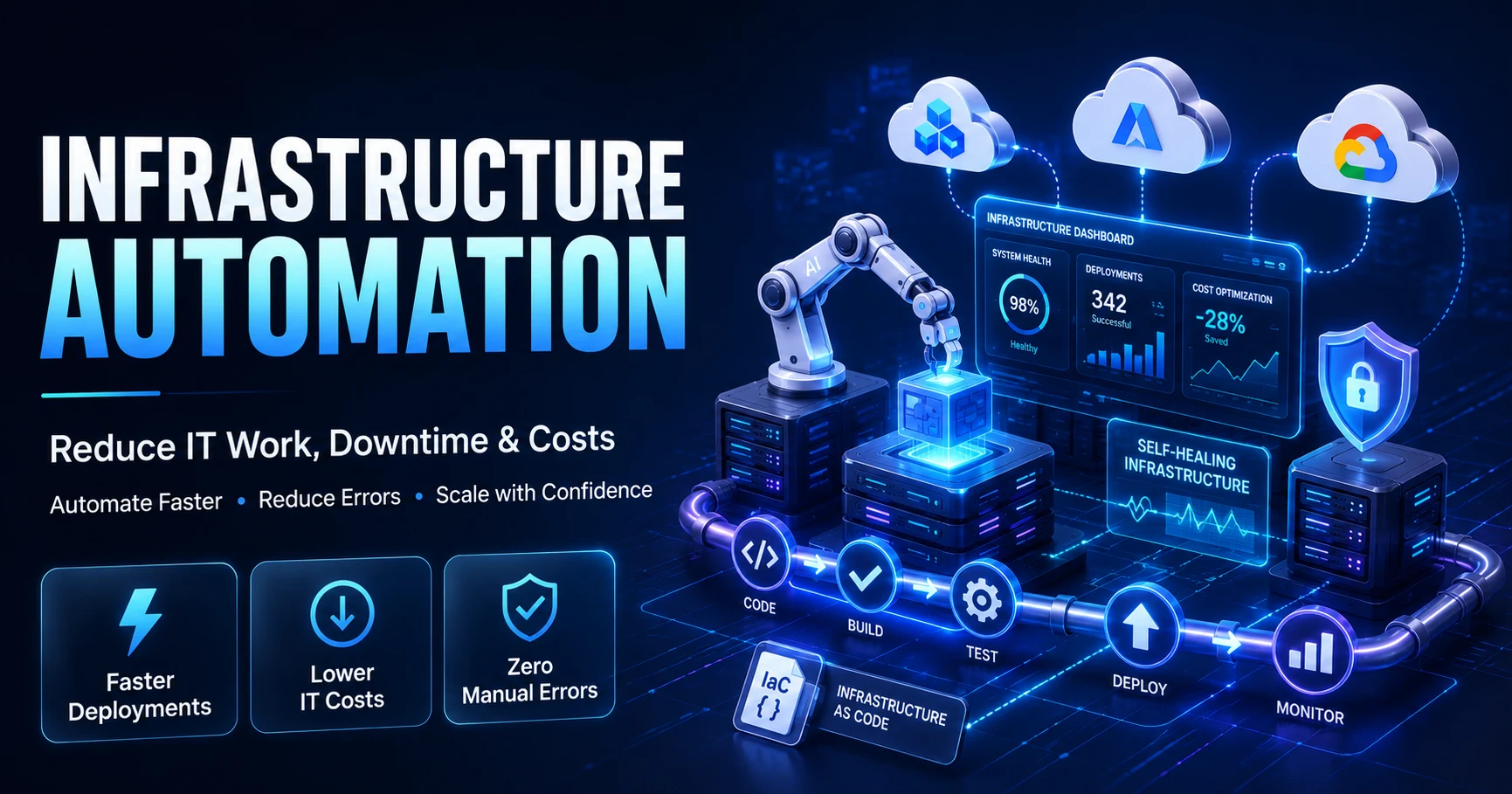
Infrastructure Automation: How Businesses Reduce Manual IT Work, Downtime, and Cost TL;DR: Infrastructure automation uses software tools to provision, configure, manage, and monitor IT systems without manual intervention. Businesses that automate IT infrastructure cut deployment times by up to 60%, reduce unplanned downtime, lower cloud costs, and eliminate configuration drift. Core tools include Ansible, Terraform, Puppet, Chef, SaltStack, Jenkins, Red Hat Ansible Automation Platform, AWS CloudFormation, Azure Automation, and Google Cloud Infrastructure Manager. Manual IT infrastructure management was never efficient. It was just tolerated. Servers provisioned by hand. Configuration changes applied one system at a time. Patch cycles delayed because no one has the hours to touch 300 endpoints individually. The gaps between intention and execution grow wider with every team member, every cloud account, every new workload added to the stack. The result is predictable: inconsistent environments, configuration drift, security gaps, and the kind of unplanned downtime that carries a $300,000-per-hour price tag — a figure cited by over 90% of respondents in the ITIC 2024 Hourly Cost of Downtime Report. That number held true even for small and midsize businesses. Downtime is not a large-enterprise problem. It belongs to every organization running production systems. Infrastructure automation changes the operating model. Instead of engineers executing repetitive tasks across distributed systems, automation platforms handle provisioning, configuration, deployment, patching, and monitoring at machine speed with consistent results. The engineer defines intent once. The system executes it everywhere. This guide covers what infrastructure automation tools do, why organizations adopt them, which platforms lead the market, how to choose the right one, and what best practices separate a successful automation program from one that stalls after the first implementation. Whether you are a CIO weighing a full DevOps transformation or a system administrator looking to automate your first provisioning workflow, the answer is the same: start with clear intent and the right toolchain, backed by dependable Infrastructure Management Services. What Is Infrastructure Automation? Infrastructure automation is the use of software to perform IT infrastructure tasks — provisioning, configuration, deployment, monitoring, and scaling — that would otherwise require manual intervention, forming the foundation of modern Infrastructure Management Services. Traditional infrastructure management operates on a reactive model. An engineer receives a request, logs into a system, executes changes, and documents what was done. The process is slow, inconsistent, and entirely dependent on individual knowledge. One missed step can break a production environment. One undocumented change creates a configuration that no one can reproduce. Automated infrastructure management replaces that sequence with code-defined workflows. Infrastructure as Code (IaC) tools like Terraform let teams describe the desired state of an environment in version-controlled files. Configuration management tools like Ansible apply those configurations consistently across every node in the estate. CI/CD platforms like Jenkins trigger deployment pipelines automatically when code changes pass validation. The difference between manual and automated infrastructure management: Dimension Manual Management Automated Management Provisioning speed Hours to days Minutes Consistency Variable Codified and repeatable Error rate High (human-dependent) Low (logic-enforced) Auditability Manual documentation Version-controlled records Scalability Limited by headcount Unlimited within platform Recovery time Slow and manual Scripted and fast Cost High operational overhead Lower at scale Real-world examples of IT infrastructure automation in practice include a financial services firm that provisions 50 cloud environments in 12 minutes using Terraform modules, a healthcare organization that enforces security configurations across 2,000 endpoints nightly via Ansible playbooks, and a SaaS company that deploys code to production in 15 minutes with zero manual steps through a Jenkins CI/CD pipeline. Key Takeaway: Infrastructure automation converts manual, error-prone operations into version-controlled, repeatable, and auditable workflows — the foundation of reliable digital infrastructure. Why Businesses Are Automating Their IT Infrastructure The pressure to automate does not come from one direction. It compounds from every layer of the organization simultaneously. Increasing infrastructure complexity. Hybrid cloud environments, multi-cloud architectures, containerized workloads, microservices — each layer adds dependencies, configurations, and failure points, making disciplined Cloud Infrastructure Management essential. Manual oversight cannot keep pace. A single enterprise might manage resources across AWS, Azure, and on-premises data centers. Without automation, consistency is impossible. Human error at scale. According to Uptime Institute's 2025 Annual Outage Analysis Report, human error contributed to major outages at nearly 40% of organizations — and 85% of those were caused by failing to follow procedures or by flawed processes. More people touching more systems means more opportunity for misconfiguration. Automation removes the human variable from routine operations. Downtime costs. ITIC's 2024 data puts average downtime cost above $300,000 per hour, with 41% of respondents estimating costs above $1 million per hour. Every minute a production system is unavailable translates directly into lost revenue, productivity loss, and reputational damage — underscoring why proactive Infrastructure Monitoring matters. Slow deployment cycles. Organizations still running manual release processes face deployment windows measured in days or weeks. Competitors operating automated CI/CD pipelines ship features daily. The velocity gap compounds over time into a market position gap. Security and compliance risks. 84% of firms identify security as their primary cause of downtime, per ITIC 2024. Manual patch management, inconsistent access controls, and undocumented configurations create exploitable gaps, which is why organizations increasingly follow IT Infrastructure Security Best Practices. Automated security policy enforcement closes them systematically. Operational costs. Engineering hours spent on repetitive provisioning, patching, and configuration tasks represent significant labor cost with low strategic value. Automation redirects that capacity toward work that compounds. Manual infrastructure management is not a neutral choice. Every day without automation is a day of accumulated technical debt, inconsistent configurations, and preventable risk. Key Benefits of Infrastructure Automation Faster Deployments Automated CI/CD pipelines eliminate manual steps from the software delivery chain. Build, test, validate, and deploy in a single triggered workflow. SISGAIN client deployments using automated pipelines have reduced deployment cycles from four hours to 15 minutes — a 93% reduction. Reduced Downtime Automated monitoring and self-healing configurations detect and remediate issues before they escalate to outages. Proactive alerting, automated failover, and configuration drift detection maintain system stability without waiting for an engineer to notice a problem. Lower Operational Costs Infrastructure as Code eliminates redundant provisioning work. Auto-scaling policies match resource allocation to actual demand, removing idle compute that drives cloud bills upward. Organizations implementing full infrastructure automation consistently report 30–40% reductions in cloud spend. Improved Security Security policy automation enforces consistent access controls, vulnerability patching, and compliance configurations across every managed resource. DevSecOps pipelines embed security scanning at every stage of the deployment workflow — not as an afterthought, but as an enforcement layer. Consistent Configurations Configuration drift — the gradual divergence between intended and actual system state — is a primary source of both outages and security vulnerabilities. Automated configuration management tools like Ansible and Puppet enforce desired state continuously, detecting and correcting drift before it compounds. Better Scalability Auto-scaling infrastructure responds to demand spikes in seconds. Kubernetes orchestration adjusts pod counts automatically based on load. Cloud-native automation provisions new capacity without human approval cycles. The system scales to traffic. Engineers focus on architecture, not capacity management. Faster Disaster Recovery Automated disaster recovery workflows execute predefined recovery sequences at machine speed. Backup verification, failover initiation, and environment rebuild from IaC templates reduce recovery time objectives from hours to minutes. Improved Compliance Automated compliance frameworks enforce regulatory requirements — HIPAA, PCI-DSS, SOC 2, ISO 27001 — through policy as code. Every configuration is documented, every change is logged, and every deviation triggers an alert. Compliance becomes a continuous operational state, not a periodic audit exercise. Key Takeaway: The combined effect of infrastructure automation is not marginal efficiency improvement. It is a fundamental shift in how reliably, securely, and cost-effectively an organization operates its digital infrastructure. 10 Powerful Infrastructure Automation Tools The infrastructure automation market spans configuration management, provisioning, orchestration, and CI/CD. Each tool addresses a different layer of the automation stack. Understanding what each one does — and where it fits — is prerequisite to building a coherent toolchain. Ansible Overview: Ansible is an open-source automation platform developed by Red Hat. It uses human-readable YAML playbooks to define automation tasks and applies them across managed nodes without requiring agent installation. Best For: Configuration management, application deployment, multi-tier orchestration, and ad-hoc task automation in heterogeneous environments. Key Features: Agentless architecture using SSH and WinRM YAML-based playbooks with a minimal learning curve 3,000+ pre-built modules for common infrastructure tasks Idempotent execution — running a playbook twice produces the same result Ansible Galaxy module repository Advantages: Low barrier to entry, no agents to maintain, strong community support, flexible across on-premises and cloud. Limitations: Performance at very large scale (10,000+ nodes) requires optimization. Limited native GUI without the enterprise platform. Sequential execution by default can slow complex workflows. Terraform Overview: Terraform, developed by HashiCorp, is the leading Infrastructure as Code platform. Teams write configuration in HashiCorp Configuration Language (HCL) to provision and manage cloud, on-premises, and SaaS infrastructure. Best For: Cloud provisioning across AWS, Azure, and GCP; multi-cloud infrastructure management; environment reproducibility. Key Features: Declarative configuration with state management Providers for 3,000+ infrastructure services Plan → Apply workflow showing changes before execution Terraform Cloud for team collaboration and remote state Module registry for reusable infrastructure components Advantages: Cloud-agnostic, strong ecosystem, deterministic infrastructure changes, version-controlled state. Limitations: State file management requires care to prevent drift. Steep learning curve for complex multi-provider configurations. Terraform Cloud adds cost for enterprise features. Puppet Overview: Puppet is a model-driven configuration management platform that enforces desired system state through a declarative language and an agent-master architecture. Best For: Large-scale configuration management in enterprises with established infrastructure, especially Windows and Linux environments. Key Features: Declarative Puppet DSL for describing desired state Puppet agent on managed nodes reports state to the Puppet server Extensive module ecosystem via Puppet Forge Role-based access control and compliance reporting Supports physical servers, VMs, and cloud instances Advantages: Strong compliance and reporting capabilities, mature enterprise support, excellent at enforcing consistent state across large fleets. Limitations: Requires agent installation on all managed nodes. Puppet DSL has a steeper learning curve than YAML-based tools. Higher setup complexity compared to Ansible. Chef Overview: Chef is a Ruby-based configuration management platform that uses "recipes" and "cookbooks" to define infrastructure policy as code. Chef Infra applies those policies to managed nodes through a client-server model. Best For: Organizations with strong Ruby expertise, complex compliance automation, and large-scale infrastructure requiring policy-driven configuration. Key Features: Ruby-based DSL for writing recipes and cookbooks Chef Supermarket for community cookbooks Chef InSpec for compliance testing as code Chef Habitat for application automation Chef Automate dashboard for visibility and reporting Advantages: Highly programmable, strong compliance testing integration, well-suited for complex multi-environment configurations. Limitations: Ruby knowledge required for effective use. Higher learning curve than Ansible. Agent-based architecture adds operational overhead. Less active open-source community compared to Ansible and Terraform. SaltStack (Salt) Overview: SaltStack, now integrated into VMware's portfolio as Salt Open, is an event-driven automation platform that supports both agent-based (Salt Minion) and agentless operation modes. Best For: High-speed remote execution across large-scale infrastructure, real-time event-driven automation, and complex orchestration. Key Features: Python-based with YAML state files ZeroMQ message bus enabling extremely fast execution Agent (Salt Minion) and agentless (SSH) modes Event-driven automation triggered by system state changes Salt Cloud for cloud provisioning Advantages: Exceptional execution speed at scale, real-time responsiveness, flexible deployment modes. Limitations: Complex initial setup. Documentation quality varies. Smaller community than Ansible. Enterprise features require Salt Enterprise licensing. Jenkins Overview: Jenkins is an open-source automation server that orchestrates CI/CD pipelines. It connects source control, build tools, testing frameworks, and deployment targets into automated delivery workflows. Best For: CI/CD pipeline automation, build orchestration, and integration with virtually any tool in the software delivery chain. Key Features: 1,800+ plugins covering every major build, test, and deployment tool Pipeline as Code using Jenkinsfile (Groovy DSL) Distributed builds across multiple agents Blue Ocean interface for pipeline visualization Integrates with GitHub, GitLab, Bitbucket, Jira, and more Advantages: Highly extensible, large community, completely free, supports any language and platform, cloud-agnostic. Limitations: Requires significant administration overhead for large deployments. Plugin compatibility issues can cause instability. UI is dated compared to modern alternatives like GitHub Actions. Red Hat Ansible Automation Platform Overview: Red Hat Ansible Automation Platform (AAP) is the enterprise-grade distribution of Ansible. It adds a GUI-based controller (formerly Ansible Tower), automation analytics, content collections, and enterprise support on top of the open-source Ansible engine. Best For: Enterprises requiring centralized automation governance, role-based access control, audit logging, and scalable automation management across large infrastructure estates. Key Features: Automation Controller (web UI, REST API, RBAC) Automation Hub for managing certified content collections Automation Analytics for usage and performance insights Integration with ITSM platforms (ServiceNow, Jira) Red Hat enterprise support and SLA Advantages: Centralized control over distributed automation, enterprise security features, subscription-based support, Red Hat ecosystem integration. Limitations: Subscription cost adds up for large deployments. Requires the same Ansible knowledge as the open-source version — the platform adds governance, not simplicity. AWS CloudFormation Overview: AWS CloudFormation is Amazon's native Infrastructure as Code service. Teams define AWS resource configurations in JSON or YAML templates, and CloudFormation provisions and manages those resources as stacks. Best For: AWS-native infrastructure provisioning, stack-based resource lifecycle management, and organizations standardized on AWS. Key Features: Native AWS service with tight integration across 300+ AWS resource types Stack-based provisioning with rollback on failure Change sets for previewing infrastructure changes StackSets for deploying across multiple accounts and regions Drift detection for identifying configuration changes Advantages: No additional cost (pay only for provisioned resources), deep AWS service integration, native rollback capabilities, well-documented. Limitations: AWS-only. JSON/YAML template syntax can become unwieldy at scale. Limited abstraction compared to Terraform modules. CDK (Cloud Development Kit) is often preferred by developer-centric teams. Azure Automation Overview: Azure Automation is Microsoft's cloud-based automation and configuration management service. It provides process automation through runbooks, configuration management through Azure Automation State Configuration (DSC), and update management. Best For: Automating Azure and hybrid cloud operational tasks, update management across Windows and Linux systems, and configuration compliance for Azure-connected resources. Key Features: Runbooks (PowerShell, Python) for process automation Azure Automation State Configuration (DSC) for configuration management Update Management for patching Windows and Linux across Azure and on-premises Hybrid Runbook Worker for extending automation to on-premises systems Integration with Azure Monitor, Log Analytics, and Azure Policy Advantages: Tight Azure ecosystem integration, hybrid support through Hybrid Runbook Workers, included with Azure subscriptions. Limitations: Azure-centric, limited cross-cloud capability. Runbook development requires PowerShell or Python expertise. Scaling complex automation workflows can be challenging. Google Cloud Deployment Manager / Infrastructure Manager Overview: Google Cloud originally offered Deployment Manager as its native IaC service. Google now recommends Infrastructure Manager — a fully managed service built on Terraform — for infrastructure provisioning on Google Cloud, reflecting the broader industry shift toward Terraform as the standard IaC layer. ⚠️ Note: Google Cloud Deployment Manager remains available but is in maintenance mode. For new GCP infrastructure projects, Google recommends Cloud Infrastructure Manager or Terraform directly. Best For: GCP-native infrastructure provisioning and organizations adopting Terraform-based workflows across multi-cloud environments that include Google Cloud. Key Features (Infrastructure Manager): Managed Terraform service on Google Cloud Version-controlled deployments with preview and apply workflow Integrated with Google Cloud IAM for access control Supports existing Terraform configurations and modules Full audit trail through Cloud Audit Logs Advantages: Managed Terraform removes self-hosted Terraform operational overhead, strong GCP integration, familiar HCL syntax for teams already using Terraform elsewhere. Limitations: Relatively newer service compared to AWS CloudFormation. Limited to Google Cloud resources without extending to external Terraform providers. Infrastructure Automation Tools Comparison Tool Best For Open Source Cloud Support Difficulty Level Pricing Ansible Configuration management, agentless automation Yes Multi-cloud Low Free (open source) / Subscription (AAP) Terraform Multi-cloud IaC provisioning Yes (BSL license) Multi-cloud Medium Free / Terraform Cloud paid tiers Puppet Large-scale config management Yes (open core) Multi-cloud Medium-High Free / Enterprise subscription Chef Policy-driven config management Yes (open core) Multi-cloud High Free / Commercial license SaltStack High-speed remote execution Yes (open core) Multi-cloud Medium-High Free / Salt Enterprise Jenkins CI/CD pipeline automation Yes Multi-cloud Medium Free Red Hat AAP Enterprise Ansible governance No (enterprise) Multi-cloud Medium Subscription AWS CloudFormation AWS-native IaC No AWS only Medium Free (resource costs only) Azure Automation Azure/hybrid operations No Azure + hybrid Medium Included in Azure GCP Infrastructure Manager GCP Terraform-managed IaC No GCP Medium Pay-per-use How to Choose the Right Infrastructure Automation Platform No single tool fits every organization. The right infrastructure automation software depends on where you are today and where your infrastructure needs to go. Business size and scale. Small teams benefit from lower-complexity tools like Ansible or Terraform, which deliver results without significant platform overhead. Large enterprises with strict governance requirements may need Red Hat Ansible Automation Platform or a combination of Terraform Cloud and a dedicated CI/CD platform. Existing infrastructure. An AWS-native organization may find CloudFormation sufficient for provisioning. A hybrid organization spanning on-premises VMware, AWS, and Azure needs a cloud-agnostic tool like Terraform or Ansible. Cloud strategy. Single-cloud, multi-cloud, and hybrid strategies each favor different tools, and a clear Hybrid Cloud Infrastructure Management approach helps determine the right fit. Terraform is the strongest choice for multi-cloud IaC. Native cloud services (CloudFormation, Azure Automation, Infrastructure Manager) optimize for single-cloud depth. Team expertise. Match the tool to the skills already on the team. Ansible's YAML syntax is accessible to sysadmins without deep programming experience. Chef's Ruby-based DSL requires development fluency. Forcing a team to adopt a tool far outside their skill set extends time-to-value and increases risk. Security and compliance requirements. Regulated industries need tools with strong audit logging, RBAC, and compliance reporting. Red Hat Ansible Automation Platform, Puppet Enterprise, and Chef Automate provide enterprise-grade compliance capabilities. Integration requirements. Evaluate how each tool integrates with your existing CI/CD pipeline, ITSM platform, monitoring stack, and cloud provider. Jenkins, GitHub Actions, and GitLab CI integrate with most IaC tools. Native cloud services integrate most deeply with their respective providers. Budget. Open-source tools like Ansible, Terraform, and Jenkins carry zero licensing cost but require self-managed infrastructure. Enterprise platforms add subscription costs in exchange for vendor support, centralized management, and governance features. Pro Tip: Start with a pilot project before committing to a platform. Select a well-defined, low-risk automation use case — patch management or VM provisioning — and validate the tool against your actual environment before scaling. Common Infrastructure Automation Use Cases Infrastructure automation applies across every operational domain. The following represent the highest-impact applications: Server provisioning: Automate VM and bare-metal server creation, configuration, and registration across on-premises and cloud environments Cloud provisioning: Deploy cloud resources — compute, networking, storage, databases — from version-controlled IaC templates Patch management: Schedule and automate OS and application patches across thousands of endpoints with compliance verification Configuration management: Continuously enforce desired configuration state, detect drift, and remediate deviations automatically Network automation: Automate switch and router configuration, VLAN provisioning, firewall rule management, and DNS updates Container deployment: Build, push, and deploy container images through automated CI/CD workflows Kubernetes automation: Automate cluster provisioning, Helm chart deployments, scaling policies, and rolling updates Backup automation: Schedule, execute, verify, and report on backup jobs across distributed systems Disaster recovery: Automate failover sequences, environment rebuild from IaC templates, and recovery validation Security policy automation: Enforce CIS benchmarks, apply security baselines, rotate credentials, and audit access controls automatically Common Challenges During Infrastructure Automation Automation programs fail for predictable reasons. Recognizing the obstacles early prevents expensive course corrections. Legacy systems. Old operating systems, unsupported APIs, and undocumented configurations resist automation. Solution: Map legacy dependencies first. Identify which systems can be automated with wrappers or custom modules, and which need modernization before automation is viable. Resistance to change. Engineers who built their careers on manual administration may view automation as a threat. Solution: Frame automation as a force multiplier, not a replacement. Involve the team in tool selection and workflow design. Automate the tasks they dislike, not the work they value. Tool complexity. Choosing the wrong tool for the team's skill level creates a skills gap that slows every subsequent automation effort. Solution: Prototype before committing. Run a 30-day pilot on a defined use case and measure time-to-competency alongside technical fit. Skills shortage. DevOps engineers, cloud architects, and automation specialists are in short supply. Solution: Upskill existing staff through structured training, or engage a managed infrastructure services partner like SISGAIN to accelerate capability without building from scratch. Security concerns. Automation tools require privileged access credentials. Poorly managed secrets create significant security risk. Solution: Use a secrets management platform (HashiCorp Vault, AWS Secrets Manager, Azure Key Vault) to store and rotate credentials used by automation workflows. Integration issues. Automation tools that do not connect to existing ITSM, monitoring, or security platforms create parallel workflows that fragment visibility. Solution: Validate integrations during the pilot phase. Prefer tools with native connectors to your existing stack over those requiring custom development. ⚠️ Warning: Automating a broken process does not fix the process — it accelerates the mistakes. Before building automation workflows, document and validate the manual process. Automation should codify proven best practices, not replicate existing inefficiencies at scale. Best Practices for Successful IT Infrastructure Automation 1. Start with version control. Every automation artifact — IaC templates, playbooks, runbooks, pipeline definitions — lives in a Git repository from day one. Version control enables rollback, audit history, and collaborative development. 2. Define desired state, not procedures. Declarative automation (Terraform, Puppet, Ansible) specifies what you want, not how to get there. This approach is more resilient to environmental variation than imperative scripting. 3. Test automation before deploying to production. Use staging environments to validate IaC templates and configuration playbooks. Incorporate automated testing tools like Terratest, Molecule, and InSpec into your pipeline. 4. Implement least-privilege access for automation accounts. Automation service accounts need only the permissions required for their specific tasks. Broad administrative access creates an expansive attack surface. 5. Manage secrets with a dedicated vault. Never embed credentials in automation code. Use HashiCorp Vault, AWS Secrets Manager, or Azure Key Vault to supply secrets at runtime and rotate them automatically. 6. Use idempotent automation. Design automation workflows to produce the same result regardless of how many times they run. Idempotency prevents partial state accumulation and simplifies troubleshooting. 7. Build rollback into every deployment pipeline. Automated deployments must have automated rollback. Define rollback triggers and test the rollback path as rigorously as the forward deployment path. 8. Monitor automation execution, not just infrastructure. Track pipeline success rates, execution duration, failure patterns, and drift detection alerts. Automation health is infrastructure health. 9. Document automation logic as code comments. Automation playbooks and IaC modules should be self-documenting. Comments explaining intent, not syntax, make the codebase maintainable by team members who did not write it. 10. Establish a change review process for automation code. Automation code changes require the same review rigor as application code. Pull request reviews, automated linting, and policy validation gates prevent configuration errors from reaching production. 11. Treat automation as a product, not a project. Automation programs that succeed have owners, maintenance cycles, and roadmaps. Programs that treat automation as a one-time implementation see their toolchains drift into unmaintainability. 12. Instrument everything with observability. Prometheus, Grafana, Datadog, and the ELK Stack provide the telemetry required to understand whether automated infrastructure is performing as designed. Automation without observability is blind automation. Future Trends in Infrastructure Automation Infrastructure automation is not a static discipline. The next generation of automation capabilities is already reshaping how engineering teams manage infrastructure. AI-driven automation. Machine learning models predict resource demand, detect anomalies, and recommend infrastructure optimizations before human operators identify the same signals. AI-assisted automation reduces the operational burden on engineering teams while improving decision accuracy. AIOps. AIOps platforms correlate events across infrastructure, applications, and services to reduce alert noise and surface root causes faster. According to LogicMonitor (April 2026), AIOps improves signal quality by reducing noise and correlating events across domains — but insight alone does not produce action. AIOps is the intelligence layer. Execution requires additional governance. Self-healing infrastructure. Self-healing operations detect routine failures, assemble context, and execute corrective actions within defined policy guardrails without manual intervention. Detection and diagnosis happen automatically; engineers review outcomes, not incidents. LogicMonitor describes self-healing as "the practical entry point into autonomous IT" — the first point in the maturity curve where AI agents move from recommendation to execution. GitOps. GitOps treats Git as the single source of truth for infrastructure state. Every change to infrastructure goes through a pull request. Automated reconciliation loops detect drift between the declared state in Git and the actual state of the environment, then correct it without human intervention. ArgoCD and Flux are the leading GitOps controllers for Kubernetes environments. Policy as Code. Security and compliance policies encoded in tools like Open Policy Agent (OPA) and HashiCorp Sentinel enforce governance rules automatically as part of the provisioning pipeline. Policy violations fail deployments before non-compliant infrastructure is created. Zero-touch provisioning. Fully automated provisioning workflows that require zero human interaction from request to operational state are becoming the standard for cloud-native organizations. Infrastructure requests go through a self-service portal; automation handles the rest. Edge infrastructure automation. As compute moves to the network edge — retail stores, manufacturing plants, telecom infrastructure — automation tools must manage geographically distributed nodes at scale without on-site engineering presence. Edge automation extends the same IaC and configuration management patterns from cloud to edge. Intelligent cloud operations. AI models that optimize cloud resource allocation, predict cost overruns, and recommend architectural changes in real time are redefining FinOps. The infrastructure layer becomes self-optimizing, not just self-healing. Why Businesses Choose SISGAIN for Infrastructure Automation Services Designing and implementing infrastructure automation requires deep expertise across cloud platforms, DevOps toolchains, security frameworks, and enterprise architecture. SISGAIN delivers that expertise across 17+ years of cloud engineering, with 1,000+ projects delivered across 40+ countries and a 98% client satisfaction rate. Infrastructure as Code Services. SISGAIN provisions and manages infrastructure using version-controlled Terraform, CloudFormation, and Ansible automation — consistent across environments, auditable by default. CI/CD Pipeline Automation. Automated delivery pipelines built on Jenkins, GitHub Actions, and GitLab CI reduce deployment cycles by up to 60% and achieve 99.9% deployment reliability. SISGAIN's SaaS client benchmark: four-hour deployments reduced to 15 minutes, with 90% fewer rollbacks. Cloud DevOps Services. Multi-cloud infrastructure optimization across AWS, Azure, and Google Cloud, with governance, cost control, and security enforcement built into every environment. Containerization and Kubernetes Automation. Kubernetes cluster provisioning, Helm deployments, auto-scaling configuration, and 24/7 monitoring for container-native workloads, powered by dedicated Kubernetes & Containerization Services. DevSecOps Services. Security scanning, compliance automation, identity and access management, and secrets management integrated directly into the deployment pipeline — not added after the fact. Monitoring and Observability. Real-time infrastructure monitoring through Grafana, Prometheus, and Datadog with proactive alerting, incident response, and performance optimization. Managed DevOps Services. 24/7 infrastructure support, proactive monitoring, patch management, and incident response, delivered through comprehensive Cloud Managed Services, for organizations that need operational continuity without expanding internal headcount. Security-First Approach. Every automation engagement embeds security policy enforcement from the first design decision. Compliance with HIPAA, PCI-DSS, SOC 2, and industry-specific frameworks is engineered in, not bolted on. Ready to automate your infrastructure? Request a free infrastructure audit from SISGAIN's DevOps architects. Our team reviews your current environment and delivers a modernization roadmap within 24 hours. Build Infrastructure That Runs Itself Manual IT infrastructure management was never a strategy. It was a starting point — and for most organizations, that starting point is long past. Infrastructure automation tools like Terraform, Ansible, Puppet, Chef, SaltStack, Jenkins, Red Hat Ansible Automation Platform, AWS CloudFormation, and Azure Automation give engineering teams the ability to define infrastructure intent once and execute it everywhere, consistently, at speed. The organizations operating the most reliable, cost-efficient, and secure infrastructure today did not get there by hiring more people to perform more manual tasks. They built systems that operate themselves, monitored by engineers focused on architecture and strategy, not routine execution. The path from manual to automated infrastructure is incremental. Pick one use case. Automate it well. Measure the result. Then expand. SISGAIN's DevOps and infrastructure automation engineers have built automated cloud environments for organizations across healthcare, fintech, SaaS, logistics, and enterprise technology — across 40+ countries, with outcomes measured in uptime, deployment speed, and cost reduction. Request a free infrastructure audit and get a concrete roadmap for your automation journey within 24 hours. /* ========================== Blog Table Styling ========================== */ table { width: 100%; max-width: 100%; border-collapse: collapse; margin: 24px 0; font-size: 15px; line-height: 1.6; background: #ffffff; border: 1px solid #d9e2ec; display: block; overflow-x: auto; overflow-y: hidden; white-space: nowrap; -webkit-overflow-scrolling: touch; border-radius: 10px; } table tbody { display: table; width: 100%; } table th { background: #0b2a4a; color: #ffffff; font-weight: 700; text-align: left; padding: 14px 16px; border: 1px solid #0b2a4a; } table td { padding: 13px 16px; border: 1px solid #d9e2ec; color: #1f2937; vertical-align: top; } table tr:nth-child(even) td { background: #f8fbff; } table tr:hover td { background: #eef6ff; } table p { margin: 0; } /* Mobile Optimization */ @media (max-width: 768px) { table { font-size: 14px; } table th, table td { padding: 12px; } }
Hybrid Cloud Infrastructure Management: Benefits, Challenges, Strategy, and Best Practices TL;DR: Hybrid cloud infrastructure management is the practice of governing workloads, data, and policies across on-premises infrastructure and public cloud environments through a unified control plane. It delivers regulatory compliance, workload flexibility, cost efficiency, and operational resilience. According to Precedence Research (2025), the global hybrid cloud market is valued at USD 134.22 billion in 2025 and is projected to reach USD 578.72 billion by 2034. Enterprise infrastructure has never been more distributed. Workloads run on private data centers, public clouds, edge nodes, and everything in between. Managing this complexity without losing visibility, security, or cost control is the defining challenge for CIOs, CTOs, and infrastructure teams today. Hybrid cloud infrastructure management provides the governance framework to bring these environments under a single operational model. But understanding what it means in practice—how the architecture works, what components require oversight, where most organizations fail, and how to build a strategy that scales—requires more than a surface-level overview. This guide covers the full picture. From core components and architecture patterns to industry use cases, best practices, and technology stacks, it is designed to help enterprise decision-makers and technical teams build hybrid cloud environments that are secure, cost-efficient, and operationally sound. What Is Hybrid Cloud Infrastructure Management? Quick answer: Hybrid cloud infrastructure management is the coordinated governance of compute, storage, networking, security, and data across private on-premises infrastructure and public cloud platforms using a unified management plane. The goal is consistent visibility, policy enforcement, and workload control regardless of where applications run. At its core, hybrid cloud infrastructure management is about closing the gap between isolated environments. Private infrastructure gives organizations control over sensitive data and latency-sensitive workloads. Public cloud provides scalability, global reach, and access to managed services. Without a unified management layer, operating both simultaneously creates fragmented visibility, duplicate tooling, inconsistent security policies, and unpredictable cost behavior. The discipline covers lifecycle management, monitoring and observability, identity and access control, security posture management, cost optimization, and automation—applied consistently across every environment in the enterprise footprint. What Is Hybrid Cloud? Understanding Hybrid Cloud Computing Hybrid cloud computing combines private infrastructure—whether on-premises data centers or dedicated private cloud tenancies—with one or more public cloud platforms such as AWS, Microsoft Azure, or Google Cloud. The defining characteristic is integration: workloads actively span both environments, and a unified management layer governs them together rather than treating them as separate silos. This is distinct from simply using both types of infrastructure independently. Hybrid cloud involves data portability, consistent identity and access controls, shared governance policies, and coordinated networking across environments. What Is Hybrid Cloud Infrastructure? Hybrid cloud infrastructure refers to the combined set of physical and virtual resources—servers, storage, networking, containers, and cloud services—that an organization operates across its private and public cloud environments. It includes on-premises hardware, virtualized resources, cloud-native services, and the integration technologies (APIs, VPNs, direct connect circuits) that allow workloads to communicate across boundaries. Hybrid Cloud vs Traditional Infrastructure Attribute Traditional On-Premises Hybrid Cloud Infrastructure Scalability Constrained by physical hardware capacity Elastic—burst to public cloud on demand Capital Expenditure High upfront investment Shifts CapEx to OpEx with variable cloud spend Time to Provision Days to weeks Minutes to hours via automation Geographic Reach Limited to owned data center locations Global through cloud provider regions Security Control Full control, higher compliance burden internally Shared responsibility with cloud providers Disaster Recovery Complex, expensive redundancy required Cross-environment failover built into architecture Innovation Speed Slower—tied to procurement cycles Faster access to managed services and AI infrastructure Management Complexity Single environment, well-understood Multi-environment, requires unified governance For enterprises running legacy systems alongside modern cloud-native applications, hybrid infrastructure bridges that gap without requiring a wholesale migration. Why Businesses Are Moving to Hybrid Cloud Infrastructure Quick answer: Enterprises adopt hybrid cloud infrastructure to meet regulatory requirements, reduce infrastructure costs, support digital transformation, and gain the workload placement flexibility that single-environment architectures cannot provide. According to Flexera's 2026 State of the Cloud Report, 73% of organizations now operate on hybrid cloud estates. That number reflects a structural shift, not a trend. Several converging forces are driving adoption: Regulatory pressure is tightening across every industry. Healthcare organizations must keep patient records under strict data sovereignty rules. Financial institutions face GDPR, PCI-DSS, and DORA compliance requirements. Government agencies operate under data residency mandates that public cloud alone cannot satisfy. Hybrid infrastructure lets these organizations keep regulated data on private infrastructure while using public cloud for everything else. Digital transformation timelines are compressing. Organizations that need to launch new digital services cannot wait for traditional infrastructure procurement cycles. Public cloud delivers immediate access to compute, AI/ML platforms, managed databases, and global CDN, while core business applications continue to run on proven private infrastructure. To accelerate this transition with minimal disruption, many enterprises adopt Cloud Migration & Modernization services that help assess workloads, modernize legacy applications, and build a scalable hybrid cloud environment. GenAI workloads are creating new infrastructure demands. Training large language models requires burst GPU capacity that few organizations can sustain on private hardware alone. A hybrid strategy lets enterprises prototype on public cloud GPU infrastructure, then move proven workloads to cost-optimized private environments for inference at scale. Cost optimization drives hybrid adoption for organizations that have already experienced public cloud bill shock. Moving stable, predictable workloads back to private infrastructure while retaining public cloud for variable and burst capacity significantly reduces total cost of ownership. Core Components of Hybrid Cloud Infrastructure Management [Illustration Suggestion: Enterprise Hybrid Cloud Management Workflow showing each component layer with arrows indicating data flow and governance controls] Effective hybrid cloud infrastructure management requires coordinated oversight across multiple operational domains. Each component addresses a specific category of risk or operational requirement. Infrastructure Monitoring Real-time visibility into the health, performance, and availability of every resource across both environments. Effective infrastructure monitoring covers CPU, memory, disk I/O, network throughput, application response times, and container health—aggregated into a single observability layer rather than managed through separate tools for each environment. According to Dynatrace research, the average multi-cloud environment relies on approximately 10 separate monitoring tools, and 85% of technology leaders report that this fragmentation actively increases operational complexity. Cloud Resource Management Provisioning, configuring, and decommissioning compute, storage, and networking resources across environments through automated, policy-driven workflows. Cloud resource management prevents orphaned instances, enforces tagging standards, and ensures every resource is tied to a cost center and owner. Identity and Access Management Unified IAM applies consistent least-privilege access controls regardless of where a workload runs. This means a single identity provider, consistent role-based access control (RBAC) policies, multi-factor authentication for privileged operations, and audit trails that span private and public environments without gaps. Networking and Connectivity Secure, reliable connectivity between private and public environments through VPNs, dedicated private connections (AWS Direct Connect, Azure ExpressRoute), software-defined networking, and network segmentation. Network design decisions at this layer directly affect latency, data transfer costs, and the blast radius of security incidents. Storage Management Coordinating data placement across on-premises storage arrays, object storage, block storage, and cloud-native storage services. Storage management includes replication policies, backup schedules, data tiering, archival workflows, and encryption at rest—applied consistently across all storage environments. Security and Compliance Hybrid environments expand the attack surface significantly. Security management covers cloud security posture management (CSPM), endpoint protection, secrets management, encryption key governance, vulnerability scanning, and compliance monitoring against frameworks such as CIS, NIST, ISO 27001, and SOC 2. For a detailed breakdown of enterprise security controls, refer to this IT infrastructure security best practices guide. Automation and Orchestration Infrastructure as Code (IaC), configuration management, automated patching, and self-healing workflows reduce toil and eliminate the configuration drift that accumulates when environments are managed manually. Automation is the mechanism that makes consistent governance across heterogeneous environments operationally feasible. Governance Governance defines who owns what, what policies apply where, how exceptions are handled, and how compliance is audited. Without explicit governance frameworks, hybrid environments develop inconsistencies at the boundaries between teams and platforms. Governance documentation, policy engines, and approval workflows make those boundaries explicit and enforceable. Learn more about infrastructure management services and how governance fits into the broader operational model. Performance Monitoring Application performance management (APM) tracks response times, throughput, error rates, and user experience across services that span hybrid environments. Performance baselines inform capacity planning decisions and trigger proactive scaling before degradation affects end users. Cost Optimization FinOps practices applied to hybrid infrastructure require normalized cost reporting across environments that use incompatible pricing models. Private infrastructure has fixed capacity costs; public cloud has variable per-use costs. Right-sizing, workload placement optimization, reserved capacity planning, and automated scale-down policies all contribute to keeping hybrid infrastructure cost-efficient. Industry data from Harness (2025) estimates that approximately USD 44.5 billion in cloud infrastructure spend goes to underutilized resources annually. Benefits of Hybrid Cloud Infrastructure Management Quick answer: The primary benefits of hybrid cloud infrastructure management are regulatory compliance, workload placement flexibility, cost optimization, operational resilience, and faster access to cloud-native innovation—delivered without sacrificing control over sensitive data or mission-critical systems. Benefit What It Delivers Data Sovereignty Sensitive data stays in compliant environments; regulated workloads isolated by design Workload Flexibility Place each workload where cost, performance, compliance, and latency requirements are best met Cost Efficiency Stable workloads on private infrastructure; variable workloads on public cloud eliminates waste Operational Resilience Cross-environment failover reduces single points of failure; hybrid DR is measurably more robust Compliance Alignment Consistent policy enforcement satisfies multi-framework regulatory requirements Innovation Access Public cloud provides immediate access to AI/ML, serverless, and managed services Performance Optimization Latency-sensitive workloads remain on-premises; global traffic uses edge and CDN Vendor Independence Avoids lock-in by distributing workloads across private and multiple public environments Rackspace's 2025 State of the Cloud Report, which surveyed 1,420 IT professionals, found that 82% of IT decision-makers using hybrid cloud reported satisfaction with operational efficiency—a higher rate than any other cloud model. Common Challenges of Managing Hybrid Cloud Infrastructure Quick answer: The most persistent hybrid cloud infrastructure management challenges are visibility fragmentation, security policy inconsistency at environment boundaries, FinOps complexity across incompatible cost models, skills gaps, and the difficulty of maintaining governance at scale across tools built for single environments. Challenge Root Cause Operational Impact Visibility and Tool Sprawl Separate monitoring stacks per environment Delayed incident detection; manual correlation Security Boundary Gaps Different policies applied to each side Lateral movement goes undetected; compliance failures FinOps Complexity Incompatible pricing models across private and public Budget overruns; orphaned resources; inaccurate forecasting Skills Shortages Hybrid expertise spans multiple disciplines Slower operations; reliance on external support Governance Inconsistency Policy ownership unclear at environment boundaries Configuration drift; audit failures; compliance risk Disaster Recovery Uncertainty SLAs documented but not cross-environment tested False confidence in RTO/RPO commitments Cloud-Native Service Dependencies Proprietary services don't translate across environments Integration failures during workload migration Security visibility is particularly acute. Tools built for private infrastructure have no visibility into public cloud workloads. Public cloud-native security tools don't extend into on-premises environments. Lateral movement across the boundary between them goes undetected by both—and the integration point between environments, where policy ownership is least clearly defined, is precisely where misconfigurations are most likely to surface. Building an Effective Hybrid Cloud Strategy Quick answer: An effective hybrid cloud strategy follows four phases—Assess, Plan, Deploy, Optimize—and aligns workload placement decisions with measurable business objectives including delivery speed, security posture, compliance requirements, and total cost of ownership. [Illustration Suggestion: Enterprise Hybrid Cloud Management Workflow with four-phase lifecycle: Assess → Plan → Deploy → Optimize] Assess Existing Infrastructure Start with a complete workload inventory. Classify each application by data sensitivity, compliance requirements, latency tolerance, compute profile, and business criticality. Identify dependencies—especially proprietary services that may not translate across environments. Map the current cost baseline for every workload category. This assessment is the foundation every subsequent decision builds on. Define Business Goals Translate operational requirements into measurable objectives. Define SLAs, RTO/RPO targets, acceptable latency thresholds, cost reduction targets, and compliance frameworks that must be satisfied. Ambiguous goals produce ambiguous architectures. Design Secure Hybrid Cloud Architecture Architecture decisions at this stage determine the security posture, networking topology, and governance model for the entire environment. Define where workloads will run based on the classification completed in the assessment phase. Design network connectivity, data replication patterns, and encryption policies before provisioning anything. Many organizations work with Cloud Architecture & Infrastructure Services specialists to design resilient, secure, and scalable hybrid cloud architecture that aligns with business objectives and compliance requirements. For a comprehensive walkthrough of architecture design principles, this cloud infrastructure management guide covers the key considerations in detail. Choose Appropriate Cloud Platforms Select public cloud providers based on geographic availability, service ecosystem, compliance certifications, and pricing structures relevant to your workload mix. Vendor-lock-in risk should factor into this decision—evaluate portability at the architecture level, not just the contract level. Implement Automation Codify every provisioning and configuration workflow in Infrastructure as Code. Automate policy enforcement, patch management, scaling, and backup. Automation reduces human error, enforces consistency, and makes governance auditable by design. Deploy Continuous Monitoring Implement unified observability from day one. Centralize metrics, logs, and traces across environments before workloads go live. Retrospectively adding observability to a running hybrid environment is significantly more difficult and costly than building it into the architecture from the start. Establish Governance Define ownership boundaries, change management procedures, compliance audit schedules, and exception handling workflows. Publish governance documentation and enforce it through automated policy engines rather than manual reviews. Optimize Cloud Costs Implement FinOps practices from the first billing cycle. Enforce resource tagging at provisioning time. Review cost reports by workload, team, and environment on a regular cadence. Identify candidates for rightsizing, reserved capacity, or workload migration between private and public environments. Continuously Improve Hybrid cloud environments evolve. Conduct regular architecture reviews, update workload placement decisions as business requirements change, test disaster recovery scenarios on a scheduled basis, and revise cost optimization strategies as pricing models and usage patterns shift. Hybrid Cloud Infrastructure Best Practices Quick answer: The most effective hybrid cloud infrastructure management practices are unified observability, IaC-enforced configuration baselines, Zero Trust access controls, automated compliance checking, cross-environment DR testing, and FinOps dashboards that normalize cost data across private and public infrastructure. [Checklist Graphic: Hybrid Cloud Best Practices] Enforce Infrastructure as Code across both environments. Manual change processes on private infrastructure while public cloud resources are provisioned through APIs creates configuration drift. IaC applied uniformly enforces a single version-controlled baseline and makes deviations visible before they become incidents. Build a unified observability layer. Aggregating metrics, logs, and traces from both environments into a single telemetry plane allows cross-environment event correlation. AIOps capabilities layered on this foundation shift incident management from reactive to predictive. Apply Zero Trust access controls uniformly. Identity-based access controls only function when enforced consistently across environments. Access decisions must follow the workload, not the network location—unified identity providers, consistent policy enforcement points, and no exceptions based on environment. Enforce resource tagging at provisioning time. Automated guardrails that block untagged deployments give FinOps teams accurate cost attribution data from the first billing cycle rather than chasing orphaned resources during quarterly audits. Normalize cost insights across environments. Private and public infrastructure bill differently. FinOps dashboards that translate both into comparable metrics let infrastructure leaders make workload placement decisions based on complete cost data. Automate compliance checks against a single policy baseline. Separate compliance frameworks for private and public environments create audit gaps at the boundary. Automated policy checks applied uniformly across the full estate close those gaps by design. Test disaster recovery across the hybrid boundary. Documented RTO/RPO targets that have never been validated in a cross-environment failover scenario offer false confidence. Scheduled live DR tests are the only way to verify that recovery capabilities are real. Use container orchestration for workload portability. Containers and Kubernetes make applications portable across environments. A consistent orchestration layer simplifies workload migration and supports hybrid deployment strategies without re-architecting applications. Implement least-privilege access with regular review cycles. Privileged accounts accumulate over time. Automated access reviews and just-in-time provisioning for elevated permissions reduce the blast radius of compromised credentials. Document everything and test before scaling. Undocumented configuration decisions become institutional knowledge risks. Architecture decision records, runbooks, and change logs are operational assets, not administrative overhead. Essential Technologies Behind Hybrid Cloud Infrastructure Containers Container technology packages applications and their dependencies into portable, environment-agnostic units. Containers run consistently across development, test, and production environments—whether on-premises or in public cloud—eliminating the "works on my machine" problem at scale. Kubernetes Kubernetes is the industry-standard container orchestration platform for hybrid cloud infrastructure. It automates the deployment, scaling, and management of containerized workloads across clusters running on any infrastructure. Organizations implementing enterprise container platforms often leverage Kubernetes & Containerization services to simplify orchestration, improve workload portability, and accelerate application modernization across private and public cloud environments. Infrastructure as Code IaC tools such as Terraform, Ansible, Pulumi, and CloudFormation define infrastructure in version-controlled configuration files. Applied to hybrid environments, IaC enforces consistent provisioning templates across private and public infrastructure, enables drift detection, and makes every change auditable. CI/CD Pipelines Continuous integration and continuous deployment pipelines automate the testing and delivery of application changes across hybrid environments. GitOps-style workflows (using tools like Argo CD or Flux) extend CI/CD to infrastructure configuration, treating infrastructure changes with the same rigor as application code. AIOps AI for IT operations platforms apply machine learning to monitoring data to detect anomalies, identify root causes, predict failures, and automate remediation. In hybrid environments with high volumes of telemetry data from multiple sources, AIOps dramatically reduces the manual effort required to maintain operational stability. Observability Observability platforms—built on metrics, logs, and traces—provide the full-stack visibility required to troubleshoot distributed applications in hybrid environments. Tools such as Prometheus, Grafana, OpenTelemetry, and unified APM platforms centralize this data and make cross-environment correlation operationally feasible. Cloud Security Platforms Cloud Security Posture Management (CSPM), Cloud Workload Protection Platforms (CWPP), and policy engines such as Open Policy Agent (OPA) and Kyverno enforce security baselines across hybrid environments. These tools detect misconfigurations, enforce access policies, and generate compliance evidence automatically. Automation Tools Configuration management tools (Ansible, Puppet, Chef), event-driven automation frameworks, and workflow orchestration platforms reduce manual operations overhead. Automation tools enable self-healing infrastructure that detects and remediates configuration drift without human intervention. Hybrid Cloud vs Multi-Cloud [Comparison Graphic: Hybrid Cloud vs Multi-Cloud] Dimension Hybrid Cloud Multi-Cloud Definition Combines private infrastructure with one or more public clouds Uses two or more public cloud providers without a private component Primary Driver Data sovereignty, compliance, workload control Vendor redundancy, best-of-breed service selection Infrastructure Ownership Organization owns and operates private infrastructure All infrastructure operated by cloud providers Data Control High—sensitive data stays on private infrastructure Variable—depends on provider configurations Complexity High—requires integration across private and public environments Moderate to high—multiple vendor interfaces and APIs Cost Model CapEx for private + OpEx for public cloud Primarily OpEx across multiple providers Governance Unified control plane governing both environments Often separate governance per provider Compliance Fit Strong—purpose-built for regulated industries Dependent on provider compliance certifications Portability Workloads designed to span environments Portability varies by application architecture Best For Healthcare, banking, government, manufacturing SaaS, digital-native companies, vendor diversification Many large enterprises operate architectures that combine both models—using a hybrid foundation with multiple public cloud providers. This is sometimes called hybrid multi-cloud, and it combines the control advantages of private infrastructure with the redundancy and service breadth of multiple public providers. Public vs Private vs Hybrid Cloud Feature Public Cloud Private Cloud Hybrid Cloud Infrastructure Ownership Cloud provider Organization Both Scalability High—near-infinite on demand Limited by physical capacity High—burst to public cloud Cost Pay-per-use, variable Fixed CapEx investment Mixed model Security Control Shared responsibility Full organizational control Tailored per workload Compliance Provider certifications Full internal control Flexible—by workload Latency Variable—network dependent Low—internal network Low for private; variable for public Ideal For Variable workloads, startups, innovation Regulated data, core systems Enterprises needing both Real-World Industry Use Cases Healthcare Hospitals and health systems store electronic patient records (EPR) on private infrastructure to meet HIPAA and local data residency requirements. Anonymized imaging data moves to public cloud GPU infrastructure for AI-powered diagnostic workloads. Hybrid connectivity allows clinical staff to access records in real time while keeping identifiable data in compliant private environments. Banking and Financial Services Core banking systems—ledger, payments processing, and fraud detection—run on private infrastructure where latency and regulatory controls are tightest. Customer-facing mobile and web applications run on public cloud for elasticity and global reach. BFSI organizations use hybrid architecture to meet PCI-DSS, GDPR, and EU DORA requirements while supporting digital banking innovation. Government Government agencies retain classified and sensitive datasets on sovereign private infrastructure. Unclassified workloads—citizen-facing services, collaboration platforms—run on commercial cloud. Federated hybrid models allow multiple agencies to share private infrastructure governed by common compliance frameworks while independently using public cloud services. Manufacturing Smart manufacturing deployments extend hybrid architecture to factory floors. Edge computing nodes process real-time equipment telemetry locally for time-critical decisions. Summarized data moves to private data centers for operational analytics, then to public cloud for enterprise reporting and supply chain integration. Retail Retail organizations use hybrid infrastructure to handle extreme demand variability. Core inventory management and POS systems run on private infrastructure. During peak periods—major sales events, holiday seasons—customer-facing e-commerce platforms burst to public cloud. Personalization engines run on cloud-native AI/ML services while customer data stays in compliant private storage. Logistics Global logistics networks require real-time visibility across operations that span geographies, time zones, and partner systems. Hybrid infrastructure connects warehouse management systems (running on private infrastructure) with cloud-native tracking platforms, route optimization services, and customer-facing shipment portals. Education Universities and large school systems use hybrid architecture to support research computing, student information systems, and distance learning platforms. Research workloads requiring significant GPU capacity burst to public cloud. Student records and financial data remain on private infrastructure governed by FERPA and institutional data policies. SaaS Providers Enterprise SaaS companies use hybrid infrastructure to serve customers under varying data residency requirements. Multi-tenant application layers run on public cloud for scalability. Dedicated private cloud environments support enterprise customers with strict data sovereignty requirements. This hybrid SaaS model allows a single product to serve both standard and regulated customer segments. Choosing the Right Hybrid Cloud Solutions Quick answer: Choose hybrid cloud solutions based on workload placement flexibility, unified management capabilities, compliance certification coverage, automation maturity, and the vendor's ability to support your specific industry regulatory requirements—not solely on pricing or platform brand recognition. The hybrid cloud vendor landscape spans platform vendors (AWS Outposts, Azure Arc, Google Anthos, VMware Cloud Foundation), managed service providers, and specialist infrastructure management firms. Evaluation criteria should include: Cross-environment management capability: Can the platform govern workloads across both private and public environments from a single control plane, or does it require separate tooling for each? Compliance certifications: Does the platform support the regulatory frameworks your industry requires (HIPAA, PCI-DSS, GDPR, FedRAMP, SOC 2)? Automation depth: How mature are the IaC, policy enforcement, and self-healing capabilities? Observability integration: Does the platform provide unified metrics, logs, and traces, or does it require separate monitoring tools for each environment? DR validation support: Can the platform support cross-environment failover testing with measurable RTO/RPO outcomes? FinOps capabilities: Does the platform normalize cost reporting across private and public infrastructure billing models? The right choice depends on your current infrastructure maturity, workload mix, compliance obligations, and internal skill sets. There is no universal answer—only the architecture that best serves your specific operational requirements. How SISGAIN Helps Organizations Build Secure Hybrid Cloud Infrastructure Building a hybrid cloud environment that is secure, cost-efficient, and operationally sustainable requires expertise across infrastructure assessment, architecture design, migration execution, automation engineering, and ongoing management. These disciplines rarely exist in full depth within a single internal team. SISGAIN's infrastructure management practice supports enterprise organizations across the full hybrid cloud lifecycle: Infrastructure Assessment and Workload Classification: SISGAIN conducts detailed discovery of existing infrastructure estates to identify workload profiles, application dependencies, compliance requirements, and current cost baselines. This assessment informs workload placement decisions and migration prioritization. Hybrid Cloud Architecture Consulting: Working with CTOs, Cloud Architects, and Infrastructure Managers, SISGAIN designs hybrid cloud architectures that align with business objectives, regulatory constraints, and technical requirements. Architecture deliverables include network topology, security policy frameworks, identity and access models, and disaster recovery designs. Cloud Migration Planning and Execution: SISGAIN supports organizations in migrating workloads from on-premises environments to hybrid cloud architectures with minimal disruption to production operations. Migration waves are sequenced by complexity, dependency mapping, and business risk. Automation and Infrastructure as Code: SISGAIN engineers implement IaC-based provisioning, automated patching, policy enforcement automation, and GitOps-style deployment workflows across hybrid environments—reducing operational overhead and configuration drift. Infrastructure Monitoring and Observability: Drawing on proven monitoring architectures, SISGAIN deploys unified observability platforms that centralize metrics, logs, and traces across private and public cloud environments, enabling proactive incident detection and performance optimization. Security and Compliance Management: SISGAIN implements security baselines, CSPM tooling, identity governance frameworks, and automated compliance checks aligned to relevant regulatory frameworks—covering both the private infrastructure and public cloud footprint. Performance Optimization and Cost Governance: Ongoing managed services from SISGAIN include FinOps reporting, workload rightsizing recommendations, reserved capacity planning, and continuous performance tuning across hybrid environments. The Case for Getting Hybrid Cloud Right The hybrid cloud market is growing at a CAGR of 17.63%—from USD 134.22 billion in 2025 to a projected USD 578.72 billion by 2034 (Precedence Research, 2025). That growth reflects something real: organizations across every industry have concluded that hybrid infrastructure is not a transitional state on the way to full cloud migration. It is the destination architecture for enterprises that need both control and agility. The organizations that manage hybrid cloud well share common characteristics. They have unified observability across every environment. They enforce security policy at the architecture level, not through manual reviews. They treat governance as an automated function, not a quarterly audit. And they make workload placement decisions based on complete cost, performance, and compliance data—not assumptions. The organizations that struggle treat their private infrastructure and public cloud as separate operational concerns managed by separate teams with separate tools. The complexity compounds until costs escalate, security gaps widen, and governance frameworks collapse under the weight of exceptions. Building hybrid cloud infrastructure management capabilities is not a one-time project. It is an ongoing operational discipline that requires the right architecture, the right tooling, and the right expertise to execute at enterprise scale. For organizations ready to establish or mature that capability, the framework outlined in this guide provides both the strategic structure and the practical detail to move forward with confidence. table { width: 100%; border-collapse: collapse; margin: 24px 0; font-size: 15px; line-height: 1.6; background: #ffffff; border: 1px solid #d9e2ec; border-radius: 10px; overflow: hidden; } table th { background: #0b2a4a; color: #ffffff; font-weight: 700; text-align: left; padding: 14px 16px; border: 1px solid #0b2a4a; } table td { padding: 13px 16px; border: 1px solid #d9e2ec; color: #1f2937; vertical-align: top; } table tr:nth-child(even) td { background: #f8fbff; } table tr:hover td { background: #eef6ff; } table p { margin: 0; } @media (max-width: 768px) { table { display: block; overflow-x: auto; white-space: nowrap; } }
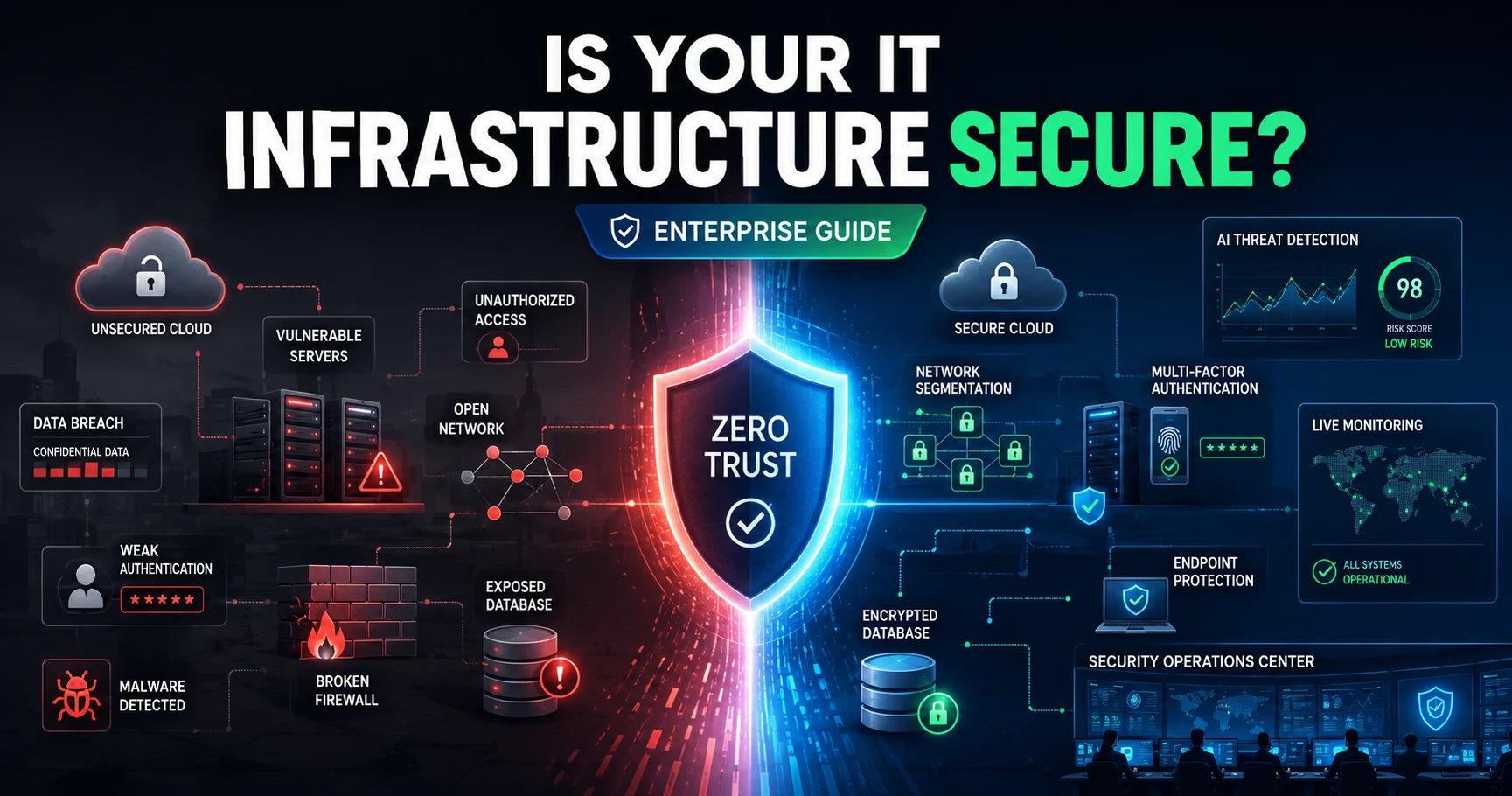
Infrastructure Security Management: Best Practices to Protect Business IT SystemsQuick answer: Infrastructure security management is the systematic process of protecting an organization's IT systems, networks, servers, endpoints, and data from cyber threats. It covers everything from network security and access controls to cloud protection and disaster recovery. A strong strategy combines prevention, detection, response, and continuous improvement to keep business operations running securely. Ransomware attacks against critical industries surged 34% in 2025, according to research from KELA. The average global data breach still costs organizations USD 4.44 million, even after the first decline in five years (IBM, 2025 Cost of a Data Breach Report). For businesses running complex hybrid environments—spanning on-premises servers, cloud platforms, remote endpoints, and third-party vendors—the stakes have never been higher. IT infrastructure security is no longer a background IT function. It is a core business priority that directly affects operational continuity, regulatory compliance, customer trust, and bottom-line financial health. One misconfigured cloud bucket, one unpatched vulnerability, one phishing email—any of these can set off a chain of events that costs millions and takes years to fully recover from. This guide is written for IT leaders, CISOs, operations managers, and enterprise decision-makers who need a clear, practical framework for strengthening infrastructure security management across their organizations. You will find definitions, current threat data, actionable best practices, technology recommendations, policy frameworks, and a look at where this discipline is headed next. Key Takeaways Infrastructure security management is a structured discipline covering the protection of all IT systems, networks, data, and devices that keep a business operational. Ransomware, insider threats, cloud misconfigurations, and credential theft are the four most damaging threat categories for enterprise IT infrastructure today. Zero Trust Architecture is the most effective framework for securing modern hybrid and multi-cloud environments. IT infrastructure policies and procedures are foundational—without documented governance, even the best technology controls fail. Organizations that adopt AI-powered threat detection and automated response capabilities significantly reduce breach costs and containment time. Continuous monitoring and regular vulnerability assessments are non-negotiable for maintaining a secure IT infrastructure in 2026 and beyond. A well-executed infrastructure security management program reduces financial risk, improves compliance posture, and strengthens stakeholder confidence. What Is Infrastructure Security Management? Infrastructure security management is the practice of identifying, assessing, and mitigating risks across an organization's entire IT environment. This includes physical assets (data centers, servers, networking hardware), digital assets (operating systems, applications, cloud platforms), and the processes, policies, and people who interact with them. The scope is broad by design. Unlike point-in-time security audits, infrastructure security management is a continuous, lifecycle-based process. It applies equally to on-premises environments, hybrid cloud setups, and fully cloud-native architectures. A critical distinction worth making early: infrastructure security management does not replace cybersecurity—it is the operational foundation on which cybersecurity controls are built and sustained. Without a well-managed infrastructure, even the most sophisticated security tools deliver inconsistent protection. Organizations seeking to formalize this function often begin with a review of their existing infrastructure management services to identify gaps in governance, visibility, and control. This baseline assessment is typically the most valuable first step a security team can take before deploying new technologies or frameworks. Why IT Infrastructure Security Is Critical for Modern Businesses The business case for robust IT infrastructure security has never been clearer—or more urgent. Several converging forces have raised the risk profile of enterprise IT environments dramatically over the past three years. Digital transformation has expanded the attack surface. Organizations that have migrated workloads to the cloud, adopted SaaS platforms, or deployed IoT devices now manage far more entry points than they did five years ago. More than 51% of enterprise IT spending was projected to shift to the cloud by 2025 (Splashtop, 2025), and that expansion brings new configuration and access management challenges. Hybrid and remote work means the network perimeter no longer exists in a meaningful sense. Employees connect from home networks, personal devices, and public Wi-Fi—environments that IT teams cannot fully control. This dramatically increases the risk of credential theft and endpoint compromise. Regulatory pressure continues to intensify. GDPR, HIPAA, PCI-DSS, SOC 2, ISO 27001, and emerging AI governance frameworks all require documented IT infrastructure policies and procedures, continuous monitoring capabilities, and demonstrable incident response protocols. Failure to comply results in fines, audits, and reputational damage. Financial exposure is substantial and growing. The average global data breach cost was USD 4.44 million in 2025 (IBM). That figure includes detection costs, regulatory fines, customer notification expenses, lost business, and remediation work. For small and mid-sized businesses, a single major incident can be existential. Customer and partner trust is also at stake. Organizations that suffer a publicized breach lose business relationships, see customer churn increase, and often spend years rebuilding brand credibility. Infrastructure security management is, in this context, also a competitive differentiator. Infrastructure Security vs. Cybersecurity These two terms are often used interchangeably, but they describe different—though overlapping—disciplines. Dimension IT Infrastructure Security Cybersecurity Scope Physical and digital IT assets Digital assets, data, and software systems Focus Protecting hardware, networks, systems, and services Preventing, detecting, and responding to cyber attacks Approach Lifecycle management, governance, continuous operations Threat-based, control-based, incident response Key Stakeholders IT Operations, Infrastructure Teams, CIO Security Operations, CISO, Risk Management Examples Server hardening, network segmentation, patch management Threat hunting, SOC operations, malware analysis Relationship Provides the foundation for cybersecurity controls Operates within and on top of IT infrastructure Think of it this way: cybersecurity defines what needs to be protected and from what. IT infrastructure security determines how the underlying systems are built, managed, and maintained to support those protections. Common Threats to IT Infrastructure Understanding the threat landscape is a prerequisite for building effective defenses. These are the eight most significant threats facing enterprise IT infrastructure today. Ransomware Ransomware remains the most operationally disruptive threat. Global ransomware attacks against critical industries surged 34% in 2025, with 4,701 incidents recorded in the first three quarters of the year (KELA, 2025). Manufacturing attacks alone increased 61%. Ransomware encrypts critical systems and data, demanding payment for decryption keys—with no guarantee of recovery even when payment is made. Insider Threats Malicious insiders, negligent employees, and compromised privileged accounts are responsible for a significant share of IT infrastructure breaches. According to SpyCloud's 2025 Insider Threat Pulse Report, 56% of organizations experienced an insider threat incident in the past year. Insiders already have authenticated access—making detection far more difficult than stopping external attackers. Phishing and Credential Theft Phishing emails and social engineering attacks remain the most common initial access vector. Attackers use stolen credentials to authenticate to VPNs, cloud platforms, and remote access tools—bypassing perimeter defenses entirely. Strong multi-factor authentication (MFA) is the single most effective countermeasure. DDoS Attacks Distributed Denial-of-Service attacks flood infrastructure with traffic, rendering services unavailable. For businesses that depend on uptime for revenue or customer service, even a brief DDoS event can cause meaningful financial damage and reputational harm. Cloud Misconfigurations More than 31% of cloud breaches occur due to misconfiguration and manual errors (SentinelOne, 2025). Misconfigured storage buckets, overly permissive IAM roles, and unencrypted data in transit are all common findings in cloud security assessments. As cloud infrastructure grows more complex, misconfiguration risk scales with it. Zero-Day Vulnerabilities Zero-day exploits target software flaws that the vendor is unaware of—or for which no patch yet exists. These attacks are difficult to detect and defend against because traditional signature-based tools have no reference point. Behavioral detection and network segmentation are the most reliable compensating controls. Supply Chain Attacks Attackers increasingly compromise software vendors, managed service providers, and third-party tools to gain access to multiple downstream targets simultaneously. The SolarWinds attack demonstrated how a single supplier compromise can affect thousands of organizations. Third-party vendor risk management is now a core requirement of IT infrastructure security. Unpatched Systems Unpatched vulnerabilities in operating systems, applications, and firmware remain one of the most exploited weaknesses in enterprise environments. Many breaches involve vulnerabilities that have had patches available for months or years. Automated patch management significantly reduces this exposure. Core Components of Infrastructure Security Management A mature infrastructure security management program is built on eight foundational components. Each addresses a distinct risk domain. Network Security Network security encompasses firewalls, intrusion detection and prevention systems (IDS/IPS), network segmentation, and secure access controls. The goal is to restrict unauthorized lateral movement and limit the blast radius of any breach that does occur. Endpoint Security Every laptop, desktop, server, mobile device, and IoT sensor is a potential entry point. Endpoint protection platforms (EPP), endpoint detection and response (EDR), and device management policies are all required to maintain a secure IT infrastructure at the device level. Cloud Security Cloud security involves securing data, workloads, and configurations across IaaS, PaaS, and SaaS environments. This includes cloud security posture management (CSPM), workload protection, and access governance. Cloud security is rapidly becoming the central focus of infrastructure security management given the pace of cloud adoption. Identity and Access Management (IAM) IAM controls who can access what—and under what conditions. Strong IAM includes role-based access controls (RBAC), privileged access management (PAM), single sign-on (SSO), and multi-factor authentication. Identity is the new perimeter in modern IT environments. Data Protection Data protection covers encryption at rest and in transit, data loss prevention (DLP) tools, data classification frameworks, and backup policies. With regulatory requirements tightening globally, data protection is as much a compliance function as a security one. Server Security Server hardening involves disabling unnecessary services, applying configuration baselines, managing administrative access, and regularly auditing server states. Both physical and virtual servers require dedicated security controls. Continuous Monitoring and Threat Detection Real-time visibility across the entire IT environment is non-negotiable. Security Information and Event Management (SIEM) platforms, Security Operations Centers (SOC), and AI-powered analytics tools provide the telemetry required to detect anomalies before they escalate. Organizations looking to formalize this capability should explore dedicated infrastructure monitoring solutions that offer end-to-end visibility across hybrid environments. Backup and Disaster Recovery Resilient backup and disaster recovery capabilities ensure that organizations can restore critical systems and data within defined recovery time objectives (RTO) and recovery point objectives (RPO). Backups should be tested regularly—an untested backup is not a reliable backup. The Five Pillars of Infrastructure Security Management Effective infrastructure security management is not a single project—it is an ongoing operational framework. The most widely adopted structure organizes this work around five pillars. 1. Prevention — Implementing controls that stop threats before they materialize. This includes access management, patch management, network segmentation, and security configuration. 2. Detection — Building the visibility required to identify threats that bypass preventive controls. Continuous monitoring, behavioral analytics, and threat intelligence feeds all contribute to detection capability. 3. Response — Containing and remediating incidents quickly. This requires documented incident response plans, trained response teams, and clear escalation procedures. IBM's 2025 report found the average breach containment time was 241 days—organizations with mature response capabilities close that gap significantly. 4. Recovery — Restoring normal operations after an incident. Backup validation, failover testing, and business continuity planning all fall under this pillar. 5. Continuous Improvement — Treating security as a living program rather than a one-time configuration. This includes post-incident reviews, red team exercises, security metrics tracking, and regular policy updates. 15 Best Practices to Build a Secure IT Infrastructure 1. Adopt Zero Trust Architecture Zero Trust operates on the principle of "never trust, always verify." No user, device, or network segment receives implicit trust—every access request is authenticated, authorized, and continuously validated. Zero Trust is the most effective architectural approach for protecting hybrid and multi-cloud environments. 2. Enforce Multi-Factor Authentication (MFA) MFA is the single highest-impact control for preventing unauthorized access. Require MFA for all user accounts, with particular emphasis on administrative accounts, remote access tools, and cloud platforms. Avoid SMS-based MFA in favor of authenticator apps or hardware tokens. 3. Implement Least Privilege Access Users and systems should have access only to the resources required for their specific role—nothing more. Regularly audit access rights and remove permissions that are no longer needed. Overprivileged accounts are a primary vector for lateral movement after initial compromise. 4. Maintain a Rigorous Patch Management Program Unpatched vulnerabilities remain one of the most exploited weaknesses in enterprise IT infrastructure. Establish a defined patching cadence (monthly for routine updates, immediate for critical vulnerabilities), and use automated patch management tools to ensure coverage at scale. 5. Encrypt Data at Rest and in Transit Encryption renders stolen data unusable. Apply encryption to all sensitive data stored on servers, in cloud storage, and on endpoint devices. Use TLS 1.3 or higher for data in transit, and manage encryption keys through dedicated key management systems. 6. Segment Your Network Network segmentation limits lateral movement by dividing the network into isolated zones. If an attacker gains a foothold in one segment, segmentation prevents them from freely moving through the rest of the environment. Apply this principle to both on-premises and cloud network architectures. 7. Deploy Continuous Monitoring and SIEM Real-time monitoring provides the visibility required to detect threats early. A SIEM platform aggregates log data from across the IT environment and correlates events to surface suspicious activity. Pair SIEM with a dedicated SOC—whether in-house or managed—for 24/7 coverage. 8. Automate Patch and Configuration Management Manual processes do not scale. Automated patch management and configuration compliance tools ensure that every system in the environment stays current and correctly configured without depending on individual human actions. 9. Deploy Endpoint Detection and Response (EDR) EDR tools provide deep visibility into endpoint behavior, enabling security teams to detect, investigate, and contain threats on individual devices. EDR is now a standard requirement for any organization running more than a small number of endpoints. 10. Conduct Regular Vulnerability Assessments and Penetration Testing Scheduled vulnerability scans identify known weaknesses before attackers can exploit them. Penetration testing goes further, using real-world attack techniques to find vulnerabilities that automated scanners miss. Organizations should perform internal assessments quarterly and external penetration tests at least annually. 11. Invest in Security Awareness Training Technology alone cannot protect an organization if employees click on phishing links or use weak passwords. Regular, scenario-based security awareness training reduces the success rate of social engineering attacks. Simulated phishing campaigns provide measurable data on employee readiness. 12. Strengthen Cloud Security Posture Cloud environments require dedicated governance. Implement Cloud Security Posture Management (CSPM) tools to continuously assess configurations, enforce policies, and detect drift. Given that 31% of cloud breaches stem from misconfiguration, proactive posture management is essential. Organizations managing complex cloud environments should review their cloud infrastructure management practices to ensure security governance keeps pace with cloud adoption. 13. Test Your Incident Response Plan Regularly An incident response plan that has never been tested is not a plan—it is a document. Conduct tabletop exercises at least twice per year, simulating realistic attack scenarios. Use the results to identify gaps and improve response playbooks. 14. Validate Backup and Disaster Recovery Capabilities Backups are only valuable if they can be restored reliably and quickly. Schedule regular restore tests to validate backup integrity and measure actual RTO and RPO against defined targets. Ransomware frequently targets backup systems—ensure backups are air-gapped or stored in immutable storage. 15. Review and Update Security Policies Regularly IT infrastructure policies and procedures must evolve alongside the threat landscape and technology environment. Conduct a comprehensive policy review annually, and trigger ad hoc reviews whenever significant technology changes, incidents, or regulatory updates occur. Best Practices Summary Table Best Practice Priority Primary Benefit Zero Trust Architecture Critical Limits unauthorized access and lateral movement Multi-Factor Authentication Critical Prevents credential-based attacks Least Privilege Access High Reduces attack surface and insider risk Patch Management Critical Closes known vulnerability windows Data Encryption High Protects data confidentiality at rest and in transit Network Segmentation High Contains breach blast radius Continuous Monitoring / SIEM Critical Enables early threat detection Automated Configuration Management High Maintains consistent security baselines Endpoint Detection & Response (EDR) High Detects and contains endpoint threats Vulnerability Assessments High Identifies weaknesses before attackers do Security Awareness Training High Reduces human-factor risk Cloud Security Posture Management Critical Prevents cloud misconfiguration breaches Incident Response Testing High Validates and improves response readiness Backup & DR Validation Critical Ensures recovery capability after ransomware Policy Review Cycles Medium Maintains governance alignment Creating Effective IT Infrastructure Policies and Procedures Well-documented IT infrastructure policies and procedures are the governance backbone of any security program. Without them, controls are inconsistently applied, compliance is difficult to demonstrate, and incident response becomes improvised. Every enterprise should maintain documented policies covering the following areas: Access Control Policy — Defines how user accounts are provisioned, managed, and deprovisioned. Specifies MFA requirements, password complexity, and privileged access procedures. Password and Credential Management Policy — Sets standards for password length, complexity, rotation, and the use of password managers. Addresses both human and non-human identities (service accounts, API keys). Patch Management Policy — Establishes patching cadences by severity level, defines ownership for patch approval and deployment, and specifies acceptable vulnerability remediation windows. Backup and Data Retention Policy — Documents backup frequency, retention periods, storage locations, encryption requirements, and restore testing schedules. Disaster Recovery Policy — Defines RTO and RPO targets, assigns recovery responsibilities, and outlines the steps required to restore critical systems after a major incident. Vendor and Third-Party Risk Management Policy — Establishes security requirements for external vendors, defines assessment cadences, and specifies contractual security obligations. Remote Work and BYOD Security Policy — Sets security requirements for employees working from home or using personal devices, including VPN usage, endpoint security, and acceptable use rules. Incident Response Policy — Defines what constitutes a security incident, escalation procedures, communication protocols, and post-incident review requirements. Change Management Policy — Governs how changes to IT infrastructure are proposed, tested, approved, and documented to prevent unauthorized or poorly tested modifications. Compliance Documentation Policy — Specifies which regulatory frameworks apply, assigns compliance ownership, and defines evidence collection and audit preparation procedures. IT infrastructure policies and procedures should be reviewed annually at a minimum, approved by executive leadership, and communicated clearly to all employees with access to IT systems. Essential Technologies for Infrastructure Security Management Selecting the right technology stack is a critical enabler of infrastructure security management. These are the core tools that enterprise security teams should evaluate. Next-Generation Firewalls (NGFW) — Provide deep packet inspection, application awareness, and integrated intrusion prevention. Essential for controlling traffic at network perimeters and between internal segments. Security Information and Event Management (SIEM) — Aggregates and correlates log data from across the environment to detect anomalies and support incident investigation. Modern SIEM platforms incorporate user and entity behavior analytics (UEBA). Extended Detection and Response (XDR) — Provides unified threat detection and response across endpoints, networks, cloud workloads, and email. XDR reduces detection time by correlating telemetry that siloed tools would process separately. Endpoint Detection and Response (EDR) — Monitors endpoint behavior in real time, enabling detection of fileless malware, living-off-the-land attacks, and other advanced techniques that signature-based tools miss. Identity and Access Management (IAM) / Privileged Access Management (PAM) — Centralized platforms for managing identities, enforcing access policies, and governing privileged account usage. Critical for both security and compliance. VPN and Zero Trust Network Access (ZTNA) — ZTNA is replacing traditional VPN in many organizations, providing identity-verified, least-privilege remote access without exposing the full network. Cloud Access Security Broker (CASB) — Provides visibility and control over cloud application usage, data movement, and access policies across both sanctioned and unsanctioned SaaS platforms. Security Orchestration, Automation, and Response (SOAR) — Automates repetitive incident response tasks, reducing mean time to respond (MTTR) and enabling security teams to handle higher alert volumes without additional headcount. AI-Powered Threat Detection — Machine learning models analyze behavioral patterns across large data sets to identify threats that rule-based systems miss. IBM's 2025 report highlighted that AI-powered defenses were a key driver of reduced breach containment times. Cloud Security Posture Management (CSPM) — Continuously assesses cloud configurations, identifies policy violations, and provides remediation guidance for misconfigurations that could lead to data exposure. Common Infrastructure Security Mistakes to Avoid Mistake Business Impact Recommended Solution Treating patching as a low-priority task Exploitation of known, preventable vulnerabilities Automate patching and enforce remediation SLAs by severity Using single-factor authentication for admin accounts Credential theft leading to full environment compromise Enforce MFA on all privileged and remote access accounts Over-permissioned cloud IAM roles Data exposure from compromised cloud credentials Apply least privilege; audit IAM roles quarterly No network segmentation Ransomware spreads freely across the environment Implement VLANs and micro-segmentation Untested backups Inability to recover after ransomware attack Schedule and document monthly restore tests Shadow AI and unauthorized cloud tools Data leakage and expanded attack surface Enforce CASB controls; publish approved tool lists Inadequate third-party vendor assessment Supply chain compromise affecting downstream systems Require security assessments for all vendors with system access No formal incident response plan Slow, disorganized response that amplifies damage Develop, document, and test IR playbooks annually Ignoring insider threat indicators Data theft or sabotage goes undetected Deploy UEBA and establish insider threat program Skipping security awareness training High phishing click rates and credential exposure Conduct quarterly training and monthly simulated phishing Infrastructure Security Checklist Use this checklist to evaluate the current state of your IT infrastructure security program. Access and Identity Multi-factor authentication enforced for all users Privileged access management (PAM) solution in place Access reviews conducted at least quarterly Least privilege access applied to all accounts Non-human identities (service accounts, API keys) governed and rotated Network Security Network segmentation implemented and documented Next-generation firewalls deployed at perimeters and internal boundaries Intrusion detection and prevention systems active Remote access secured via ZTNA or VPN with MFA Endpoint Security EDR solution deployed across all managed endpoints All endpoints covered by patch management program Mobile Device Management (MDM) enforced for BYOD devices Full disk encryption enabled on all laptops and workstations Cloud Security CSPM tool deployed and actively monitored Cloud IAM roles reviewed and documented Cloud storage encryption and access controls verified Shadow IT and unauthorized SaaS usage addressed via CASB Data Protection Data classified and labeled by sensitivity Encryption applied to sensitive data at rest and in transit DLP tools monitoring for sensitive data exfiltration Backup policy documented and tested Monitoring and Response SIEM platform collecting logs from all critical systems SOC coverage (internal or managed) in place Incident response plan documented and tested within the past 12 months Disaster recovery exercises conducted and documented Governance and Compliance IT infrastructure policies and procedures documented and current Security awareness training completed by all staff in the past 12 months Vendor security assessments completed for all critical third parties Compliance documentation maintained for all applicable frameworks Benefits of Infrastructure Security Management A mature infrastructure security management program delivers measurable value across multiple business dimensions. Reduced Financial Exposure — Organizations with strong security controls and AI-powered defenses have demonstrably lower breach costs. IBM's 2025 report found that faster breach containment—enabled by better detection tools—significantly reduced total incident costs. Operational Continuity — Security incidents cause downtime. A well-protected and resilient IT infrastructure minimizes the frequency and duration of disruptions, protecting revenue and productivity. Regulatory Compliance — Documented IT infrastructure policies and procedures, access controls, and monitoring capabilities directly satisfy the requirements of GDPR, HIPAA, PCI-DSS, and other frameworks. Compliance gaps lead to fines and audit findings. Competitive Differentiation — Enterprise customers and partners increasingly require evidence of security controls before signing agreements. A strong security posture becomes a business enabler and procurement advantage. Reduced Cyber Insurance Premiums — Insurers are applying stricter underwriting standards. Organizations with documented controls, tested incident response plans, and active monitoring programs access better coverage at lower premiums. Improved Employee Productivity — Security incidents are disruptive and demoralizing. A stable, well-protected IT environment allows employees to work without interruption and with confidence. Stronger Stakeholder Trust — Boards, investors, and customers want assurance that IT infrastructure security is taken seriously at the executive level. A mature program supports transparent reporting and demonstrates responsible stewardship of business and customer data. Future Trends in Infrastructure Security Management The discipline of infrastructure security management is evolving rapidly. These ten trends will define the next generation of enterprise security programs. 1. AI-Powered Threat Detection — Machine learning models are becoming the primary mechanism for detecting novel attack patterns. Expect AI to handle more of the detection and triage workload, freeing human analysts for higher-order investigation tasks. 2. Autonomous Security Operations — AI-driven SOAR platforms are beginning to autonomously contain threats, isolate compromised endpoints, and revoke suspicious access without human intervention—dramatically reducing response times. 3. Zero Trust Maturity — Zero Trust will move from architectural principle to operational standard. Organizations will expand Zero Trust controls to cover all application access, API interactions, and machine-to-machine communications. 4. Identity-First Security — As network perimeters continue to dissolve, identity becomes the primary security boundary. Expect continued investment in IAM, PAM, and continuous identity verification capabilities. 5. Cloud-Native Security — Security controls will increasingly be embedded in cloud-native development pipelines (DevSecOps), shifting protection left into the build and deployment process rather than applying it as an afterthought. 6. Secure Access Service Edge (SASE) — SASE converges network security and WAN capabilities into a single cloud-delivered service. Adoption will accelerate as organizations seek to simplify security architecture for distributed workforces. 7. Security Automation at Scale — Manual security operations will give way to automated workflows for vulnerability management, compliance monitoring, access reviews, and threat response—reducing human error and scaling coverage. 8. Continuous Compliance Monitoring — Point-in-time audits will be supplemented—or replaced—by real-time compliance monitoring tools that provide continuous evidence of control effectiveness. 9. Predictive Analytics and Risk Quantification — Security teams will increasingly use predictive models to forecast likely attack vectors and quantify financial risk exposure, enabling better-informed investment decisions. 10. Quantum-Resistant Encryption — As quantum computing advances, organizations will need to migrate to post-quantum cryptographic algorithms to protect sensitive data from future decryption attacks. Planning for this transition should begin now. Start Building a More Secure IT Infrastructure Today IT infrastructure security is not a destination—it is a continuous discipline. The threat landscape evolves constantly. Attack techniques grow more sophisticated. Cloud environments expand in complexity. Regulatory requirements tighten. The only effective response is a structured, ongoing program built on clear governance, proven best practices, and the right technology tools. The 15 best practices outlined in this guide provide a practical roadmap. Begin with the highest-impact controls—Zero Trust, MFA, patch management, and continuous monitoring—then build out the rest of the framework systematically. Document your IT infrastructure policies and procedures before deploying new tools. Test your incident response and disaster recovery capabilities before you need them. The organizations that invest in infrastructure security management today are the ones that will absorb future attacks, recover faster, and maintain the trust of their customers and partners. That is not just a security outcome—it is a business one. table { width: 100%; border-collapse: collapse; margin: 24px 0; font-size: 15px; line-height: 1.6; background: #ffffff; border: 1px solid #d9e2ec; border-radius: 10px; overflow: hidden; } table th { background: #0b2a4a; color: #ffffff; font-weight: 700; text-align: left; padding: 14px 16px; border: 1px solid #0b2a4a; } table td { padding: 13px 16px; border: 1px solid #d9e2ec; color: #1f2937; vertical-align: top; } table tr:nth-child(even) td { background: #f8fbff; } table tr:hover td { background: #eef6ff; } table p { margin: 0; } @media (max-width: 768px) { table { display: block; overflow-x: auto; white-space: nowrap; } }
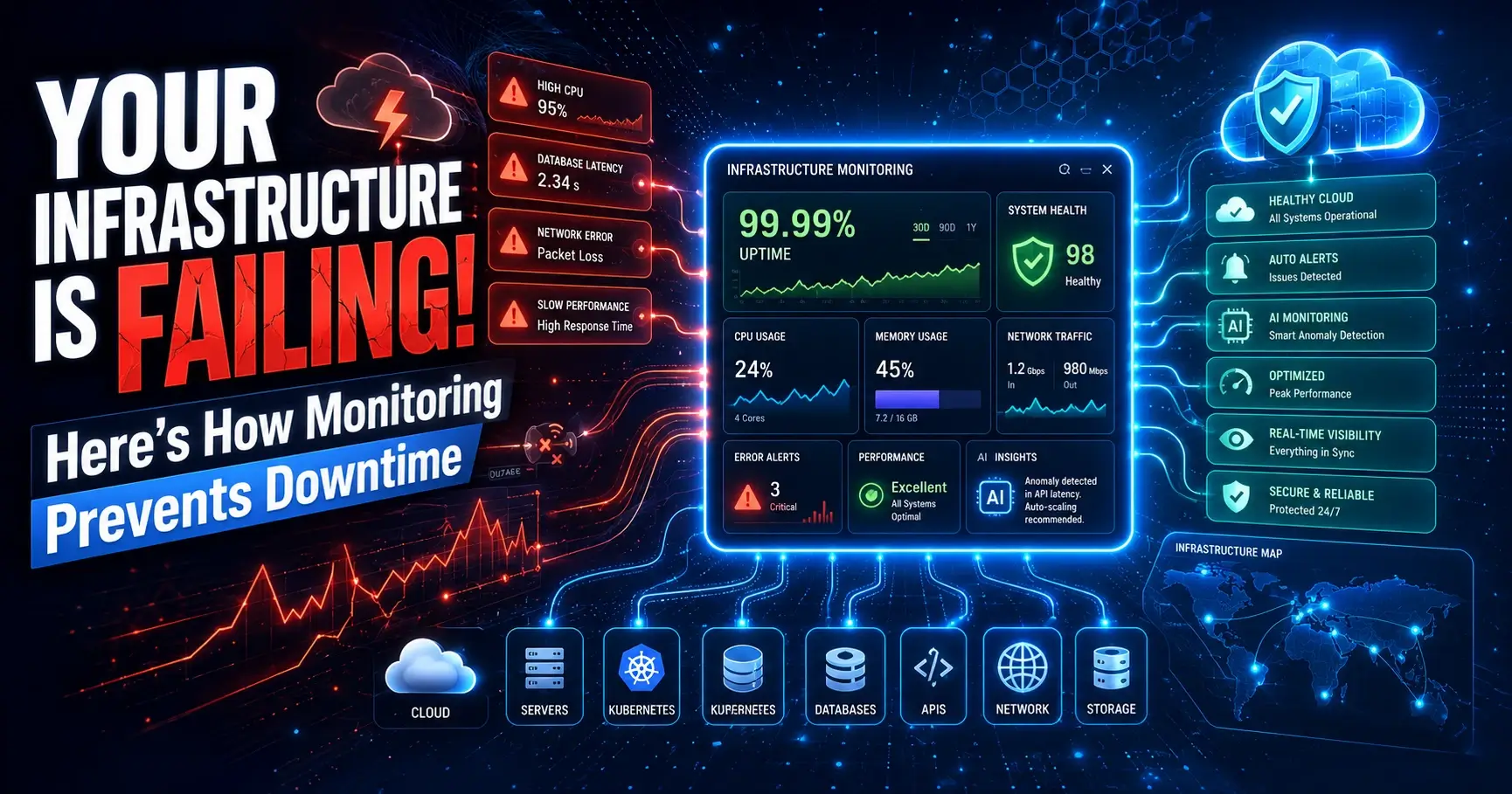
What Is Infrastructure Monitoring? Complete Guide to Uptime, Performance, and IT Visibility Every minute an application is slow or unreachable, someone downstream feels it — a customer abandons a cart, a clinician can't pull up a patient record, a trader misses a window. Infrastructure monitoring exists to make sure that minute never happens unnoticed, and ideally, never happens at all. Modern IT environments have outgrown the simple "ping a server and wait" model. A single enterprise application today might touch a Kubernetes cluster, three cloud regions, a managed database, a CDN, and a handful of third-party APIs — any one of which can quietly degrade and take the rest down with it. The cost of downtime has climbed in lockstep with this complexity: large enterprises now routinely measure outage costs in the tens of thousands of dollars per minute once you account for lost revenue, SLA penalties, support overhead, and reputational damage. That's the core problem infrastructure monitoring solves. It gives IT teams continuous, real-time visibility into the health, performance, and availability of every layer of the technology stack — servers, networks, storage, databases, virtual machines, containers, and cloud resources — so problems are caught and fixed before customers notice them. This guide is written for the people who own that responsibility: DevOps engineers building monitoring pipelines, CTOs evaluating tooling budgets, system administrators on call at 2 a.m., and cloud architects designing for scale. We'll cover what infrastructure monitoring actually is, how it works under the hood, the metrics that matter, the tools and categories worth evaluating, and the practices that separate teams who catch issues in seconds from teams who find out from an angry customer. Reactive monitoring — waiting for something to break, then scrambling — was tolerable when infrastructure was simple and predictable. It isn't anymore. Distributed systems fail in distributed ways, and the only sustainable answer is proactive, automated, real-time visibility across the entire environment. What Is Infrastructure Monitoring? Infrastructure monitoring is the continuous process of collecting, analyzing, and acting on data about the health and performance of an organization's IT infrastructure — physical servers, virtual machines, networks, storage systems, databases, containers, and cloud resources. At its core, the purpose is simple: know what's happening across your environment at all times, and know it before your customers do. In practice, that means tracking availability (is it up?), performance (is it fast enough?), and capacity (is it about to run out of room?) across every component that supports a business application. How it works, in plain terms: lightweight agents or API integrations sit on or near each resource, collecting metrics, logs, and events at regular intervals. That data flows into a central platform that stores it, visualizes it on dashboards, compares it against thresholds, and fires an alert the moment something looks wrong — a CPU pegged at 95%, a disk filling up, a network link dropping packets, a database connection pool exhausting. Business value: infrastructure monitoring converts uncertainty into evidence. Instead of guessing why an application feels slow, an SRE can look at a dashboard and see, within seconds, that a specific database node is running hot. Instead of discovering a storage volume is full after an application crashes, capacity alerts give the team days of advance warning. Real-world example: a retail company running a multi-region e-commerce platform sets monitoring thresholds on checkout-service latency and database connection counts. During a flash sale, traffic triples. Monitoring detects rising latency and connection saturation in real time, triggers an autoscaling policy, and pages the on-call engineer — all before a single customer experiences a failed checkout. That's the difference proactive infrastructure monitoring makes in practice. Why Infrastructure Monitoring Is Important Infrastructure monitoring isn't a "nice to have" dashboard exercise — it directly protects revenue, trust, and compliance posture. Here's why it matters at the leadership level, not just the engineering level. Uptime and reliability. Every additional nine of availability (99.9% vs 99.99%) represents hours of difference in annual downtime. Monitoring is the mechanism that makes those targets achievable, because you can't improve what you can't see. Performance. Uptime alone isn't enough — a "technically available" application that takes eight seconds to load is still failing the user. Monitoring tracks response time, throughput, and resource utilization so performance degradation is caught before it becomes an outage. Security visibility. Unusual spikes in network traffic, unexpected processes consuming CPU, or unauthorized access attempts often show up first as infrastructure anomalies. Monitoring is frequently the earliest signal in an incident response timeline. User experience. Page load times, API latency, and transaction completion rates all trace back to infrastructure health. Monitoring connects backend performance to the experience customers actually feel. Compliance. Regulated industries — healthcare, banking, government — must demonstrate system availability, data integrity, and audit trails. Monitoring data is often the evidence auditors ask for directly. Capacity planning. Trend data from monitoring tells you when you'll outgrow current infrastructure, months before it becomes urgent, turning capacity decisions into planned investments rather than emergency purchases. Cost optimization. Visibility into actual resource utilization — versus what's provisioned — routinely uncovers over-provisioned VMs, idle cloud instances, and oversized database tiers that can be right-sized without any performance impact. Components of IT Infrastructure Monitoring IT infrastructure monitoring spans far more than "is the server on." A complete monitoring strategy covers every layer that a modern application depends on: Servers – physical and virtual hosts; CPU, memory, disk, process health, and OS-level events. Networks – routers, switches, bandwidth utilization, latency, packet loss, and topology changes. Storage – disk arrays, SAN/NAS systems, IOPS, capacity thresholds, and read/write latency. Databases – query performance, connection pools, replication lag, deadlocks, and slow queries. Virtual Machines – hypervisor health, VM-level resource consumption, and density across hosts. Containers – per-container CPU/memory, restart counts, and image health. Kubernetes – cluster, node, pod, and namespace-level health, along with control-plane metrics. Cloud Resources – compute instances, managed services, serverless functions, and storage buckets across providers. Load Balancers – request distribution, backend health checks, and connection draining behavior. APIs – endpoint latency, error rates, and throughput for both internal and third-party APIs. DNS – resolution time, record health, and propagation issues that can silently break routing. Firewalls – rule-hit rates, throughput, and blocked/allowed traffic patterns relevant to both performance and security. Treating each of these as an isolated silo is how blind spots form. A unified monitoring approach correlates data across all of them, so a network blip and a downstream API timeout are recognized as one incident, not two unrelated alerts. For a deeper look at how these pieces fit into a broader managed strategy, see this overview of infrastructure management services. Cloud Infrastructure Monitoring Cloud infrastructure monitoring brings its own rules. Unlike on-prem hardware, cloud resources are elastic, ephemeral, and billed by consumption — which means visibility gaps cost money as well as reliability. AWS. Monitoring an AWS environment typically spans EC2 instance health, RDS database performance, Lambda function duration and error rates, and VPC-level network flow. Auto Scaling Groups make traditional host-based monitoring less useful on its own; monitoring needs to track fleets and services, not individual instances that may not exist an hour from now. Azure. Azure environments add complexity around App Services, Azure Kubernetes Service (AKS), and hybrid Active Directory dependencies. Monitoring needs to account for resource groups and subscription-level boundaries, since a single application often spans several. Google Cloud. GCP-based monitoring commonly centers on GKE clusters, Cloud Run services, and BigQuery workloads, with strong emphasis on label-based resource grouping for cost and performance correlation. Hybrid cloud. Many enterprises run workloads across on-premises data centers and one or more public clouds simultaneously. Monitoring has to bridge both worlds with a consistent view — otherwise teams end up with two or three disconnected dashboards and no single source of truth during an incident. Multi-cloud. Organizations using AWS, Azure, and GCP together face the steepest visibility challenge: each provider has its own native monitoring tools (CloudWatch, Azure Monitor, Cloud Monitoring), and none of them sees across the others. A unified, cloud-agnostic monitoring layer is the only practical way to get one coherent picture. Best practices for cloud infrastructure monitoring: Tag resources consistently so monitoring data can be grouped by application, environment, and cost center. Monitor both infrastructure-level and service-level metrics — an EC2 instance can look "healthy" while the application running on it is failing. Set dynamic, not static, thresholds where workloads autoscale — a fixed CPU alert makes no sense on a fleet that grows and shrinks hourly. Centralize logs and metrics from every provider into one platform to avoid blind spots at the seams between clouds. Organizations standardizing this kind of approach often pair it with a broader cloud managed services engagement, where monitoring, optimization, and operational ownership are handled together rather than bolted on separately. How Infrastructure Monitoring Works Understanding the mechanics behind infrastructure monitoring makes it much easier to configure correctly and to trust the alerts it produces. Metrics. Numeric, time-series data points — CPU percentage, memory usage, request count — collected at regular intervals. Metrics are the foundation of dashboards and trend analysis. Logs. Detailed, timestamped records of events generated by systems and applications. Logs answer the "what exactly happened" question that a metric alone can't. Events. Discrete occurrences — a deployment, a configuration change, an autoscaling action — that provide context for why a metric moved. Alerts. Rules that compare live metrics against defined thresholds and notify the right people the moment a condition is breached. Dashboards. Visual aggregations of metrics and events, built so a human can scan system health in seconds rather than querying raw data. Thresholds. The lines that separate "normal" from "needs attention." Good thresholds are based on historical baselines, not arbitrary round numbers. Automation. Triggered responses — restarting a service, scaling a cluster, rotating a credential — that resolve known issues without waiting for a human to act. AI-assisted monitoring. Machine learning models that learn normal behavior patterns for a given system and flag deviations automatically, reducing reliance on manually tuned static thresholds. Root cause analysis. The process — increasingly automated — of correlating metrics, logs, and events across components to identify why an issue occurred, not just that it occurred. Put together, the flow looks like this: data is collected continuously → normalized and stored centrally → visualized on dashboards → compared against thresholds or learned baselines → alerts fire when something deviates → automation resolves what it can → humans investigate the rest using correlated logs and events for root cause analysis. Key Metrics to Monitor Not every metric deserves equal attention. These are the ones that consistently provide the earliest, clearest signal of trouble: Metric What It Tells You CPU Utilization Whether compute capacity is being exhausted Memory Usage Risk of swapping, slowdowns, or out-of-memory failures Disk Usage Remaining storage headroom before failure IOPS Storage subsystem read/write performance under load Network Latency Delay in data transmission across the network Packet Loss Network reliability and connection quality Availability Whether a service is reachable and responding Error Rate Frequency of failed requests or transactions Throughput Volume of requests or data processed per unit time Response Time How long a system takes to respond to a request Resource Utilization How efficiently provisioned capacity is being used Capacity Headroom remaining before scaling is required Service Health Composite status combining the above into a single signal No single metric tells the whole story — response time without error rate context, or CPU without memory context, can mislead. Mature monitoring strategies look at metrics in combination, which is exactly why dashboards and correlated alerting matter more than any one number in isolation. Types of Infrastructure Monitoring Different layers of the stack require different monitoring approaches: Server Monitoring – tracks CPU, memory, disk, and process-level health on physical and virtual hosts. Network Monitoring – watches bandwidth, latency, packet loss, and device status across routers, switches, and links. Cloud Monitoring – covers compute, storage, and managed services across one or more cloud providers. Storage Monitoring – tracks capacity, IOPS, and latency across SAN, NAS, and object storage systems. Container Monitoring – observes per-container resource use, restarts, and image-level health. Kubernetes Monitoring – tracks cluster, node, pod, and control-plane health in containerized environments. Virtual Machine Monitoring – measures hypervisor-level performance and VM density across hosts. Database Monitoring – watches query performance, replication, connections, and locking behavior. Security Monitoring – flags anomalous traffic, unauthorized access attempts, and configuration drift with security implications. Monitoring Type Primary Focus Typical Owner Server OS-level resource health Sysadmins / IT Ops Network Connectivity and bandwidth Network Engineers Cloud Provider-managed resources Cloud / Platform Teams Storage Capacity and I/O performance Storage Admins Container Per-container health DevOps / SRE Kubernetes Cluster orchestration health Platform Engineering Virtual Machine Hypervisor and VM resources Virtualization Admins Database Query and replication health DBAs Security Anomaly and access detection Security / SOC Teams Infrastructure Monitoring Tools Rather than chasing vendor names, it's more useful to evaluate infrastructure monitoring tools by category and fit. The right choice depends on environment complexity, team size, and existing toolchain — not which platform has the flashiest marketing. Tool Category Ideal Use Case Key Strengths What to Evaluate All-in-one infrastructure platforms Mid-to-large enterprises wanting one pane of glass Broad coverage, unified dashboards, strong integrations Pricing model at scale, depth per component vs breadth Open-source metrics & alerting stacks Teams with strong engineering capacity wanting full control Customizable, no licensing cost, large community Operational overhead of self-hosting and maintaining Cloud-native provider tools Single-cloud environments Deep native integration, no extra agents needed Poor visibility across multi-cloud or hybrid setups Network-focused monitoring tools Network-heavy environments (telecom, large campuses) Deep protocol-level visibility, topology mapping Limited application/database depth APM-centric platforms Application performance is the primary concern Code-level tracing, transaction visibility May need pairing with separate infra-layer tooling Log management platforms Environments generating high log volume Powerful search, correlation, forensic analysis Cost scales fast with log volume; needs retention strategy Evaluation criteria worth prioritizing over feature checklists: Does it support every environment you actually run — cloud, on-prem, containers, hybrid — not just the one you have today? How quickly can a new engineer read a dashboard and understand system health without training? Does alerting support intelligent grouping/correlation, or will it produce alert fatigue at scale? What's the real total cost at your data volume and retention requirements, not just the list price? How well does it integrate with your existing incident management and communication tools? Infrastructure Monitoring Software Features The strongest infrastructure monitoring software shares a common feature set, regardless of vendor: Auto discovery – automatically detects new servers, services, and cloud resources as they're provisioned, so coverage doesn't depend on manual configuration. Dashboards – customizable, role-specific views that surface the right data to the right audience. AI alerts – anomaly-based alerting that adapts to normal behavioral patterns instead of relying solely on static thresholds. Predictive analytics – forecasting capacity exhaustion or performance degradation before it happens. Reporting – scheduled, exportable reports for leadership, compliance, and post-incident review. Integrations – native connections to ticketing, chat, CI/CD, and incident management tools. Scalability – the ability to monitor thousands of resources without a proportional increase in operational effort. Multi-cloud support – consistent monitoring logic across AWS, Azure, GCP, and on-prem simultaneously. API integration – programmatic access to monitoring data for custom automation and internal tooling. Security monitoring – built-in detection for anomalous access patterns and configuration drift. When evaluating platforms against this list, weight auto discovery and AI-assisted alerting heavily — they're the two features most responsible for reducing the manual configuration burden as environments scale. Infrastructure Monitoring vs Observability These terms get used interchangeably, but they're not the same thing. Infrastructure monitoring tells you that something is wrong — a server's CPU is at 98%, a service is down, a disk is nearly full. It's built on predefined metrics, thresholds, and dashboards designed to answer known questions. Observability goes a step further, giving teams the ability to ask new questions about a system's internal state — using metrics, logs, and traces together — even for failure modes nobody anticipated in advance. It's especially valuable in complex, distributed, microservices-based architectures where the cause of an issue often isn't where the symptom shows up. In short: monitoring tells you something is broken; observability helps you understand why, especially when the "why" wasn't something you thought to monitor for in the first place. Most mature organizations need both — monitoring for known, predictable failure modes, and observability for the unknown ones. We'll cover this distinction in much more depth in a dedicated article on infrastructure monitoring vs. observability. Aspect Infrastructure Monitoring Observability Question Answered Is something wrong? Why is something wrong? Data Used Metrics, predefined thresholds Metrics, logs, traces combined Best For Known failure modes Unknown, novel failure modes Setup Approach Defined dashboards and alerts Exploratory querying and correlation Benefits of Infrastructure Monitoring Reduced downtime – issues are caught and resolved before they escalate into outages. Better customer experience – consistent performance translates directly into user satisfaction and retention. Faster troubleshooting – correlated data shortens the time between symptom and root cause. Lower operational costs – right-sizing based on real utilization data eliminates waste. Improved scalability – capacity trends inform scaling decisions before limits are hit, not after. Stronger compliance – continuous monitoring data supports audit and regulatory reporting requirements. Better resource planning – historical trend data turns infrastructure investment into a planned process rather than reactive firefighting. Benefit Business Impact Reduced downtime Protects revenue and SLA commitments Faster troubleshooting Shortens mean time to resolution (MTTR) Cost optimization Cuts wasted spend on over-provisioned resources Compliance support Reduces audit risk and reporting effort Capacity foresight Enables planned, not emergency, infrastructure investment Common Challenges Even well-resourced teams run into the same recurring obstacles: Alert fatigue – too many low-priority alerts train teams to ignore notifications, including the important ones. Data overload – collecting more metrics than anyone actually reviews, without a strategy for prioritization. Hybrid environments – inconsistent visibility between on-prem and cloud creates blind spots at the boundary. Legacy systems – older infrastructure often lacks modern monitoring agents or APIs, requiring custom workarounds. False positives – poorly tuned thresholds generate noise that erodes trust in the monitoring system itself. Multi-cloud complexity – each provider's native tools see only their own environment, fragmenting the overall picture. Challenge Root Cause Typical Fix Alert fatigue Overly sensitive or duplicate alerting rules Alert correlation and severity tiering Data overload No prioritization strategy Focus on business-impacting metrics first Hybrid blind spots Disconnected on-prem and cloud tooling Unified, cloud-agnostic monitoring platform Legacy system gaps Missing modern monitoring agents Custom exporters or proxy-based collection False positives Static, poorly tuned thresholds Baseline-driven or AI-assisted thresholds Best Practices Start with business-critical services, not every possible metric — coverage breadth should follow impact, not convenience. Establish baselines before setting thresholds — a threshold without historical context is a guess. Use tiered alert severity so on-call staff can distinguish "needs attention now" from "review tomorrow." Correlate metrics, logs, and events rather than reviewing them in isolation during incidents. Automate routine remediation for well-understood, repeatable failure patterns. Monitor at the service level, not just the resource level — a healthy server can still host a failing application. Standardize tagging and naming conventions across cloud and on-prem resources for consistent reporting. Review and prune alert rules quarterly to eliminate stale or noisy conditions. Document escalation paths so the right person is notified without manual triage delays. Test monitoring coverage during planned changes, including deployments and infrastructure migrations. Set capacity alerts well ahead of hard limits, not at the point of exhaustion. Integrate monitoring with incident management tools to reduce time lost in handoffs. Apply consistent monitoring logic across environments — dev, staging, and production shouldn't use entirely different rules. Involve application teams in threshold design, not just infrastructure teams, since they understand user-facing impact. Revisit dashboards regularly to ensure they still reflect current architecture, not a snapshot from a year ago. Industry Use Cases Healthcare. Hospital systems monitor infrastructure supporting electronic health records (EHR) and connected medical devices, where downtime can directly affect patient care and HIPAA compliance depends on demonstrable system reliability. Banking. Financial institutions monitor transaction processing infrastructure in real time, where milliseconds of latency or seconds of downtime carry direct regulatory and reputational consequences. Retail. E-commerce platforms rely on monitoring to handle seasonal traffic spikes — flash sales, holiday shopping — where checkout and inventory systems must scale and stay responsive under sudden load. Manufacturing. Industrial environments monitor infrastructure connected to production-line systems and IoT sensors, where downtime translates directly into halted physical output. SaaS. Multi-tenant SaaS providers monitor infrastructure at both the platform and per-customer level, since a single noisy tenant or failing service can affect availability commitments across the customer base. Logistics. Supply chain and logistics companies monitor infrastructure behind real-time tracking and routing systems, where outages cascade into delayed shipments and broken delivery promises. Government. Public sector agencies monitor infrastructure supporting citizen-facing services, balancing strict compliance requirements with the reliability expectations of essential services. Telecommunications. Telecom providers monitor network infrastructure at massive scale, where service degradation affects not just one application but the connectivity layer underneath many others. Common Mistakes Monitoring infrastructure but not the applications running on it, leaving a gap between "server is healthy" and "user experience is fine." Setting thresholds once and never revisiting them, even as workloads and architecture evolve. Treating every alert as equally urgent, which guarantees alert fatigue within weeks. Relying entirely on a single cloud provider's native tooling in a multi-cloud or hybrid environment, creating visibility gaps at the seams. Skipping monitoring during migrations or major changes, precisely when issues are most likely to occur. Building dashboards no one actually checks, because they don't map to how the team actually responds to incidents. Ignoring capacity trends until a hard limit is hit, turning a plannable upgrade into an emergency. Future Trends AIOps. Machine learning increasingly handles correlation and anomaly detection at a scale manual rule-writing can't match, reducing the burden of maintaining thousands of static thresholds. Predictive monitoring. Forecasting models flag likely future failures — disk exhaustion, performance degradation — days in advance, shifting teams from reactive fixes to scheduled maintenance. OpenTelemetry. The push toward vendor-neutral instrumentation standards is reducing lock-in and making it easier to combine metrics, logs, and traces from different tools into one coherent view. Automation. Self-healing infrastructure — automatic scaling, restarts, and remediation triggered directly by monitoring signals — continues to expand beyond simple, well-understood failure patterns. Intelligent alerting. Alert correlation engines are getting better at grouping related symptoms into a single incident notification instead of flooding on-call staff with a dozen separate pages for one root cause. Cloud-native monitoring. As more workloads move to Kubernetes and serverless architectures, monitoring tooling continues to evolve away from host-centric models toward service- and workload-centric visibility. These trends point toward a broader shift: monitoring is moving from a passive, dashboard-watching discipline toward an active, automated layer of the platform itself — which is increasingly the territory covered by platform engineering services. Conclusion Infrastructure complexity isn't going to simplify itself — if anything, multi-cloud adoption, container orchestration, and distributed architectures are making environments harder to see into, not easier. Infrastructure monitoring is the discipline that keeps that complexity from turning into downtime, lost revenue, and damaged trust. The organizations that get the most value from it share a common pattern: they monitor at the service level, not just the resource level; they tune alerts deliberately instead of letting noise accumulate; and they treat monitoring as a living, evolving part of their architecture rather than a one-time setup task. If your current monitoring strategy still relies on reactive firefighting, fragmented dashboards across cloud providers, or alert fatigue that's trained your team to tune out notifications, now is the right time to reassess. Start by mapping where your blind spots actually are — across cloud, hybrid, containers, and on-prem — and build outward from there. For a broader view of how monitoring fits into a complete operational strategy, explore this guide on cloud infrastructure management, or connect with a team that can help design and implement infrastructure management services tailored to your environment. table { width: 100%; border-collapse: collapse; margin: 24px 0; font-size: 15px; line-height: 1.6; background: #ffffff; border: 1px solid #d9e2ec; border-radius: 10px; overflow: hidden; } table th { background: #0b2a4a; color: #ffffff; font-weight: 700; text-align: left; padding: 14px 16px; border: 1px solid #0b2a4a; } table td { padding: 13px 16px; border: 1px solid #d9e2ec; color: #1f2937; vertical-align: top; } table tr:nth-child(even) td { background: #f8fbff; } table tr:hover td { background: #eef6ff; } table p { margin: 0; } @media (max-width: 768px) { table { display: block; overflow-x: auto; white-space: nowrap; } }
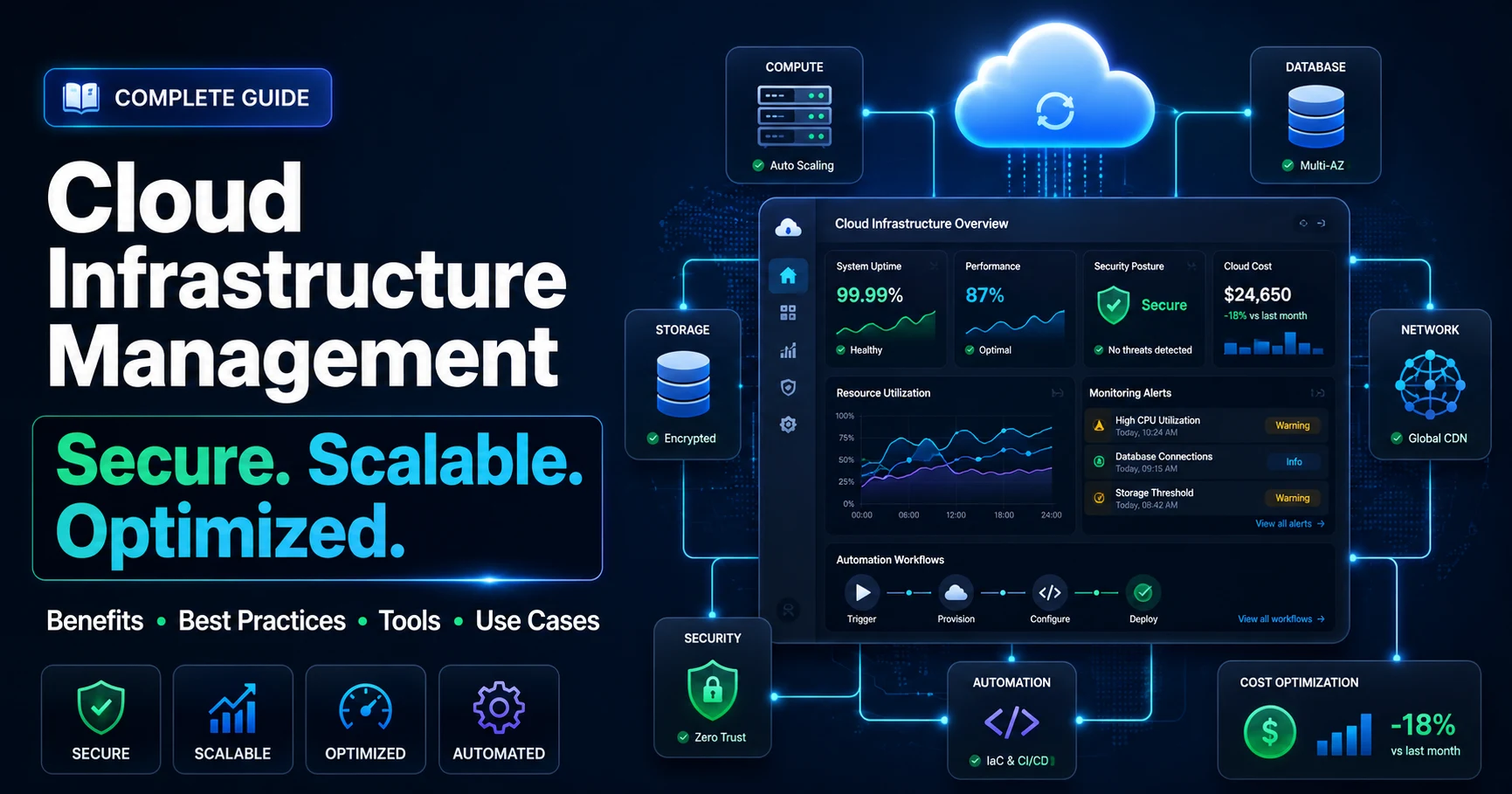
Cloud Infrastructure Management: Benefits, Best Practices, Tools, and Use Cases Quick answer: Cloud infrastructure management is the process of configuring, monitoring, securing, automating, and optimizing cloud resources such as servers, storage, networks, databases, security systems, and applications. It helps businesses improve uptime, reduce cloud waste, strengthen security, control costs, and scale digital products more efficiently. Cloud investment is growing quickly, but many businesses still struggle to turn that spending into measurable value. Industry reports show that cloud budgets continue to rise, while a significant share of cloud spend is wasted on idle, oversized, or poorly managed resources. That gap between cloud investment and real business value is exactly where cloud infrastructure management becomes important. This guide breaks down what cloud infrastructure management is, how it connects with infrastructure management services, why it matters, its core components, best practices, tools, real-world use cases, and how to choose the right partner. Whether you run a SaaS startup or a regulated enterprise, you'll walk away with a clear framework for managing cloud infrastructure that controls costs and supports growth. What Is Cloud Infrastructure Management? Cloud infrastructure management is the process of planning, provisioning, monitoring, securing, automating, and optimizing cloud-based resources such as servers, storage, networks, databases, applications, and security controls. The main goal is to keep cloud environments reliable, scalable, secure, high-performing, and cost-efficient. In practical terms, it covers everything CloudOps teams and cloud engineers do to keep a cloud environment running well. That includes provisioning compute, configuring networks, applying security controls, tracking performance, and managing spend. The work spans every delivery model—Infrastructure as a Service (IaaS), Platform as a Service (PaaS), and Software as a Service (SaaS)—and every environment, from a single public cloud to complex hybrid and multicloud setups. Businesses planning new cloud environments often start with cloud architecture and infrastructure services to design the right foundation for performance, security, scalability, and long-term cost control. Strong cloud and infra management blends people, processes, and tooling. The goal is simple: maximize the value of cloud resources while minimizing risk, downtime, and waste. Why Cloud Infrastructure Management Matters for Modern Businesses Cloud spending is increasing across SaaS companies, e-commerce platforms, healthcare systems, fintech applications, logistics businesses, and enterprise software environments. As cloud usage grows, even small inefficiencies in compute, storage, networking, security, or scaling can create unnecessary cost, downtime, and performance issues. Poorly managed cloud environments can lead to outages, weak access control, security misconfigurations, slow applications, and runaway cloud bills. Without active management of cloud infrastructure and services, companies often pay for unused capacity while still struggling to handle sudden traffic spikes. For teams without dedicated cloud experts, cloud managed services can help maintain monitoring, security, backups, optimization, and ongoing cloud operations without overloading internal teams. Effective cloud infrastructure management solves both problems. It keeps applications fast and available, protects sensitive data, and ensures every dollar of cloud spend drives real business value. Key Components of Cloud Infrastructure Management A complete approach to managing cloud infrastructure covers eight core areas. Cloud Servers and Compute Resources Compute provides the processing power and memory that run your workloads. This includes virtual machines, containers, serverless functions like AWS Lambda or Azure Functions, and high-performance computing clusters. Right-sizing these resources is the foundation of both performance and cost control. Cloud Storage and Databases Cloud storage spans file, block, and object storage, alongside managed databases, data lakes, and data warehouses. Good management means matching each workload to the right storage tier and planning for data growth without overspending. Cloud Networking Networking ties everything together. Virtual private clouds (VPCs), load balancers, firewalls, VPNs, content delivery networks (CDNs), and gateways all need careful configuration to deliver secure, low-latency connectivity. Cloud Security Cloud security protects data, applications, users, and workloads across the cloud environment. It includes identity and access management, encryption, firewall rules, vulnerability scanning, threat detection, backup security, and regular configuration reviews. Security should be built into the cloud architecture from the beginning instead of being added after deployment. Monitoring and Observability Continuous cloud monitoring reveals how resources and applications behave in real time. Observability tools track metrics, logs, and traces so teams can catch issues before users do. Backup and Disaster Recovery A solid disaster recovery plan defines what data gets backed up, how often, and how fast you can restore service. Clear Recovery Time Objectives (RTOs) and Recovery Point Objectives (RPOs) keep business continuity on track. Cloud Cost Optimization Cloud cost management balances performance against spend. Right-sizing, reserved instances, spot instances, and tiered storage all help. FinOps services bring finance, engineering, and operations together to improve cloud cost visibility, reduce waste, and enforce accountability. Automation and Infrastructure as Code Automation removes manual errors and speeds delivery. Infrastructure as code (IaC) lets teams provision and configure resources through version-controlled templates, making deployments consistent and repeatable. Benefits of Cloud Infrastructure Management Well-run cloud operations deliver measurable returns across the business. Better Uptime and Reliability Proactive monitoring, automated alerts, load balancing, and auto-scaling help applications stay available during traffic spikes, seasonal demand, or unexpected system pressure. This improves uptime, protects user trust, and reduces the risk of revenue loss caused by downtime. Improved Cloud Security Centralized security policies, encryption, and continuous scanning reduce the risk of breaches and unauthorized access. Lower Cloud Costs Right-sizing, resource tagging, usage monitoring, and FinOps discipline help reduce unnecessary cloud waste. When businesses regularly review compute, storage, bandwidth, and database usage, they can remove idle resources and improve cost efficiency without hurting performance. Faster Scalability Cloud resources can scale up or down based on real-time demand, allowing businesses to handle peak traffic, product launches, exam periods, sales campaigns, or sudden user growth without purchasing permanent hardware capacity. Better Application Performance CDNs, caching, load balancing, performance monitoring, and edge computing help reduce latency and deliver faster experiences to users across different regions. Better performance improves customer satisfaction and supports stronger digital product growth. Stronger Business Continuity Tested backup and disaster recovery plans keep operations running through outages, infrastructure failures, cyber incidents, or unexpected disruptions. With clear recovery planning, businesses can restore systems faster and reduce operational impact. Better Compliance Readiness Consistent governance, access control, encryption, monitoring, and audit trails make it easier to meet standards like GDPR, HIPAA, and PCI-DSS. Cloud infrastructure management helps regulated businesses maintain visibility and control across sensitive workloads. More Efficient IT Operations Automation reduces repetitive manual work such as provisioning, patching, backups, scaling, and configuration updates. This helps engineers spend more time on product improvement, performance optimization, security hardening, and long-term cloud strategy instead of daily firefighting. Need Help Optimizing Your Cloud Infrastructure? SISGAIN can help you assess, secure, monitor, and optimize your cloud environment so your business can reduce cloud waste, improve uptime, and scale with confidence. Book a Free Consultation Cloud Infrastructure Management Best Practices These ten practices form the backbone of a healthy cloud environment. Start With a Clear Cloud Strategy Define your business goals first. Know what you want—lower costs, faster scaling, stronger security—before you provision a single resource. Use Proper Resource Tagging Standardized naming and tagging policies improve visibility, simplify cost allocation, and make resources easier to manage. Monitor Everything Continuously Track application health, resource performance, and network traffic around the clock to catch problems early. Automate Repetitive Infrastructure Tasks Automate provisioning, scaling, backups, and patching to reduce errors and free up your team. Implement Strong Access Control Apply role-based access control (RBAC), multi-factor authentication (MFA), and least-privilege access to limit risk. Optimize Cloud Costs Regularly Right-size instances, use reserved and spot capacity, and review spend monthly to prevent budget overruns. Build Security Into Cloud Infrastructure Encrypt data, enforce firewall policies, and automate vulnerability scans as a standard part of every deployment. Use Infrastructure as Code Manage your environment through IaC tools to enforce consistent configurations and governance across deployments. Create a Disaster Recovery Plan Document RTOs and RPOs, automate backups, and test failover regularly so you're ready when something breaks. Review Architecture Regularly Run monthly or quarterly audits of security, configuration, compliance, and cost to keep your environment optimized. Common Cloud Infrastructure Management Challenges Even mature teams hit obstacles. The most common include: Misconfigurations, such as weak access rules, exposed storage, incorrect permissions, or poorly configured network controls Cloud waste from over-provisioned, underused resources Multicloud complexity and the risk of vendor lock-in Data egress costs when moving data between providers Skills gaps, especially for smaller teams without dedicated cloud expertise Inconsistent governance across hybrid and multicloud environments Compliance pressure in regulated industries like finance and healthcare Recognizing these challenges early helps you plan around them—often by partnering with experts who manage them daily. Cloud Infrastructure Management Tools The best cloud infrastructure management tools depend on your cloud provider, workload type, security requirements, team size, and budget. Most businesses use a mix of native cloud tools, infrastructure as code platforms, monitoring tools, security tools, cost management systems, and container management platforms. Cloud Provider Native Tools AWS CloudWatch, Azure Monitor, and Google Cloud Operations Suite help teams monitor cloud performance, logs, alerts, uptime, and resource usage inside their native cloud environments. AWS CloudFormation and Azure Bicep support infrastructure provisioning, making it easier to create repeatable and consistent cloud deployments. Infrastructure as Code Tools Terraform is widely used for cross-cloud provisioning, while Pulumi is useful for teams that want to define infrastructure using programming languages. Ansible helps with configuration management, and AWS CloudFormation is useful for AWS-focused environments. If multicloud flexibility is important, Terraform is often a strong option. If your infrastructure is fully AWS-based, CloudFormation may be easier to manage. Monitoring and Observability Tools Datadog, New Relic, Prometheus, and Grafana provide deep application performance monitoring (APM), infrastructure monitoring, and observability across metrics, logs, and traces. These tools help teams detect performance issues, understand root causes, and improve application reliability. Security and Compliance Tools AWS Security Hub, Azure Security Center, and Google Security Command Center centralize security findings, monitor risks, and help teams review suspicious activity across cloud environments. These tools support stronger security visibility and make compliance management easier. Cost Management Tools AWS Cost Explorer, Azure Cost Management, and Google Cloud Billing help teams track usage, forecast monthly spend, identify unusual cost spikes, and find optimization opportunities. These tools are important for FinOps because they give finance, engineering, and leadership teams better visibility into cloud spending. Container and Kubernetes Management Tools Kubernetes orchestrates containerized workloads at scale, supported by tools like Docker and managed services from each major provider. These tools help teams deploy, scale, and manage container-based applications across cloud environments more efficiently. Cloud Infrastructure Management Use Cases The principles apply across every industry—here's how they play out in practice. SaaS Application Hosting SaaS companies rely on auto-scaling and high availability to serve thousands of users with consistent performance and minimal downtime. E-commerce Platforms Online retailers use CDNs, caching, and elastic scaling to handle traffic spikes during sales events without crashing. Healthcare Applications Healthcare platforms depend on HIPAA-compliant infrastructure, strong encryption, secure access control, and reliable disaster recovery to protect patient data and keep digital healthcare systems available. Fintech and BFSI Platforms Financial services platforms need strict access control, encryption, PCI-DSS readiness, secure transaction processing, audit trails, high uptime, and reliable disaster recovery. Cloud infrastructure management helps fintech and BFSI companies run sensitive workloads with stronger governance and better performance. Logistics and Delivery Platforms Logistics companies use cloud infrastructure to process real-time shipment data, driver locations, warehouse updates, route changes, and delivery status events. With proper cloud infrastructure management, these platforms can stay fast, reliable, and scalable during high-volume delivery periods. Education and eLearning Platforms Online learning platforms scale to support exam periods, live classes, course launches, and sudden increases in student activity. Cloud infrastructure management helps eLearning businesses maintain smooth performance while controlling costs during quieter periods. AI and Data Platforms AI and machine learning workloads need heavy compute, scalable storage, high-speed networking, and strong cost controls. Cloud infrastructure management helps AI teams run training, analytics, and data processing workloads more efficiently. Enterprise Applications Large enterprises often run workloads across public cloud, private cloud, on-premises systems, and multiple cloud providers. Cloud infrastructure management helps centralize governance, access control, monitoring, compliance, backup, and cost visibility across these complex environments. Cloud Infrastructure Management vs Traditional IT Infrastructure Management The shift from on-premises systems to the cloud changes nearly every aspect of how infrastructure is run. Aspect Cloud Infrastructure Management Traditional IT Infrastructure Management Infrastructure ownership Provider-owned, consumed as a service Organization owns physical hardware Scaling On-demand, elastic, automatic Manual hardware purchases, slow to scale Cost model Pay-as-you-go (OpEx) Large upfront capital expense (CapEx) Maintenance Largely handled by provider Fully managed in-house Security Shared responsibility model Entirely the organization's responsibility Monitoring Real-time, cloud-native observability Often manual or limited tooling Disaster recovery Built-in, automated failover options Requires dedicated secondary hardware Automation Infrastructure as code and CI/CD Mostly manual provisioning Flexibility High—multi-region, multicloud ready Low—constrained by physical capacity Cloud Infrastructure Management Process A repeatable process keeps cloud operations predictable and efficient. 1. Cloud Assessment Evaluate your current infrastructure, workloads, application dependencies, security requirements, compliance needs, performance issues, and business goals. This helps decide which systems should move to the cloud, which should stay on-premises, and which should be modernized first. 2. Cloud Architecture Planning Design the right environment—public, private, hybrid, or multicloud—based on performance, security, compliance, scalability, and cost needs. A clear architecture plan helps avoid future complexity and supports smoother cloud operations. 3. Migration or Setup Migrate existing workloads or build new ones by choosing the right compute, storage, networking, database, and security resources. Businesses with legacy systems can use cloud migration and modernization to move applications securely, improve performance, and prepare infrastructure for long-term scalability. 4. Monitoring and Security Configuration Set up monitoring, observability, access controls, encryption, logging, alerts, and backup rules before workloads go live. Strong configuration from the beginning reduces operational risk and gives teams better visibility into cloud performance. 5. Automation and Optimization Introduce infrastructure as code, auto-scaling, automated backups, patching workflows, and FinOps practices to streamline operations and cut waste. Automation makes cloud infrastructure easier to manage as the environment grows. 6. Ongoing Management Continuously monitor performance, review security settings, apply patches, audit configurations, optimize costs, test backups, and improve automation. Ongoing management keeps the cloud environment stable, secure, and aligned with changing business needs. How to Choose the Right Cloud Infrastructure Management Partner When evaluating a provider, look for: Proven expertise across AWS, Azure, and Google Cloud, backed by certifications A track record of successful migrations and ongoing management Strong security and compliance credentials for your industry FinOps capabilities to control and optimize cloud spend 24/7 monitoring and support for mission-critical workloads Automation and DevOps maturity, including IaC and CI/CD experience The right partner closes skills gaps and lets your team focus on building, not babysitting infrastructure. Future of Cloud Infrastructure Management Several trends are reshaping how cloud infrastructure is managed. Hybrid and multicloud strategies are becoming the default, giving organizations flexibility while avoiding lock-in. AI and machine learning are driving demand for cloud compute—and increasingly automating management tasks themselves through AIOps. Edge computing is becoming more important as IoT devices, logistics platforms, healthcare systems, retail applications, and manufacturing environments need faster processing close to the data source. Serverless architecture, containerized workloads, Zero Trust security, AIOps, and AI-ready cloud infrastructure will continue to shape how businesses manage modern cloud environments. The takeaway is clear: cloud environments are getting more complex, and disciplined management is becoming a competitive necessity rather than a nice-to-have. How SISGAIN Helps Businesses With Cloud Infrastructure Management SISGAIN helps startups, SaaS companies, enterprises, healthcare platforms, fintech businesses, logistics companies, and e-commerce brands design, migrate, secure, monitor, automate, and optimize cloud infrastructure. Our team supports cloud architecture planning, cloud migration, DevOps automation, infrastructure as code, cloud monitoring, disaster recovery, security hardening, and cloud cost optimization. With hands-on experience across modern cloud environments, SISGAIN focuses on the outcomes that matter most: stronger security, better uptime, faster scalability, improved application performance, and lower cloud costs. Whether you need help managing cloud infrastructure, modernizing legacy infrastructure, or improving cloud and infra management, SISGAIN can build a practical strategy for your business. Related Infrastructure Management Topics Cloud infrastructure management connects with several important infrastructure topics, including infrastructure monitoring, infrastructure security management, hybrid cloud infrastructure management, infrastructure automation, infrastructure as code, multicloud management, FinOps, disaster recovery and business continuity, observability, edge computing infrastructure, AIOps, and data center infrastructure management. These topics can be internally linked as your infrastructure management cluster grows. Bringing It All Together Cloud infrastructure management is no longer optional. As cloud environments grow, unmanaged resources, weak governance, security gaps, and poor cost visibility can quickly create unnecessary risk and spending. Disciplined cloud and infra management helps businesses stay efficient, secure, scalable, and ready for growth. The framework is consistent: assess, plan, secure, automate, and optimize—then repeat. Get the fundamentals right, choose the right tools, and lean on experienced partners where you need them. Your reward is a cloud environment that scales with demand, protects your data, and keeps costs in check. Need help managing cloud infrastructure for your business? SISGAIN can help you design, migrate, secure, monitor, automate, optimize, and scale your cloud environment with a reliable cloud infrastructure management strategy. Book a Free Cloud Infrastructure Consultation table { width: 100%; border-collapse: collapse; margin: 24px 0; font-size: 15px; line-height: 1.6; background: #ffffff; border: 1px solid #d9e2ec; border-radius: 10px; overflow: hidden; } table th { background: #0b2a4a; color: #ffffff; font-weight: 700; text-align: left; padding: 14px 16px; border: 1px solid #0b2a4a; } table td { padding: 13px 16px; border: 1px solid #d9e2ec; color: #1f2937; vertical-align: top; } table tr:nth-child(even) td { background: #f8fbff; } table tr:hover td { background: #eef6ff; } table p { margin: 0; } @media (max-width: 768px) { table { display: block; overflow-x: auto; white-space: nowrap; } }
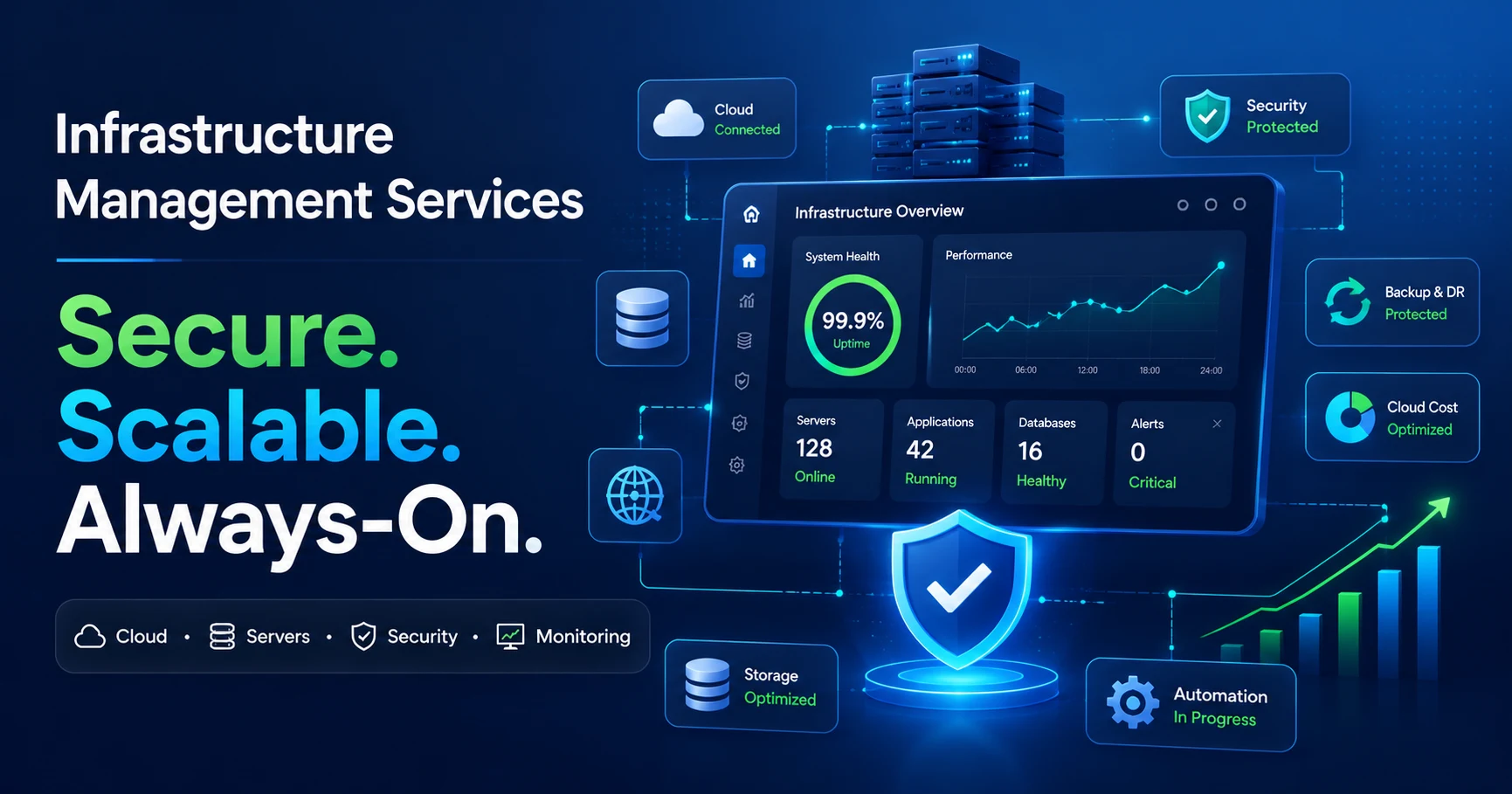
What Are Infrastructure Management Services? A Complete Guide for Businesses Quick answer: Infrastructure management services are managed IT services that help businesses monitor, maintain, secure, automate, and optimize their technology infrastructure, including cloud systems, servers, networks, databases, storage, applications, and security environments. These services help reduce downtime, improve performance, strengthen security, control IT costs, and keep business-critical systems available. Every digital business depends on infrastructure. Servers, cloud platforms, networks, databases, storage systems, security tools, and business applications all work together behind the scenes. When this stack runs smoothly, customers, employees, and business teams rarely notice it. But when it fails, everything can stop: payments fail, apps go offline, employees lose access, and customers move to competitors. The cost of downtime is becoming harder to ignore. New Relic reported that high-impact IT outages can cost up to $1.9 million per hour, with median annual downtime reaching 77 hours. BigPanda also reported that unplanned IT downtime now averages around $14,056 per minute, rising even higher for large enterprises. In industrial environments, Siemens estimated that unplanned downtime costs the world’s 500 largest companies nearly $1.4 trillion annually. This is why IT infrastructure management services have become a business priority, not just a technical support function. A reliable infrastructure management service helps companies move from reactive firefighting to proactive operations. It keeps systems secure, scalable, monitored, and ready for growth. Need reliable infrastructure management for your business?SISGAIN can help you build a secure, scalable, and always-on IT environment.Book a Free Consultation What Are Infrastructure Management Services? Infrastructure management services are ongoing managed IT services that handle the monitoring, maintenance, security, automation, optimization, and support of a business’s IT infrastructure. This includes physical servers, virtual machines, cloud platforms, networks, storage, databases, backup systems, security layers, and end-user environments. In simple terms, these services make sure the technology foundation of a business stays available, secure, cost-efficient, and aligned with business goals. Infrastructure management services help businesses manage the full IT environment, including cloud systems, servers, networks, databases, storage, security, backups, automation, and monitoring. The key word is managed. Instead of waiting for something to break and then fixing it, infrastructure managed services focus on prevention. Providers monitor systems continuously, detect risks early, patch vulnerabilities, optimize workloads, and respond quickly when incidents happen. Businesses may also call these services IT infrastructure management services, infrastructure managed services, infra management services, or IT infrastructure management service. The goal is the same: keep the infrastructure reliable, secure, scalable, and ready for business demand. Why Infrastructure Management Matters for Modern Businesses Modern businesses cannot afford unstable infrastructure. A single outage can affect sales, customer support, internal communication, data access, and brand reputation at the same time. Infrastructure management matters because it protects the systems that keep the business running. It Keeps Business Applications Available Availability is the foundation of digital trust. If an eCommerce checkout fails during a sale, a healthcare platform becomes unavailable, or a SaaS dashboard goes offline during business hours, the revenue and trust lost during that time may never fully return. Infrastructure management services reduce this risk through continuous monitoring, automated alerts, backup systems, and fast incident response. It Improves Security and Risk Control Infrastructure is often a major entry point for cyberattacks. Poor patching, weak access control, misconfigured cloud resources, and outdated systems can expose a business to serious risk. Infrastructure security management protects each layer with access control, encryption, firewall policies, vulnerability monitoring, endpoint protection, and regular updates. It Reduces Downtime and Operational Cost Downtime creates direct and hidden costs. Businesses lose revenue, productivity, customer confidence, and recovery time. A proactive infrastructure management service prevents many issues before they become outages. It also improves resource allocation, removes unused capacity, and reduces avoidable spending. It Supports Business Growth As businesses grow, infrastructure must scale with them. Poorly managed infrastructure can become a bottleneck. Managed infrastructure services help companies scale cloud resources, storage, databases, and network capacity based on demand, so growth does not slow down because of technical limitations. It Helps Internal Teams Focus on Strategy When internal IT teams spend most of their time fixing tickets, patching systems, and troubleshooting infrastructure, they have less time for innovation. Outsourced or co-managed infrastructure services allow internal teams to focus on product improvement, automation, digital transformation, and business growth. What Is Included in Infrastructure Management Services? The exact scope depends on the provider and business environment, but most IT infrastructure management services include the following areas: Service Area What It Covers Business Benefit Server Management Server setup, configuration, patching, monitoring, upgrades, and capacity planning. Stable performance for business-critical applications. Network Management Routers, switches, firewalls, VPNs, bandwidth, traffic monitoring, and troubleshooting. Secure and reliable connectivity across the business. Cloud Infrastructure Management Cloud provisioning, migration, scaling, governance, security, and cost optimization. Flexible, scalable, and cost-efficient cloud operations. Storage Management Storage planning, backups, SAN/NAS systems, data protection, and capacity management. Protected, available, and scalable business data. Database Management Database installation, tuning, maintenance, backup, security, and performance monitoring. Fast and reliable access to business information. Infrastructure Security Management Access control, patching, vulnerability monitoring, threat detection, and compliance support. Lower breach risk and stronger regulatory readiness. Backup and Disaster Recovery Backup automation, recovery planning, failover, business continuity, and testing. Faster recovery after outages, attacks, or failures. Infrastructure Monitoring 24/7 monitoring of servers, networks, cloud systems, applications, and performance metrics. Earlier issue detection and faster incident resolution. Automation and Infrastructure as Code Automated provisioning, configuration, deployment, and repeatable infrastructure setup. Less manual error, faster delivery, and better consistency. Reporting and Optimization Performance reports, cost reports, SLA tracking, capacity planning, and improvement roadmaps. Better visibility and smarter IT decision-making. Types of Infrastructure Management Services Different businesses need different infrastructure models. The right infrastructure management service depends on where your systems run, how complex your environment is, and how much support your internal team needs. Cloud Infrastructure Management Cloud managed services help businesses manage resources hosted on platforms such as AWS, Microsoft Azure, Google Cloud, or private cloud environments. It includes cloud setup, migration, security, scaling, monitoring, backup, and cost optimization. On-Premise Infrastructure Management On-premise infrastructure management covers servers, storage, networking hardware, and data center systems owned or controlled by the business. This is common in industries with strict compliance, latency, or data control requirements. Hybrid Cloud Infrastructure Management Hybrid cloud infrastructure management connects on-premise systems with public or private cloud resources. It helps businesses manage mixed environments as one connected system instead of separate, disconnected platforms. Multi-Cloud Management Multi-cloud management is used when a business runs workloads across multiple cloud providers. It helps control security, cost, monitoring, governance, and workload placement across different cloud platforms. Edge Infrastructure Management Edge infrastructure management supports distributed systems located close to users, devices, factories, stores, warehouses, or remote sites. It is important for IoT, real-time analytics, logistics, manufacturing, telecom, and smart city environments. Automated Infrastructure Management Automated infrastructure management uses automation tools and Infrastructure as Code to provision, configure, scale, and manage systems with less manual work. This improves speed, consistency, reliability, and compliance. Key Benefits of Infrastructure Management Services for Businesses Better Uptime and Reliability Continuous monitoring, preventive maintenance, backup systems, and incident response help reduce outages and keep applications available. Reliable infrastructure improves customer experience and protects revenue. Stronger Infrastructure Security Managed infrastructure services improve security through patch management, access control, vulnerability scanning, endpoint monitoring, network protection, and cloud security governance. This is especially important for industries such as healthcare, fintech, logistics, SaaS, retail, and enterprise software. Lower IT Costs Infrastructure managed services help reduce unnecessary spending by optimizing cloud resources, improving capacity planning, reducing downtime, and lowering the need for large in-house infrastructure teams. Faster Scalability Businesses can scale servers, storage, databases, cloud workloads, and network capacity based on demand. This is useful during seasonal sales, app launches, traffic spikes, product growth, and business expansion. Improved Compliance and Governance Providers with experience in GDPR, HIPAA, ISO standards, and industry-specific compliance can help businesses manage security controls, access policies, audit trails, backups, and documentation. More Predictable IT Operations With clear SLAs, regular reporting, monitoring dashboards, and defined escalation processes, businesses gain more control over infrastructure performance and operational risk. Infrastructure Management Services vs Traditional IT Support Traditional IT support and infrastructure management services are not the same. Traditional IT support usually reacts to problems after they happen. Infrastructure management is proactive, continuous, and focused on preventing issues before they affect users. Aspect Traditional IT Support Infrastructure Management Services Approach Reactive break/fix support. Proactive and continuous management. Focus Fixing individual issues. Managing the full infrastructure stack. Monitoring Limited or request-based. 24/7 real-time monitoring. Security Often handled after problems appear. Built into infrastructure operations. Cost Model Often per issue or hourly support. Predictable managed service model. Best For Small, occasional IT issues. Businesses that need uptime, security, scalability, and governance. Choose traditional support if your needs are occasional and simple. Choose infrastructure management services if your business depends on reliable applications, secure systems, cloud infrastructure, and continuous operations. Infrastructure Management Services vs Cloud Infrastructure Management Cloud infrastructure management is part of infrastructure management, but it is not the complete picture. Full IT infrastructure management services cover cloud, on-premise, hybrid, multi-cloud, edge, network, storage, database, and security environments. Aspect Cloud Infrastructure Management Infrastructure Management Services Scope Cloud resources only. Cloud, on-premise, hybrid, edge, network, storage, and security. Focus Cloud provisioning, scaling, security, and cost. Complete technology environment management. Best For Cloud-native businesses. Businesses with mixed, growing, or complex infrastructure. Includes Cloud workloads, cloud security, and cloud optimization. Cloud plus servers, networks, databases, storage, security, backup, and monitoring. If all your workloads are cloud-based, cloud infrastructure management may be enough. If your business uses cloud, on-premise systems, multiple providers, or distributed sites, full infrastructure managed services are usually a better fit. Common Challenges Without Infrastructure Management Businesses without structured infrastructure management often face recurring problems that affect performance, security, cost, and growth. Frequent downtime: Systems fail without early detection or preventive maintenance. Poor visibility: Teams do not know what is happening across servers, cloud, networks, and applications. Security gaps: Unpatched systems, weak access control, and misconfigured cloud resources increase risk. High cloud costs: Unused resources, overprovisioned systems, and poor tagging increase monthly bills. Slow scalability: Infrastructure cannot keep up with traffic spikes or business expansion. Data loss risk: Weak backup and disaster recovery planning make recovery harder. Overloaded IT teams: Internal teams spend too much time fixing problems instead of improving systems. Facing downtime, cloud cost issues, or infrastructure security gaps?A managed infrastructure strategy can help you fix problems before they affect your business. Infrastructure Management Checklist for Businesses Use this checklist to understand whether your business infrastructure is being managed properly: Monitor servers, cloud resources, networks, databases, storage, and applications in real time. Apply security patches and system updates regularly. Review access permissions and user roles. Set up automated backups and test recovery plans. Track uptime, response time, server load, and application performance. Use alerting systems for critical infrastructure events. Review cloud usage and remove unused resources. Document infrastructure architecture and dependencies. Use Infrastructure as Code for repeatable environments. Prepare a disaster recovery and business continuity plan. Review monthly reports for cost, performance, security, and capacity. Best Practices for Infrastructure Management Use Proactive Infrastructure Monitoring Infrastructure monitoring should track system health before users experience problems. Monitor uptime, CPU usage, memory, storage, network traffic, cloud performance, database response time, and application availability. Build Security Into Every Layer Security should be part of daily infrastructure operations. Use strong access control, encryption, patching, vulnerability scanning, firewall policies, cloud security controls, and audit logs. Automate Repetitive Infrastructure Tasks Automation reduces manual effort and human error. Common automation areas include server provisioning, patching, backups, deployment workflows, security checks, and cloud resource scaling. Use Infrastructure as Code Infrastructure as Code allows teams to define infrastructure through code instead of manual setup. This makes environments easier to rebuild, audit, scale, and maintain. Optimize Cloud Costs With FinOps FinOps brings finance, engineering, and operations teams together to manage cloud spending. It helps businesses control cloud bills, allocate costs correctly, reduce waste, and connect infrastructure spending to business value. Create a Disaster Recovery and Business Continuity Plan Backups alone are not enough. Businesses need tested recovery processes, failover systems, recovery time objectives, recovery point objectives, and clear ownership during incidents. Improve Observability, Not Just Monitoring Monitoring tells you when something is wrong. Observability helps you understand why it is happening. Logs, metrics, traces, and event data give teams deeper insight into infrastructure and application behavior. Infrastructure Management Tools and Technologies Modern infrastructure management depends on a combination of tools, processes, and skilled teams. The best toolset depends on the business environment, cloud maturity, security needs, and budget. Category Example Tools and Platforms Infrastructure Monitoring Datadog, Dynatrace, Zabbix, Prometheus, Grafana, New Relic Configuration and Automation Ansible, Puppet, Chef, SaltStack Infrastructure as Code Terraform, OpenTofu, Pulumi, AWS CloudFormation, Azure Resource Manager Container Orchestration Kubernetes, Docker Swarm, Amazon EKS, Azure AKS, Google GKE Cloud Management AWS Management Tools, Azure Monitor, Google Cloud Operations, VMware Aria Backup and Recovery Veeam, Commvault, Acronis, Rubrik Security Management SIEM tools, vulnerability scanners, endpoint protection, IAM platforms Network Monitoring SolarWinds NPM, Cisco DNA Center, PRTG Network Monitor Tools are useful only when they are supported by the right workflows. A mature infrastructure management service combines tools with clear processes, SLAs, reporting, incident response, cost control, and continuous improvement. How Infrastructure Management Services Work Most infrastructure management service providers follow a structured lifecycle. This helps businesses understand their current environment, fix gaps, and continuously improve performance. 1. Infrastructure Assessment The provider reviews your current infrastructure, including servers, cloud platforms, networks, applications, databases, security controls, backup systems, and existing pain points. 2. Strategy and Architecture Planning After assessment, the provider creates a roadmap for performance, security, scalability, automation, cost optimization, and disaster recovery. 3. Setup and Optimization The environment is configured, standardized, secured, and optimized. This may include patching, cloud restructuring, monitoring setup, backup automation, and Infrastructure as Code implementation. 4. Continuous Monitoring The provider monitors infrastructure performance in real time and uses alerts to detect issues before they become major incidents. 5. Incident Response and Support When problems happen, the provider investigates, escalates, resolves, and documents the incident. Many managed providers offer 24/7 support for critical systems. 6. Reporting and Continuous Improvement Regular reports show uptime, incidents, security risks, cloud spending, performance trends, capacity usage, and recommended improvements. When Should a Business Use Infrastructure Management Services? A business should consider infrastructure management services when technology becomes critical to daily operations. This is especially true if downtime, security gaps, or infrastructure complexity can directly affect revenue or customer experience. Your business applications are critical for revenue or operations. You operate across cloud, on-premise, hybrid, or multi-cloud environments. Your internal IT team is overloaded or lacks specialist skills. You need 24/7 monitoring and faster incident response. You are scaling quickly and need infrastructure that can grow with demand. You face compliance, security, or audit requirements. You want better control over cloud cost and infrastructure performance. If two or more of these points describe your business, an infrastructure management service can likely reduce risk, improve performance, and save long-term cost. In-House vs Outsourced Infrastructure Management Businesses can manage infrastructure internally, outsource it to a provider, or use a co-managed model. The right choice depends on budget, complexity, internal skills, and business risk. Factor In-House Infrastructure Management Outsourced Infrastructure Management Cost High fixed cost for hiring, tools, training, and coverage. Predictable managed service cost. Expertise Limited to the internal team’s skills. Access to cloud, security, network, DevOps, and infrastructure specialists. Coverage Often limited to business hours. Can include 24/7 monitoring and support. Scalability Requires hiring and tool expansion. Scales with business needs. Control Higher direct control. Shared control with defined SLAs and reporting. Best For Large companies with mature internal IT teams. Growing businesses, mid-sized companies, and enterprises needing specialist support. Many companies choose a co-managed approach, where internal teams handle business-specific priorities while an external provider manages monitoring, security, infrastructure operations, cloud optimization, and incident response. How to Choose the Right Infrastructure Management Service Provider The provider you choose will affect uptime, security, cost, and long-term scalability. Before selecting a partner, evaluate them carefully. Check Their Cloud and Hybrid Infrastructure Experience Choose a provider with experience in environments similar to yours, including cloud, on-premise, hybrid, and multi-cloud systems. Review Their Security Capabilities Ask about vulnerability management, access control, patching, endpoint protection, SIEM integration, cloud security, compliance support, and incident response. Ask About Monitoring and Reporting A strong provider should offer real-time monitoring, alerting, dashboards, monthly reports, performance reviews, and clear escalation processes. Check Their Automation Approach Providers using automation and Infrastructure as Code can deliver more consistent, scalable, and reliable infrastructure operations. Understand Their Disaster Recovery Planning Ask whether they only provide backups or also test recovery plans, failover systems, RTO, RPO, and business continuity processes. Review Cost Optimization Support The best providers do not only keep systems running. They also help reduce waste, optimize cloud spending, right-size resources, and improve ROI. Look for Industry Experience Healthcare, fintech, logistics, retail, SaaS, and enterprise software companies all have different infrastructure needs. Choose a provider that understands your industry, compliance requirements, and business risks. Future of Infrastructure Management Infrastructure management is changing quickly as businesses adopt cloud, AI, automation, edge computing, and stronger security practices. According to Mordor Intelligence, the managed IT infrastructure services market was valued at USD 128.53 billion in 2025 and is estimated to reach USD 140.36 billion in 2026. Several trends are shaping the future of infrastructure management: AI-powered monitoring and AIOps: AI will help detect patterns, reduce alert noise, predict failures, and automate incident response. Hybrid and multi-cloud growth: Businesses will need better governance across multiple environments. Edge computing infrastructure: More workloads will move closer to users, devices, and real-time data sources. Cyber resilience: Infrastructure will be designed for fast recovery, not just prevention. Infrastructure automation: More teams will rely on automation and Infrastructure as Code for speed and consistency. FinOps maturity: Cloud cost optimization will become a regular infrastructure management function. Green IT and sustainability: Businesses will focus more on energy-efficient infrastructure and carbon-aware operations. Why Choose SISGAIN for Infrastructure Management Services? SISGAIN provides end-to-end IT infrastructure management services for businesses that need secure, scalable, and reliable technology environments. Our team helps companies manage cloud systems, servers, networks, databases, storage, security, backup, automation, monitoring, and cloud migration and modernization. We support businesses across industries such as SaaS, healthcare, logistics, fintech, eCommerce, enterprise software, education, and digital platforms. Whether you need cloud infrastructure management, hybrid cloud support, infrastructure security management, disaster recovery planning, or full infra management services, SISGAIN can help you design and manage a strong infrastructure foundation. Our approach focuses on uptime, security, scalability, cost control, and long-term business growth. Instead of treating infrastructure as a technical burden, we help businesses turn it into a strategic advantage. Ready to modernize your IT infrastructure?SISGAIN can help you plan, manage, secure, and optimize your infrastructure for better uptime, performance, and business growth.Talk to Infrastructure Experts Final Thoughts Infrastructure management services help businesses keep their technology foundation reliable, secure, scalable, and cost-efficient. They cover servers, cloud platforms, networks, databases, storage, monitoring, automation, backups, disaster recovery, and security. For modern businesses, infrastructure is not just a backend IT function. It directly affects customer experience, revenue, security, productivity, and growth. Companies that invest in proactive infrastructure management are better prepared for downtime risks, cyber threats, cloud complexity, and future expansion. If your business depends on digital systems, applications, cloud platforms, or customer-facing technology, a strong infrastructure management service can help you operate with more confidence. Build a secure, scalable, and always-on infrastructure foundation with SISGAIN.Book a Free Consultation table { width: 100%; border-collapse: collapse; margin: 24px 0; font-size: 15px; line-height: 1.6; background: #ffffff; border: 1px solid #d9e2ec; border-radius: 10px; overflow: hidden; } table th { background: #0b2a4a; color: #ffffff; font-weight: 700; text-align: left; padding: 14px 16px; border: 1px solid #0b2a4a; } table td { padding: 13px 16px; border: 1px solid #d9e2ec; color: #1f2937; vertical-align: top; } table tr:nth-child(even) td { background: #f8fbff; } table tr:hover td { background: #eef6ff; } table p { margin: 0; } @media (max-width: 768px) { table { display: block; overflow-x: auto; white-space: nowrap; } }









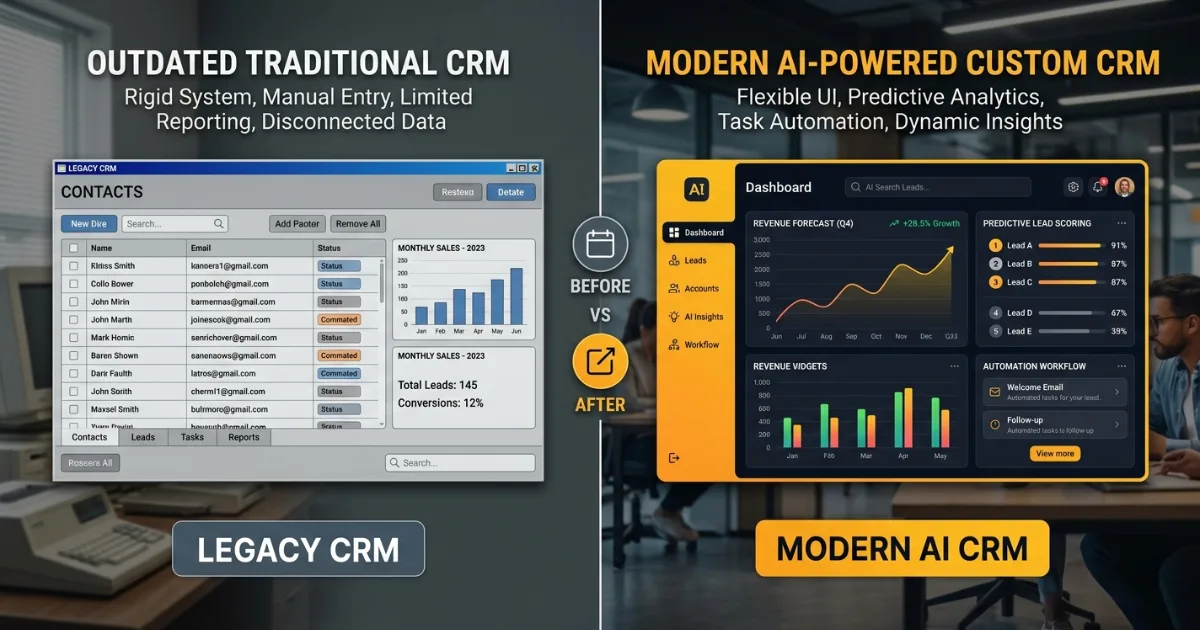
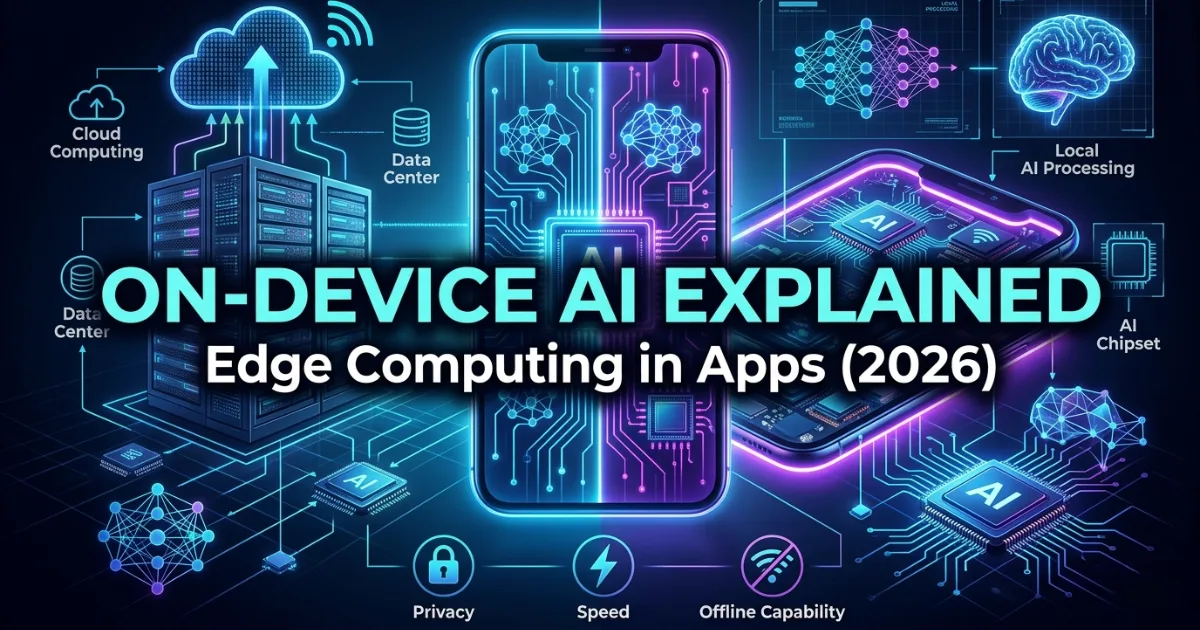




































Start Build Your
Next Digital Solution?
Let’s build scalable, future-ready digital solutions tailored to your business goals. Connect with our experienced technology consultants to discuss your vision, strategy, and growth opportunities — with zero obligation and complete transparency.
Get a free consultation and cost estimate for your digital solution
Our expert will contact you within 24 hours. Check your email for confirmation.
Partner with SISGAIN experts to build secure, scalable AI-powered IT Solutions that transform your business operations.









DUQE FREEZONE Quarter Deck, Queen Elizabeth 2, Mina Rashid, Dubai, UAE

100 Consilium Pl Suite 200, Scarborough, ON M1H 3E3, Canada

C-109, Sector 2, Noida, Uttar Pradesh 201301 India
Project quotes, partnerships, implementation
Open roles, referrals, campus hiring